Detailed PC wiring guide - everything you need to know


The Provoked Prawn
@theprovokedprawnAbout
The Provoked Prawn - unboxing, reviewing and showing off various gaming tech and having a good time doing it. Checkout my gaming channel here - https://www.youtube.com/channel/UC2eHpDRz4HCpDtAhXIL7cMg Also watch out for random gaming tips videos, daft in-game shenanigans and more! Subscribe for more videos and share the love! If you really love what you're seeing, please click that join button and find out how you can support my channel :) Want to send me things for videos or other reasons? Use this address: The Provoked Prawn PO Box 13277 MANNINGTREE CO11 9BE United Kingdom


Video Description
This is a new and improved version of this video. Updated, improved and reuploaded. In this video I'm showing you how to wire and connect up the basic PC cables in your case, with everything from the standard PC case cables (HD audio, front panel power button and reset, USB-A and USB-C connections) to wiring in your motherboard power, HDD and SSD connections, GPU power and more. I'm showing these connections outside the case, with how and where to connect these cables on the motherboard, so it's really easy to see which cables connect where, how to plug them in and what they do. Hopefully this guide will give you some helpful guidance on each of these steps, with generic connectors that are basically the same on every PC build you're likely to do. So if you've come here after watching a case guide elsewhere or are just building yourself for the first time then this should help you work out where the most important cables go. If you get stuck I also have a few other guides on specific things that might be useful and worth watching: Common Mistakes You Might be Making with Your PC Fan Setup! PC airflow tips and tricks https://youtu.be/uPIMv30Vs3w Are you making these mistakes with your RAM? https://youtu.be/ZeUgMODOfOo Avoid these problems with your all in one CPU cooler https://youtu.be/nVkN8diBIAE Don't make these mistakes with your NVMe SSD installation - NVMe tips and tricks https://youtu.be/zjSn64vh_Vk Where should you put your AIO radiator? https://youtu.be/qQcyYHGtArs How to choose the right PSU (which Power Supply Unit you need and how to install it) https://youtu.be/dNseVxqqar0 Push Pull mistakes to avoid with all in one coolers https://youtu.be/_gA71wF9Ewc NZXT USB Hub Please note links listed here include affiliate links which may earn me a commission. Find out more below.*: Amazon US - https://amzn.to/3IMCCCj NewEgg - https://newegg.io/nc03c66b46 Amazon UK - https://amzn.to/42hZHE4 Amazon FR - https://amzn.to/3os9xp1 Amazon IT - https://amzn.to/3MChjVl Amazon DE - https://amzn.to/43qswPq Amazon CA - https://amzn.to/43xLyDH Timestamps: 0:00 Hello 1:10 HD audio (3.5mm front panel) 1:33 Front Panel power button 4:34 USB-A and USB-C case cables 6:28 Power Supply Connections 6:52 24-pin motherboard power cable 7:46 8-pin CPU power connections 8:41 SATA power (SSD, Fan power etc) 9:44 Graphics card PCIe connections 13:50 600watt 12VHPWR cable 14:52 Finish PSU connections 15:37 All-in-One cooler cables 17:40 USB internal connections 18:16 USB Splitters 14:38 SSDs and HDDs 🏆Big thanks to my super awesome YouTube members: SirSpawnsALot, Meatykeyboard, Beaster Bunny, JayShank007, Rawrr483, DStarastins, McFarty, Riggsy79, Chief Hao, Kraken Tortoise, Aaron Yarden, Paolo madamba, Space Cannons, Mike S, Kyle and Jason🏆 Want to send me things for videos or other reasons? Use this address: The Provoked Prawn PO Box 13277 MANNINGTREE CO11 9BE United Kingdom 🔫Sub to my gaming channel🔫https://www.youtube.com/channel/UC2eHpDRz4HCpDtAhXIL7cMg Come check me out on Twitch - https://www.twitch.tv/provokedprawn Join my Discord to keep up to date or ask questions https://discord.gg/TCWQqb4 Follow on Reddit https://www.reddit.com/r/TheProvokedPrawn/ Read this far? You're awesome. Smash those sub and like buttons! 📌 Support the channel: 😍 See the benefits of being a member here - https://www.youtube.com/channel/UCQGDPYRgV5egNGUy9wE1Tyw/join Get some merch - https://theprovokedprawn.com/ Check out my dedicated Amazon Storefront to see my current fave gear - https://www.amazon.com/shop/theprovokedprawn 📸 Recorded with https://www.amazon.com/ideas/amzn1.account.AHE4MPLP5GCQA2723VVXM6WJVPOQ/1BGCH2GE58PDR?type=explore&ref=idea_cp_vl_ov_d Shure SM7B and GoXLR - https://www.youtube.com/watch?v=lrIvGvSVKBc PLEASE NOTE Affiliate links*: Disclosure: Shopping links within the description of this video generate a commission at no extra cost to you. These are added for your convenience but other retailers are available. As an Amazon Associate I earn from qualifying purchases. Products: Products featured may also have been sent for free for review/testing purposes. Often these have to be returned by me, but not always. I endeavour to avoid bias in my videos wherever possible and try to give honest, subjective opinions.







PC Build Essentials You Can't Miss
AI-recommended products based on this video
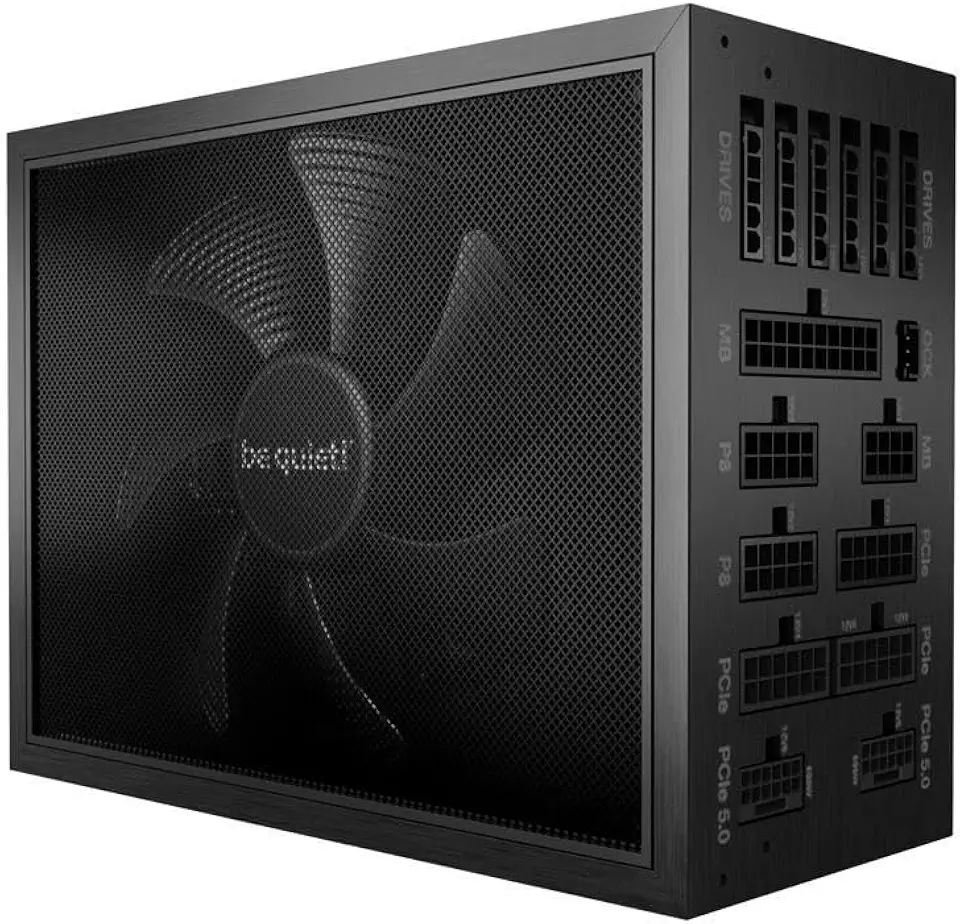
be quiet! Dark Power Pro 13 1300W Power Supply | ATX 3.1 Compliant | 80 Plus Titanium | Digital Regulation for PCIe 5.0 and PCIe 6+2 Graphics Cards, | 2X 12VHPWR Cable Included | BN500

Corsair RM1000e Fully Modular Low-Noise ATX Power Supply - Dual EPS12V Connectors - 105°C-Rated Capacitors - 80 Plus Gold Efficiency - Modern Standby Support - Black

Corsair SF1000 (2024) Fully Modular Low Noise 80 Plus Platinum ATX Power Supply – ATX 3.1 Compliant – PCIe 5.1 Ready – SFX-to-ATX Bracket Included – Black
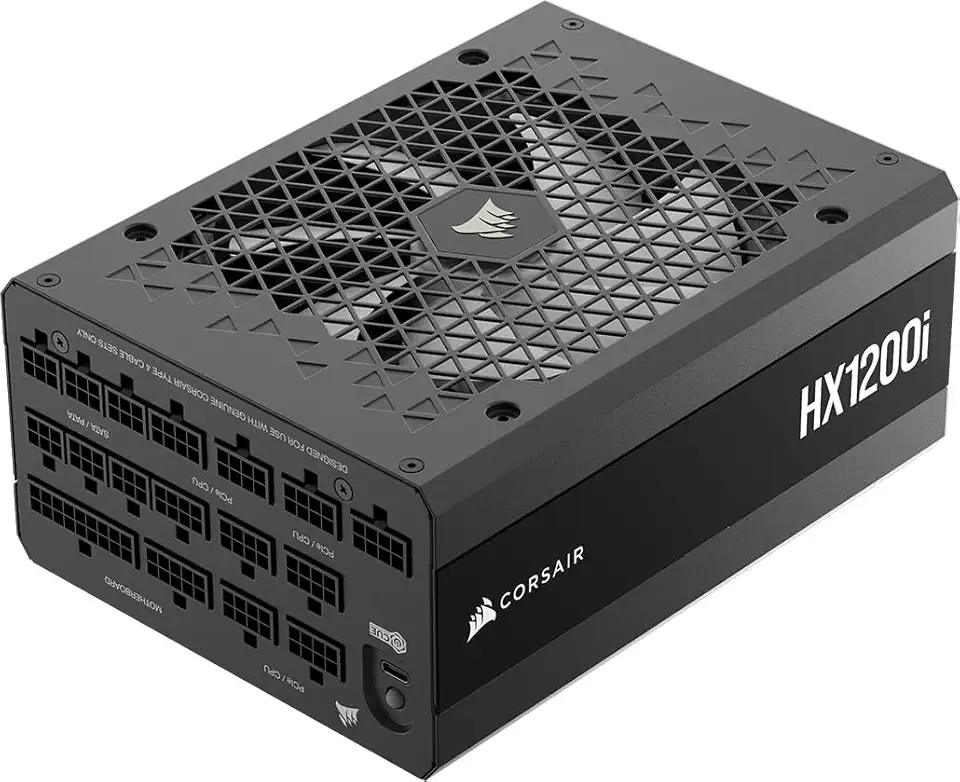
Corsair HX1200i (2025) Fully Modular Ultra-Low Noise ATX Power Supply with 12V-2x6 Cable – ATX 3.1 & PCIe 5.1 Compliant, Cybenetics Platinum Efficiency, Fluid Dynamic Bearing Fan – Black
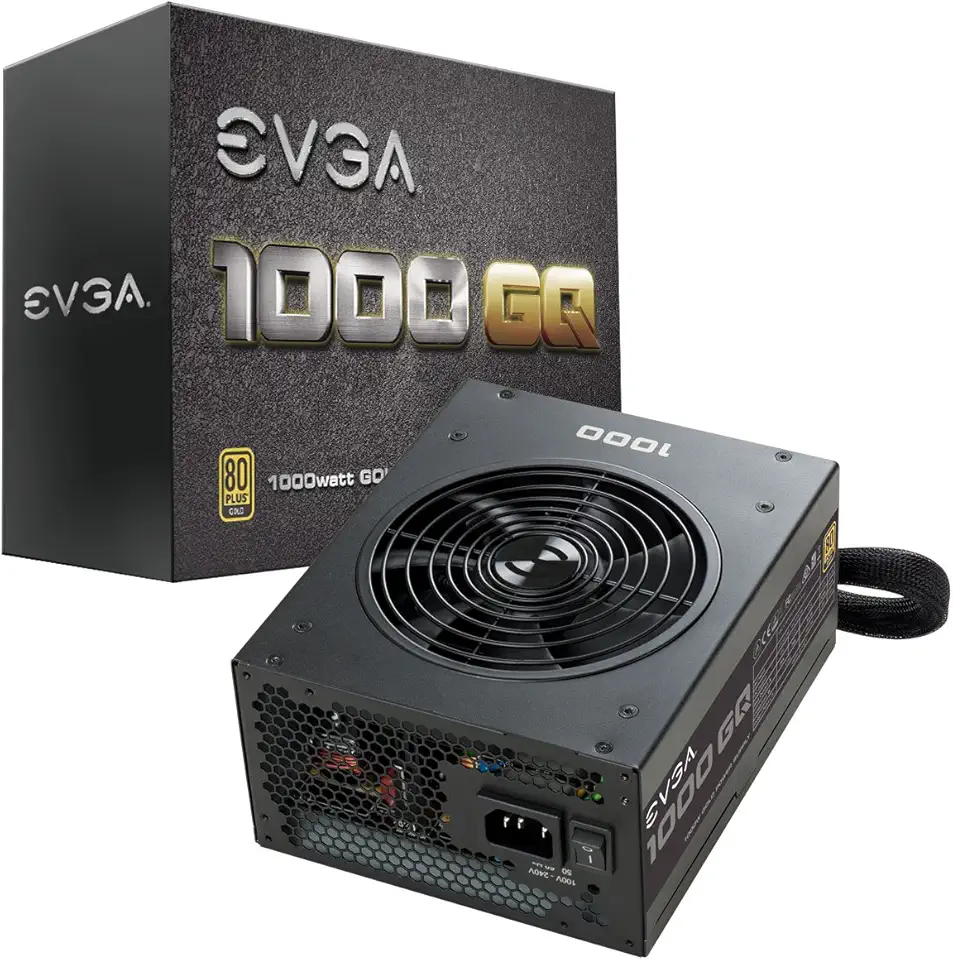
EVGA 1000 GQ, 80+ GOLD 1000W, Semi Modular, EVGA ECO Mode, 5 Year Warranty, Power Supply 210-GQ-1000-V1,Black

Dell Inspiron 3535 Laptop - 15.6 inch FHD (1920 x 1080) 120Hz Display, AMD Ryzen 5-7520U Processor, 8GB LPDDR5 RAM, 512GB SSD, AMD Radeon Graphics, Windows 11 Home, Migrate Service - Carbon Black EPEAT
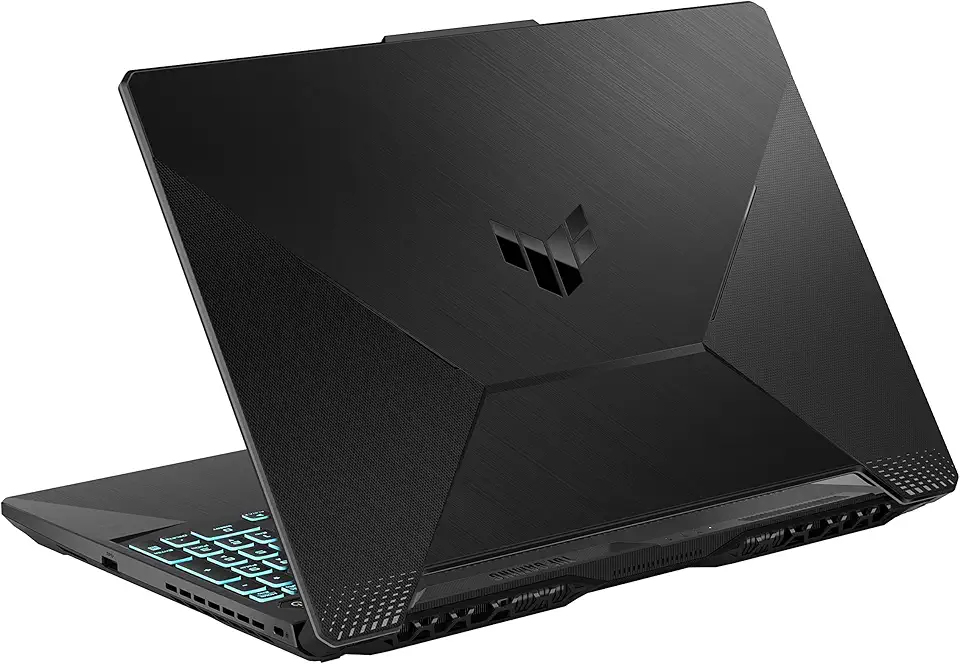
ASUS TUF Gaming A15 Gaming Laptop, 15.6” 144Hz FHD Display, AMD Ryzen 5 7535HS Processor, GeForce RTX 2050, 8GB DDR5 RAM, 512GB PCIe SSD Gen 4, Wi-Fi 6, Windows 11, FA506NF-AS51-CA
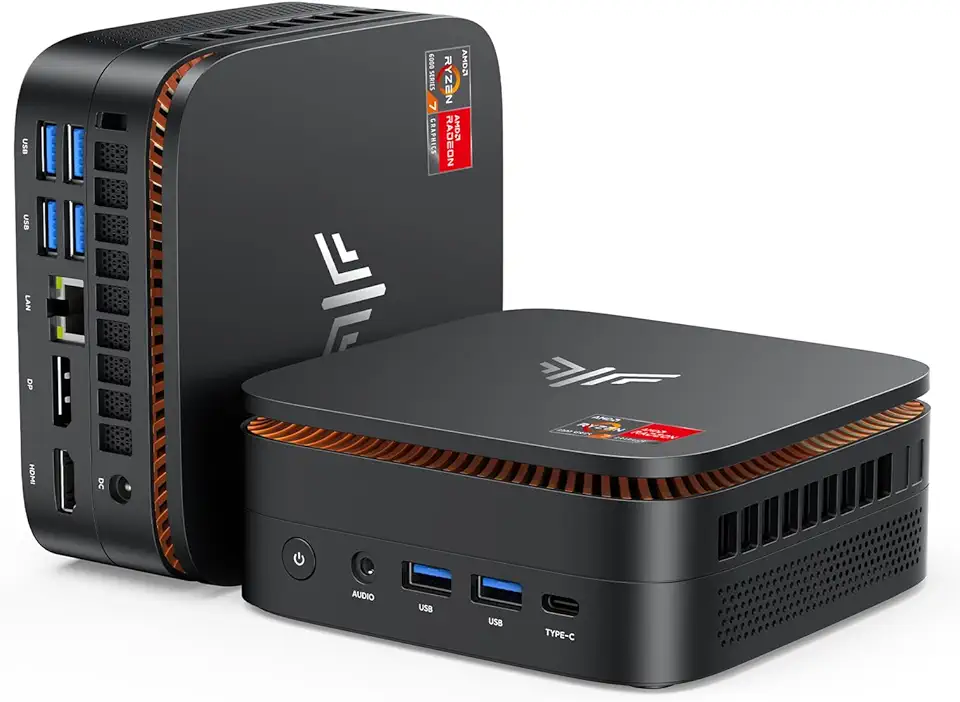
KAMRUI Hyper H1 Mini PC W-11 Pro, AMD Ryzen 7 6800H Processor (up to 4.7GHz), Mini Desktop Computers with 32GB RAM 512GB M.2 SSD, Micro Computer Support 4K UHD for Home Server Business Office Global Recycled Standard

Asus Vivobook Go 14 Laptop, 14” FHD Display, AMD Ryzen 5 7520U Processor, 8GB RAM, 512GB SSD, Windows 11 Home, Mixed Black, E1404FA-AS51-CA

Portable Air Conditioners, wobuzhi Evaporative Air Cooler with LCD Screen, Fan Speed&Spray, 7 RGB Lights,USB Powered,1-8H Timer, Personal Air Conditioners, Portable Air Conditioners for Home Office

llano RGB Laptop Cooling Pad with Powerful Turbofan Gaming Cooler Radiator with Infinitely Variable Speed, Touch Control, LCD Screen, 3-Port USB Hub, Seal Foam for Notebook Computer 15-19in

CORSAIR Hydro X Series iCUE Link XH405i Custom Cooling Kit – Hardline Water Cooling Loop – XC7 Elite CPU Water Block – XD5 Elite D5 Pump Res – XR5 360mm Radiator – 3X QX120 RGB Fans

Outdoorfun 24 in 1 DIY Screwdriver, 2025 Upgrade Magnetic Screwdriver Set, Multifunctional 24 in 1 Magnetic Ratchet Screwdriver Set Toolbox for Household (1set)
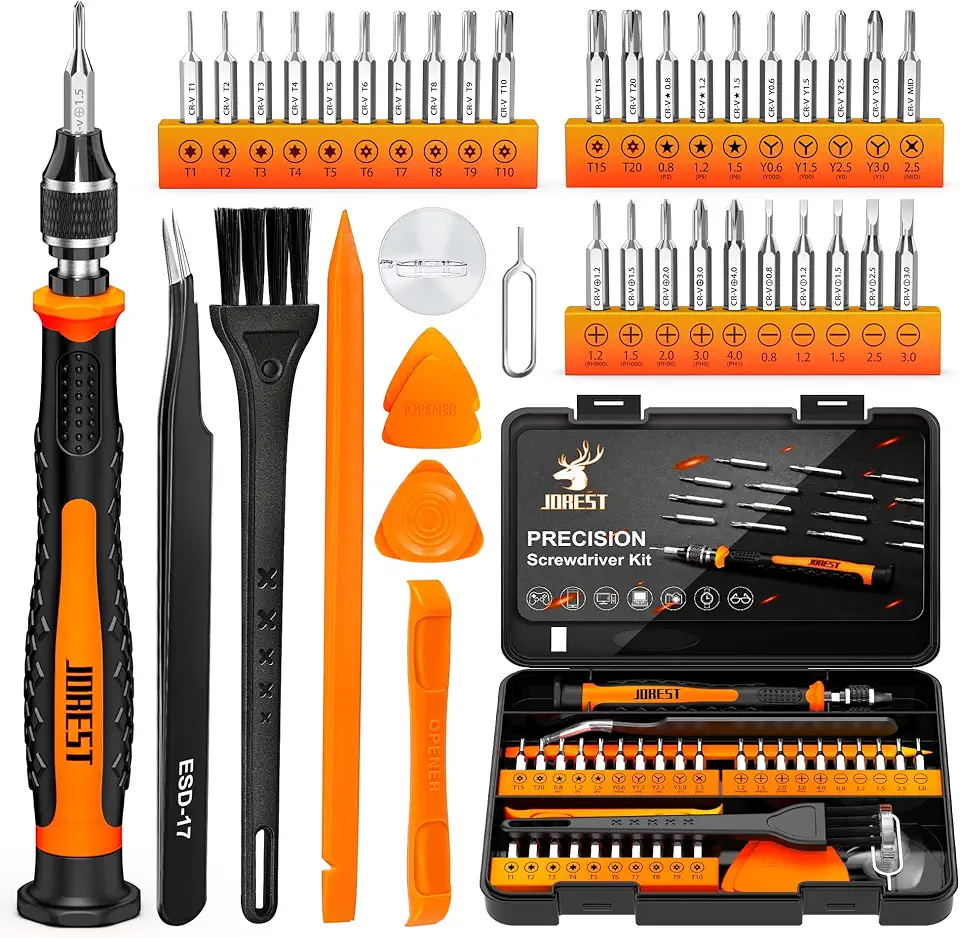
JOREST 38Pcs Small Precision Screwdriver Set, Tool Gifts for Men, Christmas Gifts for him with Torx T5, T6, Repair Tool Kit for MacBook, Computer, Laptop, iPhone, PS4 PS5, Xbox, Switch, Glasses
