How I Color Grade My Talking Head Shots (Behind The Edit - Ep 01)
About
No channel description available.
Latest Posts

Video Description
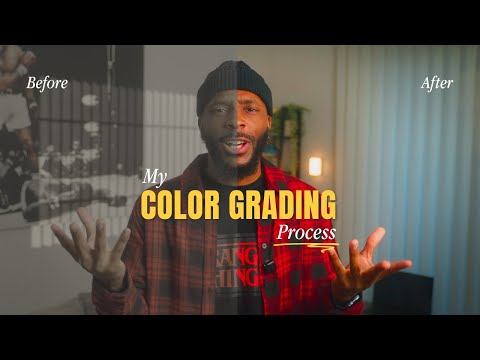
Welcome to "Behind the Edit" - A series where I break down my actual editing process, step by step. In this episode, I'm showing you my color grading workflow for talking head videos in DaVinci Resolve. This isn't the "perfect" way to color grade. It's just my way. And it works for me. We'll cover: ✅ Converting Slog3 to Rec.709 ✅ Adjusting exposure and contrast ✅ Fixing white balance ✅ Making our Colours Pop ✅ Adding final polish (vignette) If you shoot talking head content and want your footage to look more professional, this one's for you. RESOURCES: 🎯 The Creator's Command Center (Notion Template): https://stan.store/denz_creates/p/the-creators-command-center Plan, organize, and execute your content strategy in one place. 👉 Free Guide - 6 Angles to Improve Your Storytelling: https://stan.store/denz_creates/p/goto-angles-get-your-6shot-guide-now 📹 1:1 Video Strategy Coaching: https://stan.store/denz_creates/p/11-session--personal-brand-video-roadmap- MY GEAR: 🎥 Please find ALL my gear here: https://www.amazon.com/shop/denz_creates/list/1FA1G7EO3ACSK?ref_=cm_sw_r_cp_ud_aip_sf_list_spv_ons_mixed_d_T5KFPA65664KTHYR93SG 📱 CONNECT WITH ME: - Instagram: https://www.instagram.com/denz_creates/ - TikTok: https://www.tiktok.com/@denz_creates - Email: [email protected] Subscribe and let's build something real together. Peace and Love Every Single Time, Denzil #behindtheedit #colorgrading #davinciresolve #videoediting #editingtutorial #talkinhead #contentcreator #videoproduction


No Recommendations Found
No products were found for the selected channel.