How To Convert Image To PDF on iPhone


Howfinity
@howfinityAbout
We cut through the tech and AI noise with simple, straight-to-the-point tutorials. No fluff, just the good stuff to get you from confused to confident. Let’s dive into tech together and make it feel like a breeze. With Howfinity, learning isn't just about gathering information; it's about empowering you to create, innovate, and tackle real challenges. Click here to subscribe: https://www.youtube.com/c/howfinity?sub_confirmation=1 For sponsorships, email [email protected]
Latest Posts



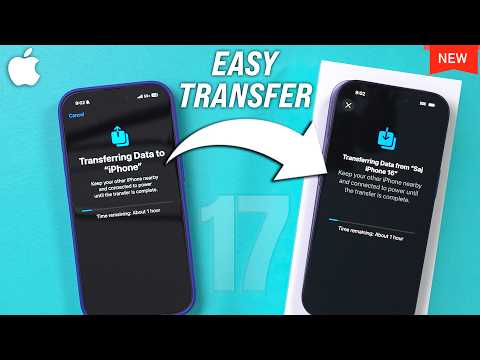
Video Description
Let me show you a simple way for saving an image as PDF on iPhone. Open the photos app on your iPhone and click on share. You can do this with one photo or several photos. Then choose print in the share menu. In the print menu, press share again and choose save to files. This will save it as a PDF. To view it, open the files app on your iPhone. You can see the PDF in the folder where you save it and you can share it from here. And it’s that simple to convert image to PDF on iPhone. Thank you for watching this video! Subscribe to see more simple and easy to follow how-to videos. https://www.youtube.com/c/howfinity?sub_confirmation=1
You May Also Like














Power On-The-Go Essentials
AI-recommended products based on this video

Anker USB C Charger Cable (6ft 100W, 2Pack), USB 2.0 Type C Fast Charging Cable for iPhone 15 / 15Pro / 15Plus / 15ProMax MacBook Pro 2020, iPad Pro 2020, iPad Air 4, Samsung Galaxy S23+/S23 Ultra ClimatePartner certified
![Anker USB C Cable, [2-Pack, 6 ft] Type C Charger Premium Nylon USB Cable, USB A to Type C Charging Cable Fast Charge for Samsung Galaxy S10 S10+ / Note 8, LG V20 and Other USB C Charger (Black)](https://m.media-amazon.com/images/I/71N7xhCJnoL._AC_UL960_FMwebp_QL65_.jpg)
Anker USB C Cable, [2-Pack, 6 ft] Type C Charger Premium Nylon USB Cable, USB A to Type C Charging Cable Fast Charge for Samsung Galaxy S10 S10+ / Note 8, LG V20 and Other USB C Charger (Black)
