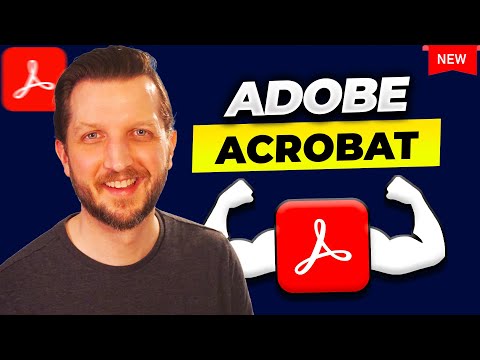
How to Use Adobe Acrobat: A Step-by-Step Guide for Beginners

Howfinity
@howfinityAbout
We cut through the tech and AI noise with simple, straight-to-the-point tutorials. No fluff, just the good stuff to get you from confused to confident. Let’s dive into tech together and make it feel like a breeze. With Howfinity, learning isn't just about gathering information; it's about empowering you to create, innovate, and tackle real challenges. Click here to subscribe: https://www.youtube.com/c/howfinity?sub_confirmation=1 For sponsorships, email [email protected]
Latest Posts


Video Description
Upgrade to Adobe Acrobat Pro to unlock the pro options* https://bit.ly/Acrobat-HowfinityYT I go step by step to show how I use Adobe Acrobat like a pro. I walk through all the key tools—from opening and editing PDFs to adding signatures, combining files, and protecting documents with passwords. I show how to fill out forms, add comments, insert images, and even use the new AI assistant to summarize or search through documents fast. Whether you're signing papers, combining files, or locking your PDFs, this is how I use Adobe Acrobat to make everything easier. *Some of the links in this description may be affiliate links. If you click through and make a purchase, I may earn a small commission at no extra cost to you.
You May Also Like







No Recommendations Found
No products were found for the selected channel.