How to Explore Your Linux Filesystem with eza - A "Modern" ls


Learn Linux TV
@learnlinuxtvAbout
Learn Linux TV is your ultimate resource for mastering Linux and open-source technology. From step-by-step Linux tutorials and distro reviews to server automation, cloud deployments, security, and DevOps workflows, this channel gives you the skills to thrive in today’s Linux Community. With over 20 years of Linux and System Administration experience, Jay (your host) shares practical insights to help you succeed with Linux — whether at home, in the data center, or in the cloud. Whether it’s Debian, Ubuntu, Fedora, Arch, or Proxmox, you’ll learn how to build, secure, and manage systems with confidence! • Linux made simple: tutorials, reviews, and sysadmin tips you can actually use. • Your go-to channel for Linux tutorials, distro reviews, and real-world sysadmin skills. • Where beginners become power users, and pros sharpen their Linux skills. Subscribe and join a community of hundreds of thousands of Linux enthusiasts who are learning, building, and growing with open source.
Latest Posts




Video Description
Say goodbye to boring directory listings! In this video, Jay introduces you to eza – the powerful and modern alternative to the classic ls command. Learn how eza improves readability, adds color, shows icons, and even displays Git status — all right from your terminal. *📄 Check out this awesome Linux commands cheatsheet!* Support Learn Linux TV and grab yourself this super-handy cheatsheet, featuring all the important Linux commands and their most useful options. Grab yours here ➜ https://learnlinux.link/linux-commands *❤️ Consider becoming a Channel Member* Support Linux Learning and gain acess to exclusive perks, such as ad-free content and early access to select videos. Your support really helps!!! Join here ➜ https://learnlinux.link/member *🛍️ Support The Channel and Get Awesome Linux Swag!* Head on over to the Learn Linux TV Merch Shop and check out some great Linux-themed gear, including (but not limited to) T-shirts, drinkware, buttons, stickers and more! • "apt install coffee" T-Shirt ➜ https://learnlinux.link/apt-install-coffee • "sudo" T-Shirt ➜ https://learnlinux.link/sudo-shirt • Linux Commands Cheat Sheet ➜ https://learnlinux.link/linux-commands • "May Spontaneously Talk About Linux" T-Shirt ➜ https://learnlinux.link/talk-about-linux-shirt • "Dark Side of the Terminal" T-Shirt ➜ https://learnlinux.link/dark-side-shirt • Lots more ➜ https://merch.learnlinux.tv _Use coupon code "LINUXFAN" to get 10% off your entire order ➜ https://merch.learnlinux.tv_ *🐧 Other Ways to Support Learn Linux TV* • Patreon ➜ https://learnlinux.link/patron • Spin up your very own Linux server ➜ https://learnlinux.link/digitalocean • Linux swag ➜ https://merch.learnlinux.tv • Check out Netdata ➜ https://learnlinux.link/netdata • Jay's Gear ➜ https://learnlinux.link/amazon _Note: Royalties and/or commission is earned from each of the above links_ *🕐 Time Codes* 00:00 – Introduction to the eza Command 00:54 – What is eza and Why Use It? 02:01 – How to Install eza on Linux 04:06 – Basic eza Command Usage Explained 06:51 – Sort Files by Size with eza 07:48 – How to Support Learn Linux TV 08:21 – Group Directories First in eza Output 09:09 – Enable Tree View with eza 09:59 – Show Only Files or Folders with eza 10:55 – View Git Status with eza in Repositories *🎓 Full Linux Courses* • Linux Crash Course ➜ https://linux.video/cc • tmux ➜ https://linux.video/tmux • vim ➜ https://linux.video/vim • Bash Scripting ➜ https://linux.video/bash • Proxmox VE ➜ https://linux.video/pve • Ansible (Paid) ➜ https://learnlinux.link/ansible • LPI Linux Essentials (Paid) ➜ https://learnlinux.link/linux-essentials *🎓 More About Learn Linux TV* • Main site ➜ https://www.learnlinux.tv • Community Forums ➜ https://community.learnlinux.tv • Github Account ➜ https://github.com/LearnLinuxTV • Content Ethics ➜ https://www.learnlinux.tv/content-ethics • Request Paid Assistance ➜ https://www.learnlinux.tv/request-assistance ⚠️ Use Content Responsibly Learn Linux TV shares technical content intended to teach and help you, but it comes with no warranty. The channel is not liable for any damages from its use. Always ensure you have proper permissions, follow company policies, and comply with all applicable laws while working with infrastructure. #Linux #LinuxCommands #LearnLinux #LinuxTutorial #LinuxForBeginners #CommandLine #Terminal #eza #LinuxTips














Essential iPhone 13 Upgrades
AI-recommended products based on this video

for Magsafe Car Mount【20 Strong Magnets 】Magnetic Phone Holder for Car Phone Holder Mount Dash【360°】Cell Phone Mount for Car Accessories,Car Mount for iPhone 16 Pro Max 15 14 13 12 Plus MagSafe Cases

Magnetic Wireless Charger for iPhone - 3 in 1 Mag-Safe Charging Station for Multiple Devices Apple - Charger Stand Dock for Apple Watch iPhone 16 15 14 13 12 Pro Max Plus Airpods

4-in-1 Wireless Magnetic Power Bank 10800mAh Portable Charger with iWatch Charger, QC4.0+20W PD Fast Charging USB C Battery Pack for Magsafe, iPhone 16/15/14/13/12 Series, Apple Watch etc. (White)

eazpower for Magsafe Power Bank 10000mAh, Magnetic Battery Pack Wireless, 20W PD Fast Charging, Compact Portable Charger with Built-in Cables and Stand for iPhone 16/15/14/13/12/ Apple Watch/Airpods

soundcore P31i by Anker, Real-Time Adaptive Noise Cancelling, Hi-Res Sound, Translation Earbuds, 50H Playtime, Wireless Earbuds, Bluetooth Earphones, Spatial Audio, Fast Charging, IP55 ClimatePartner certified

OHLPRO Tablet Holder for Car, iPad Holder for Car Air Vent Mount, Universal Dashboard Windshield 2-in-1 Cradle TPU Suction Sticky Gel for iPad/iPad mini Samsung Galaxy Size 6"- 10.5" iPad Car Holder

Magnetic Car Mount Air Vent Cell Phone Holder, Universal Vehicle Dash Dashboard Ac Airvent Cellphone Magic Stand with Clip Hook, for iPhone 16 15 Samsung Lenovo Google etc

AINOPE Phone Holder for Car Vent 2025 Gravity Air Vent Car Phone Holder Mount for iPhone 17 Pro Max Vent Clip Hand Free Cell Phone Car Mount for iPhone Air 17 16 Pro Max Samsung S25 Car Accesorries
![Miracase Car Phone Mount, [2025 Upgraded Strong Military Grade Suction Cup] Long Arm Phone Holder for Car Dashboard Windshield Vent, Hands Free Cell Phone Holder Compatible with All Mobile Phones Global Recycled Standard](https://m.media-amazon.com/images/I/81oehGW5OLL._AC_UL960_FMwebp_QL65_.jpg)
Miracase Car Phone Mount, [2025 Upgraded Strong Military Grade Suction Cup] Long Arm Phone Holder for Car Dashboard Windshield Vent, Hands Free Cell Phone Holder Compatible with All Mobile Phones Global Recycled Standard
![[ 3+3 Pack] LK 3Pack iPhone 13 Screen Protector 6.1-inch with 3Pack Camera Lens Protector, Anti-Scratch Easy-Installation,9H Hardness, HD Tempered Glass Film Global Recycled Standard](https://m.media-amazon.com/images/I/714PYxCQxbL._AC_UL960_FMwebp_QL65_.jpg)
[ 3+3 Pack] LK 3Pack iPhone 13 Screen Protector 6.1-inch with 3Pack Camera Lens Protector, Anti-Scratch Easy-Installation,9H Hardness, HD Tempered Glass Film Global Recycled Standard

Wireless Charging Case for AirPods Pro 1st / 2nd Gen with Type-C Charging Port, Compatible with AirPod Pro 2nd Generation Replacement Case, with Blue-Tooth Sync Button, No Earbuds

SanDisk 64GB 2-Pack Ultra USB 3.0 Flash Drive (2x64GB) - SDCZ48-064G-GAM462, Black

SanDisk Ultra Flair USB 3.0 64GB Flash Drive High Performance up to 150MB/s (SDCZ73-064G-G46)

SanDisk 32GB 3-Pack Cruzer Glide USB 2.0 Flash Drive (3x32GB) - SDCZ60-032G-G46T, Black

SanDisk 32GB Ultra Dual Drive Go USB Type-C Flash Drive, Black -SDDDC3-032G-GAM46

Rechargeable Hand Warmers 2 Pack with LED Lighted Makeup Mirror, 3-in-1 Charging Cable and Reusable Hand Warmers for Women, Men, Outdoor and Valentine's Day Best Gifts
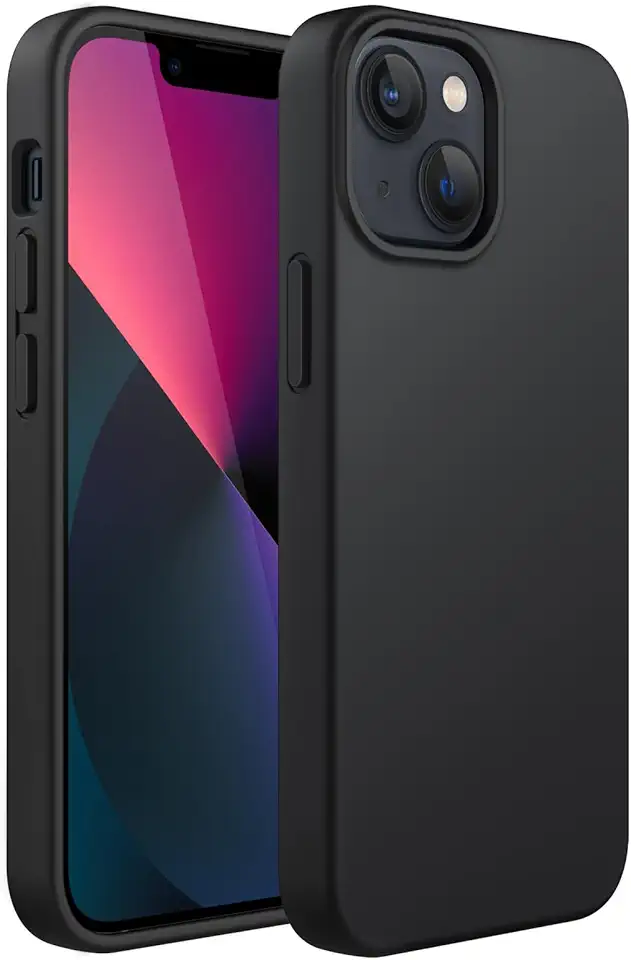
JETech Silicone Case for iPhone 13 6.1-Inch, Silky-Soft Touch Full-Body Protective Phone Case, Shockproof Cover with Microfiber Lining (Black)

SURPHY Silicone Case Compatible with iPhone 13 Case 6.1 inch (2021), with Camera Protection Liquid Silicone Soft Gel Rubber Phone Case Cover with Microfiber Lining (Pink) Global Recycled Standard
