How to Fix Circle, X, Square, or Triangle Button on a DualSense PS5 Controller | Repair Stuck

About
No channel description available.

Video Description
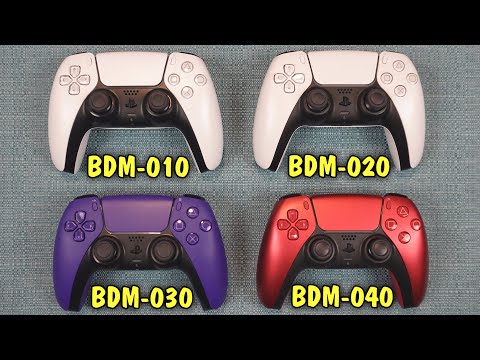
A tutorial on how to repair the four round buttons on the Sony DualSense controller : Circle, X, Square, or Triangle. I am using a model BDM-010, but most of the things I show you show apply to all versions. Buttons can be stuck down, not responding, sticky, or mushy. In the later half of the video, I show how to tear it down and get to the innerworkings, like the rubber conductive pads and the conductive film. Firmware updater for DualSense wireless controller: https://controller.dl.playstation.net/controller/lang/en/fwupdater.html Other PS5-related videos: https://youtu.be/ywjkvzb39Es https://youtu.be/NwtWieh2DNs https://youtu.be/q1lz6nyRomg .............................................................................................. Patreon: patreon.com/KevinsThreeChannels Use these Amazon Links to buy anything: Replacement Buttons: https://amzn.to/3P9dsC7 Rubber Pads: https://amzn.to/43g9dIU Conductive Film: https://amzn.to/3ORvwAs Clicky Buttons Kit: https://amzn.to/3CaZ1FU Toolkit I use: https://amzn.to/3ke14nc Electric duster: https://amzn.to/41dZemX All Amazon links above are affiliate links. I get a small amount of money if you end up using them to make purchase (it does not have to be for the item I link to, as long as you click my link then move to another item, it works) .............................................................................................. Chapters 00:00 What Video is About 00:34 Solution 1 01:05 Solution 2 01:21 Solution 3 01:43 Solution 4 02:23 Solution 5 03:17 Solution 6 #ps5 #videogames


Elevate Your Breakfast Game
AI-recommended products based on this video
