How to Homelab: Considerations for adding a Domain to your Gear


Learn Linux TV
@learnlinuxtvAbout
Learn Linux TV is your ultimate resource for mastering Linux and open-source technology. From step-by-step Linux tutorials and distro reviews to server automation, cloud deployments, security, and DevOps workflows, this channel gives you the skills to thrive in today’s Linux Community. With over 20 years of Linux and System Administration experience, Jay (your host) shares practical insights to help you succeed with Linux — whether at home, in the data center, or in the cloud. Whether it’s Debian, Ubuntu, Fedora, Arch, or Proxmox, you’ll learn how to build, secure, and manage systems with confidence! • Linux made simple: tutorials, reviews, and sysadmin tips you can actually use. • Your go-to channel for Linux tutorials, distro reviews, and real-world sysadmin skills. • Where beginners become power users, and pros sharpen their Linux skills. Subscribe and join a community of hundreds of thousands of Linux enthusiasts who are learning, building, and growing with open source.
Latest Posts




Video Description
I get asked often how you go about adding a domain to your homelab. While it's a relatively easy thing to do, the process differs greatly depending on the gear you have. In this mostly-lecture video, I go over some thoughts and considerations for adding a domain to your lab. # LearnLinuxTV Links 🐧 Main site: ➡️ https://www.learnlinux.tv 🐧 LearnLinuxTV Community: ➡️ https://community.learnlinux.tv # Support LearnLinuxTV (commission earned) 📖 Check out Jay's latest book, Mastering Ubuntu Server 4th Edition. Covers Ubuntu 22.04! ➡️ https://ubuntuserverbook.com 🙌 Support me on Patreon and get early access to new content! ➡️ https://learnlinux.link/patron 🛒 Affiliate store for Linux compatible hardware/accessories (commission earned): ➡️ https://learnlinux.link/amazon 💻 Check out the Tiny Pilot KVM for your Homelab (commission earned): ➡️ https://learnlinux.link/tinypilot # About Me 🐦 Follow me on Twitter! ➡️ https://twitter.com/JayTheLinuxGuy 👨 More about me: ➡️ https://www.jaylacroix.com ➡️ https://www.learnlinux.tv/about-me # Recommended evergreen videos: 💽 How to create a bootable flash drive for installing Linux ➡️ https://linux.video/flash-usb 🐧 OpenSSH Guide ➡️ https://linux.video/ssh 📖 LVM Deep-dive: ➡️ https://linux.video/lvm 🔐 How to better secure OpenSSH: ➡️ https://linux.video/secure-ssh ☁️ How to create a cloud Linux server with Linode: ➡️ https://learnlinux.link/create-linode *📘 FAQ* • What is a "Distribution" of Linux? ➜ https://linux.video/what-is-a-distro • What is a "Desktop Environment"? ➜ https://linux.video/desktop-environment • Which Linux Distro should I use on my Server? ➜ https://linux.video/which-server-distro • How do I create USB install media? ➜ https://linux.video/install-media • How do I create multi-boot USB media? ➜ https://linux.video/ventoy • How do I connect to a Linux server via SSH? ➜ https://linux.video/use-ssh • How do I exit vim? ➜ https://linux.video/vim • How do I use APT? ➜ https://linux.video/apt • How do I use DNF? ➜ https://linux.video/dnf • How do I use pacman? ➜ https://linux.video/pacman • How do I use zypper? ➜ https://linux.video/zypper • What the heck is a "Flatpak"? ➜ https://linux.video/flatpak • What is a "Snap" package? ➜ https://linux.video/snap • How do I install Arch Linux? ➜ https://linux.video/install-arch • How do I configure SSH on my server? https://linux.video/ssh-server • How do I install updates? ➜ https://linux.video/updates • What server tweaks should I implement? ➜ https://linux.video/every-server • How do I use LVM? ➜ https://linux.video/lvm • How do I use Git? ➜ http://linux.video/git • When will the "Year of the Linux Desktop" Happen? ➜ https://linux.video/yotld • Do you have a sense of humor? ➜ https://linux.video/lol 💽 My recording gear (commission earned): ➡️ Camera 1 (Panasonix HV-VX870): https://learnlinux.link/camera1 ➡️ Camera 2 (Sony FDRAX53): https://learnlinux.link/camera2 ➡️ Microphone (Shure SM7B): https://learnlinux.link/microphone ➡️ Audio processor (DBX 286s): https://learnlinux.link/audio #Linux #LearnLinuxTV #Homelab















Essential Homelab Gear Upgrades
AI-recommended products based on this video

10.1 Inch Touch Portable Monitor IPS Screen 1366x768P 60Hz 400 Brightness 99% sRGB HDMI USB-C Monitors Switch for Xbox PS3/4/5 Laptop Compatible with Raspberry Pi, Mini Touch Screen

ELECROW 8 Inch Portable Monitor, 1280x800 Mini HD Display with Built-in Speakers, USB Powered, Non-Touch LCD Screen for Raspberry Pi, PC, Laptop, Jetson Nano, Game Consoles

7 Inch Portable Monitor Touchscreen HD 1024x600 LED Display Dual HDMI Port Small Monitor for PC Raspberry Pi Laptop Computer Xbox PS4/5 Switch Built-in Speakers

BrosTrend 1800Mbps WiFi 6 Linux WiFi Adapter for PC and Raspberry Pi 2+, Long Range USB WiFi Dongle Linux for Ubuntu, Mint, Debian, Kubuntu, Lubuntu, Zorin, Windows 11/10, Dual Band Wireless Antenna
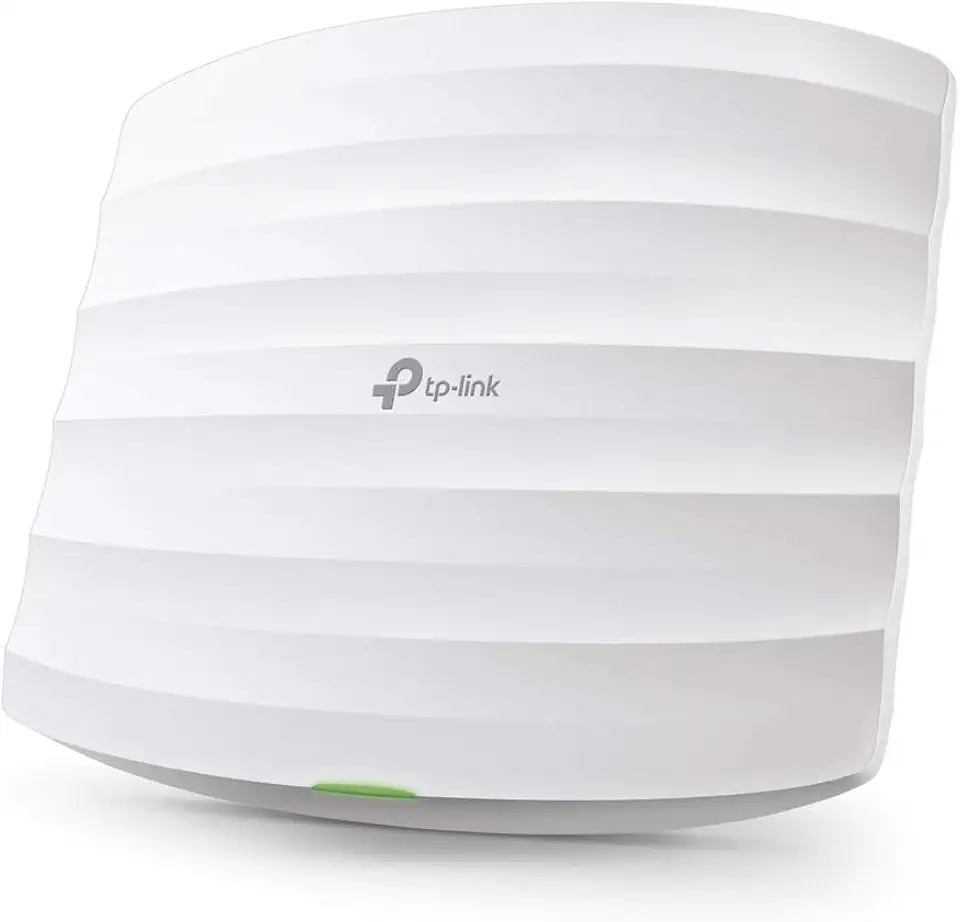
TP-Link Omada AC1750 Gigabit Wireless Access Point (EAP245 V3) - Business WiFi Solution w/Mesh Support, Seamless Roaming & MU-MIMO, PoE Powered, SDN Integrated, Cloud Access & Omada App, White

GL.iNet GL-SFT1200 (Opal) Secure Travel WiFi Router – AC1200 Dual Band Gigabit Ethernet Wireless Internet | IPv6 USB 2.0 MU-MIMO DDR3 |128MB Ram Repeater Bridge Access Point Mode

Tenda AC1200 WiFi Router, Dual Band Wireless Router 4 x 100 Mbps Ethernet Ports, Supports APP, Guest WiFi, Access Point Mode, IPv6, Parental Control(AC6)
