How To Make A WordPress Blog 2024 [MADE EASY]


Create WP Site
@createwpsiteAbout
Welcome to Create WP Site – your ultimate resource for all things website creation and hosting! Whether you're a complete beginner or looking to sharpen your skills, our channel gives you everything you need to succeed online. ✅ Dive into our step-by-step WordPress tutorials for beginners and learn how to create stunning websites from scratch ✅ Discover how to build a website on Bluehost, unlock savings with exclusive Bluehost coupon codes ✅ Want to start a blog? We’ll show you how to create a blog on WordPress with Bluehost and share insider tips ✅ Watch honest, no-fluff reviews to help you choose the best hosting service for your needs We're here to help you build your dream website or blog — the smart way. 📩 For sponsorships, collaborations, or business inquiries, contact us at: [email protected] 👇 Subscribe to Create WP Site and start building the website or blog of your dreams today!
Latest Posts



Video Description
How To Make A WordPress Blog 2024 ✅ I now recommend Bluehost (faster & easier): https://bluehost.sjv.io/dOkBNq 📺 Watch the updated tutorial: https://www.youtube.com/watch?v=Vwv2iLp9WIE Check us out! You can use the link in the channel to visit my hosting discount page https://www.youtube.com/@createwpsite Timestamps 👇 00:00 Intro 02:13 Choose Hosting 03:06 Pick A Domain 04:54 Install WordPress 07:47 Choose A Theme/Template 13:42 Add Your Content 🔥 More WordPress Tutorials You’ll Love: ✅ WordPress Tutorial For Beginners – https://www.youtube.com/watch?v=kYY88h5J86A ✅ Make A GoDaddy WordPress Website - https://www.youtube.com/watch?v=89WrdcR_T2o ✅ Bluehost WordPress Tutorial - https://www.youtube.com/watch?v=Vwv2iLp9WIE ✅ WordPress Website Design Tutorial - https://www.youtube.com/watch?v=g3GVs59h6yQ ✅ GoDaddy Website Tutorial https://www.youtube.com/watch?v=MJMw-KC5das Hey, what's up guys - Thanks for checking out this how to make a wordpress blog 2024 video! Blogging has definitely emerged in popularity over the last years, largely thanks to the accessibility and simplicity attached to making a website. Thankfully, that coding requirement isn’t as heavily needed since there are so many website building options out there. With this in mind, WordPress is one of the most popular content management software that allows users to build a website, in some instances completely free. Thus, many bloggers look to WordPress as an excellent way to begin their journey into the field. Unfortunately, many bloggers become intimidated by the notion of making a WordPress site. As a result, we’re going to discuss How To Make A WordPress Blog 2024 style as a quick to help you understand the process of making a blog. What is WordPress? For those that don’t know, WordPress is an open-source content management system software that can be installed on any website. WordPress.org is where users can install the WordPress software, which shouldn’t be confused with WordPress.com as that’s the website builder variation of it. To actually install WordPress, you can either do it through your web host’s platform or do it manually. Either way, definitely consider installing WordPress instead of the website building option, since the web building option tends to be more costly and much more limiting with what you can do. Find the Right Web Host Now that you have a good idea of what WordPress is, here is where you should take the time necessary to find the right web host. A web host is what keeps your site online and connects it to the worldwide web. You can’t install WordPress without a web host, so definitely make sure you find the right option for you. Music: bensound.com/royalty-free-music Some of the most popular web hosting companies are GoDaddy, Siteground, and Bluehost, all of which vary with what they offer. Once you have a web host in mind, you should purchase a domain from them (unless you already have a domain) and select one of their packages that fits your needs the best. Install WordPress Onto Your Site Any WordPress blog tutorial for beginners will discuss the importance of installing WordPress onto your site. Thus, after you find the right web host and option, here is where you’ll actually install WordPress onto your site. Definitely go through your web host if they offer it, as it tends to be much easier to go through your web host than to install it manually. Once it’s installed, you’ll know it was appropriately done if your website has the standard WordPress theme on it. If not, try repeating the process or reach out to your web host to try and figure out the issue. Whenever you want to edit or do anything to your site, type /wp-admin to the end of your domain. After you type in your username and password, you’ll be on the WordPress dashboard. Go up and down and look at everything that’s listed. Essential areas to look at include appearance, pages, and posts sections. A WordPress theme plays a crucial role for a website as it’s responsible for being the look of a site. Think of the theme like walls, furniture, and paint for a house. WordPress is like the plot of land your house is on, while your theme can manipulate it to a further degree depending on what niche your site is in. Themes also come in a wide range of prices, with some being entirely free while others can be quite costly. Keep in mind, the amount of money you invest is what you’ll end up getting in return. So, if you want more options it will cost you a little bit. Add Content Seeing as you’re reading a how to make a blog 2024 article, you more than likely are interested in adding content before anything else. Seeing as content is such a fundamental part of any website, it’s worthwhile to highlight the various kinds of content that can mean for your site. Note: To keep these video tutorials free, I make a small commission every time you purchase through the links in the description. #HowToMakeAWordPressBlog #WordPressBlog










![WordPress Tutorial For Beginners 2025 [MADE EASY]](https://imgz.pc97.com/?width=500&fit=cover&image=https://i.ytimg.com/vi/GNh5dvy4toI/hqdefault.jpg)

![How To Create Anchor Links In WordPress FAST [2023 GUIDE]](https://imgz.pc97.com/?width=500&fit=cover&image=https://i.ytimg.com/vi/391g_2a5KLg/hqdefault.jpg)
![How To Use WordPress Block Editor 2023 [MADE EASY]](https://imgz.pc97.com/?width=500&fit=cover&image=https://i.ytimg.com/vi/6_1aGbLgUEo/hqdefault.jpg)
Craft Essentials: Upgrade Your Art Supplies
AI-recommended products based on this video

Art Kit, 272 Pack Art Set Drawing Kit for Kids Girls Boys, Deluxe Gift Art Supplies with Trifold Easel, Origami Paper, Coloring Pad, Sketch Pad, Pastels, Crayons, Pencils, Watercolors (Pink)

Canvas Sling Bag Small Crossbody Backpack Hiking Daypack Rucksack for Men Women Outdoor Cycling Travel

12 Colors Nail Art Pens Set, Nail Art Markers Polish Pen for 3D Nail Art, Drawing Painting Liner Brush for DIY Nail Art Beauty Adorn Manicure Tools (12Pcs)
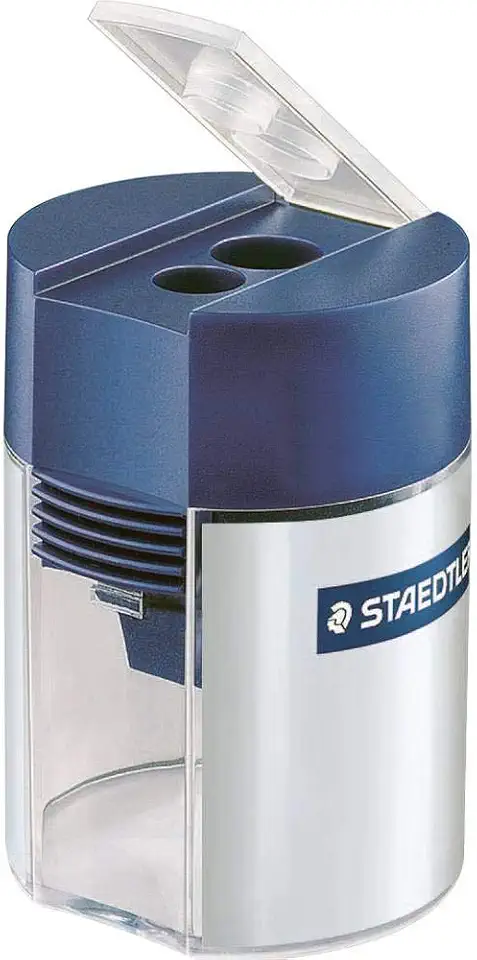
Staedtler Double-hole Tub Pencil Sharpener - 2 Hole(s) - Plastic
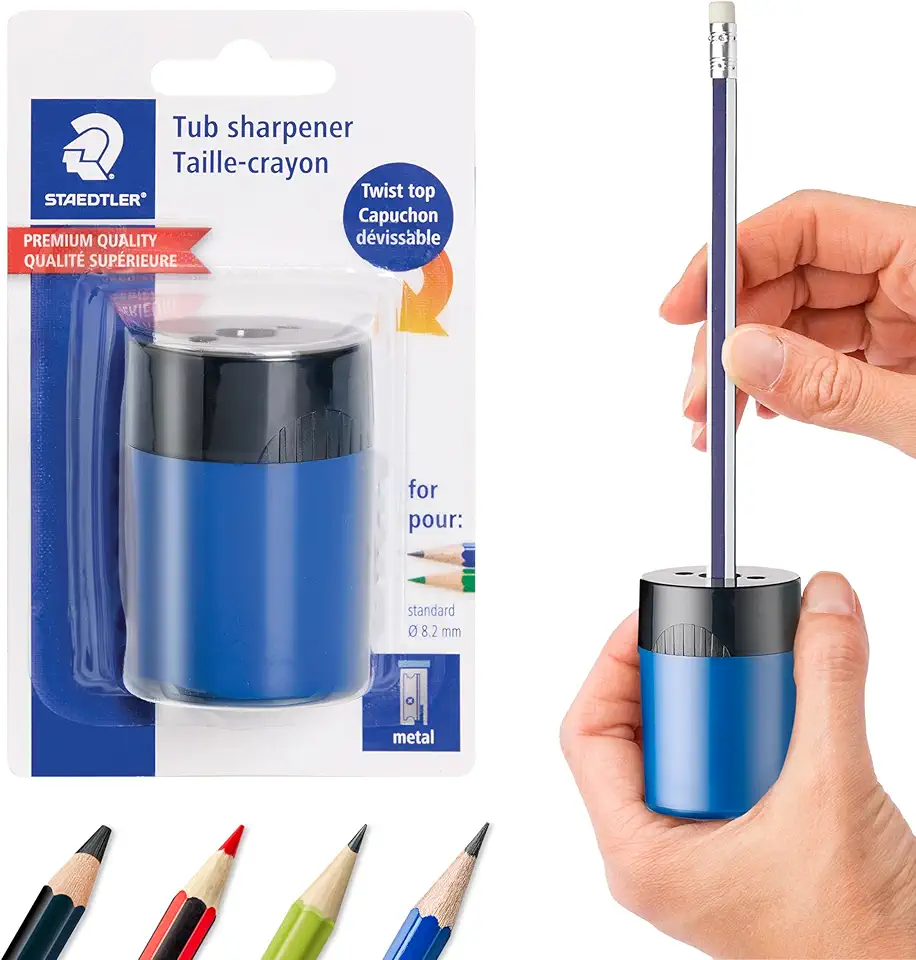
STAEDTLER pencil sharpener, premium quality sharpener with screw-on lid, prevents accidental openings, compact size for pencil case and work-station, 511 63BK (Pack of 1) , Assorted colors.
Art Kit, 272 Pack Art Set Drawing Kit for Kids Girls Boys, Deluxe Gift Art Supplies with Trifold Easel, Origami Paper, Coloring Pad, Sketch Pad, Pastels, Crayons, Pencils, Watercolors (Pink)

3 4 5 Year Old Girl Gifts, Exssary Kids Knife Set for Real Cooking Toys for 3 4 5 6-8 Year Old Girls Montessori Toddler Kitchen Tools Cutting Board Knives Birthday Gift Girls Toys Age 4-6 7-10 Pink

BBQ Rib Skinner, Rib Prep Pro, Professional Boning Tongs Boning Knife Set for Perfect Ribs, Ergonomic Handle Precise Cutting, Ultimate Grilling Gift for BBQ Enthusiasts & Grill Masters
