How To Run TensorFlow Lite on Raspberry Pi for Object Detection


Edje Electronics
@edjeelectronicsAbout
Looking for fun projects to do with your Raspberry Pi? You've come to the right place! I post videos about software and hardware related projects that involve the Pi. Currently, I'm working on creating a blackjack-playing robot that uses deep learning neural networks to identify playing cards, so most of my videos are on the topic of computer vision. You can view code for the projects I've worked on at https://github.com/EdjeElectronics. Want help developing vision-capable products for your business? My company, EJ Technology Consultants, can help! Learn more here: https://ejtech.io As an Amazon Associate, I earn from qualifying purchases through links that are posted on my video descriptions.



Video Description
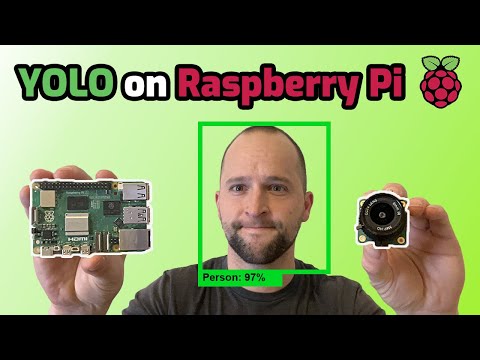
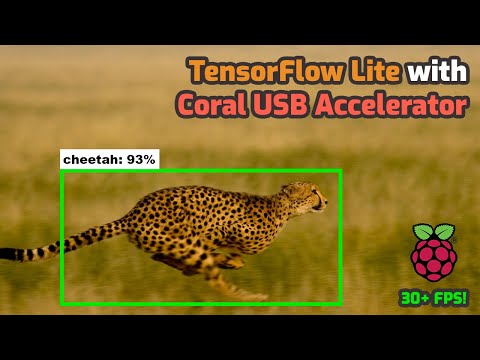
TensorFlow Lite is a framework for running lightweight machine learning models, and it's perfect for low-power devices like the Raspberry Pi! This video shows how to set up TensorFlow Lite on the Raspberry Pi for running object detection models to locate and identify objects in real-time webcam feeds, videos, or images. I used a Raspberry Pi 4 4GB for this video, but it also works with the Raspberry Pi 3. If you want to see how much faster the Pi 4 is than the Pi 3, check out my performance comparison video: https://youtu.be/TiOKvOrYNII Have questions? Ask me on Twitter @EdjeElectronics ! I usually respond faster there: https://twitter.com/EdjeElectronics -- Affiliate Links -- Get a Rasbperry Pi 4: https://amzn.to/2Kf0el8 Coral USB Accelerator: https://amzn.to/2wxTZ8d Webcam used in this video (works better than the Picamera!): https://amzn.to/2MMBTU3 -- Tutorial Links -- UPDATE (10/21/20): At 6:09 in the video, I instruct you to go to the TensorFlow Lite Object Detection Overview page and right click the "Download starter model" link to copy the link address. The page has changed since I made this video, and that link is no longer correct. Copy this link for downloading the starter model: storage.googleapis.com/download.tensorflow.org/models/tflite/coco_ssd_mobilenet_v1_1.0_quant_2018_06_29.zip Written version of this guide: https://github.com/EdjeElectronics/TensorFlow-Lite-Object-Detection-on-Android-and-Raspberry-Pi/blob/master/deploy_guides/Raspberry_Pi_Guide.md How to train your own custom TFLite model: https://www.youtube.com/watch?v=XZ7FYAMCc4M -- Music credit -- The Process by LAKEY INSPIRED: https://soundcloud.com/lakeyinspired/the-process Creative Commons — Attribution-ShareAlike 3.0 Unported — CC BY-SA 3.0



Craft Your Dream Space
AI-recommended products based on this video

Electric Mason Jar Vacuum Sealer Kit, Portable Vacuum Sealer for Regular and Wide Mason Jars, Food Storage and Fermentation, Deep Black

RoboSeal Rechargeable Mason Jar Vacuum Sealer for Mason Jars Wide and Regular, One Touch Vacuum Sealer for Jars, 10 Lids Included, Digital Battery Indicator, As Seen on TV

Liquid Chalk Markers for Blackboards - Bold Color Dry Erase Marker Pens - Chalk Markers for Chalkboards Signs, Windows, Blackboard, Glass - 6mm Reversible Tip (8 Pack) - 24 Chalkboard Labels Included

2 Pack Outdoor Solar Firework Lights, 240 LED Solar Powered Hanging Lights Outdoor Waterproof Hanging Fairy Garden Lights Landscape Lights(Warm White)
![Command Medium Picture Hanging Strips [Removable]: 12 Pairs (White)](https://m.media-amazon.com/images/I/61IChX1hbML._AC_UL960_FMwebp_QL65_.jpg)
Command Medium Picture Hanging Strips [Removable]: 12 Pairs (White)
FAURAPMNG FAURAPMNG 5 Pcs Graduation Cap Photo Charm Graduate Memorial Tassel Picture Charms with Angel Wing Personalized Bouquet Tassel DIY Grad Photo Chain for Class of Grad Cap Gown Ceremony Caps Charm Decor

Kotagi Personalized Wedding Anniversary Metal Signs | Custom Name Metal Sign | 50th 60th 40th 30th 25th or Any Year Metal Sign Wedding Gift | Metal Wall Art | Anniversary Gift for Couple Parents
