How to set up PowerShell prompt with Oh My Posh on Windows 11


devaslife
@devaslifeAbout
I'm an indie app developer based in Osaka, Japan. I'm currently living off of my own product called Inkdrop - a Markdown note-taking app (https://www.inkdrop.app/ ). I would like to publish my videos about: how to build good apps, how to attract users, my hobbies, etc. NOTE: I don't answer any personal questions - Please don't send me emails.
Latest Posts


Video Description
Hello. I'm Takuya Matsuyama from Japan, an indie developer making a Markdown note-taking app called Inkdrop. I've set up PowerShell environment for my Windows PC. I hope you enjoy it! ▶ Check out Kazephoto's beautiful nature videos https://www.youtube.com/watch?v=2LRXlZtF7xc ▶ Check out my product: Inkdrop - Markdown note-taking app https://www.inkdrop.app/?utm_source=devaslife&utm_medium=youtube&utm_campaign=vlog&utm_content=5-aK2_WwrmM ▶ Ingredients * Scoop - A command-line installer * Git for Windows * Oh My Posh - Prompt theme engine * Terminal Icons - Folder and file icons * PSReadLine - Cmdlets for customizing the editing environment, used for autocompletion * z - Directory jumper * PSFzf - Fuzzy finder ▶ My dotfiles https://github.com/craftzdog/dotfiles-public ▶ My Windows PC build https://www.youtube.com/watch?v=a4CqHh233cM ▶ My NeoVim set up https://www.youtube.com/watch?v=FW2X1CXrU1w ▶ My desk setup * https://www.youtube.com/watch?v=1OFDMwDlnOE ▶ My equipments * Video editing: Final Cut Pro X * Camera: Fujifilm X-T4 * Mic: Zoom H1n & Blue Microphones Yeti * Slider: SliderONE v2 * Keyboard: Keychron K2V2 - https://www.youtube.com/watch?v=-UW_c8VT2ZE * Browser: Min Follow me online here: ▶ Twitter https://twitter.com/inkdrop_app ▶ Blog https://blog.inkdrop.app/ ▶ Instagram https://instagram.com/craftzdog ▶ Subscribe to my Newsletter https://www.devas.life/ Credits: ▶ BGM: Epidemic Sound https://www.epidemicsound.com/referral/p96aa8/ 0:00 Digest 01:24 Install patched nerd fonts (Hack) 02:06 Configure Windows Terminal 03:29 Install PowerShell 04:03 Change the default shell 04:29 Change the terminal background color 05:43 Install Scoop (Comamnd-line installer) 06:50 Install Git for Windows 08:12 Install Neovim 08:50 Make a user profile and set command aliases 10:21 Install Oh My Posh (Prompt theme engine) 11:32 Customize prompt (Path) 16:23 Customize prompt (Git) 20:24 Customize prompt (Right bubbles) 27:26 Load the prompt config in the profile 28:38 Install NodeJS and check the version bubble 29:46 Install Terminal Icons 30:41 Install z - Directory jumper 31:25 Install PSReadLine - Autocompletion 32:58 Install Fzf - Fuzzy finder 34:21 Update the profile 36:13 Add a utility command - `which` 37:19 Appendix - Oh My Posh themes 39:12 Thank you for watching :) #PowerShell #ASMR #RainSounds


Essential Greenhouse Kits
AI-recommended products based on this video
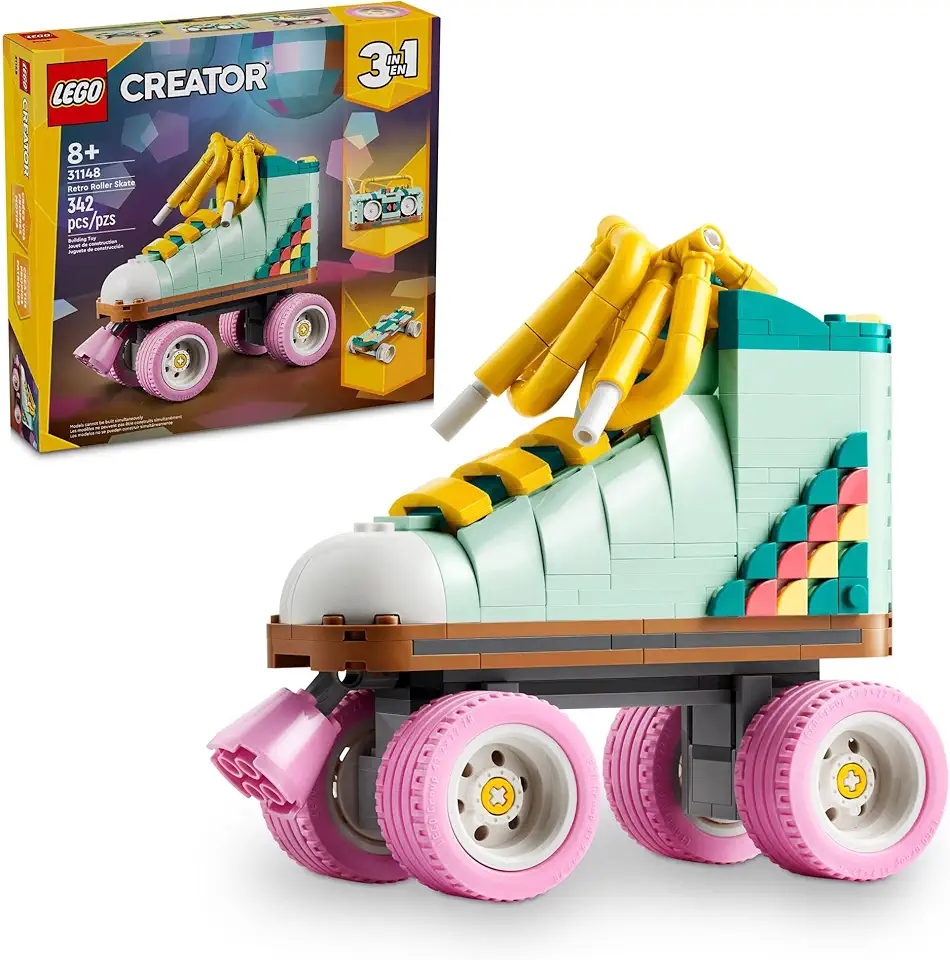
LEGO Creator 3 in 1 Retro Roller Skate Building Kit, Transforms from Roller Skate Toy to Mini Skateboard to Boom Box Radio, Birthday Gift for Skaters, Cool Toy for Boys and Girls Ages 8 and Up, 31148

Soleilwear Mini Electric Screwdriver Set, 52 in 1 Precision Electric Screwdriver Cordless with 48 Magnetic Bits, Repair Tool Kit with Tweezers and Pry Bar

8 Inch Solar Fan with Dual Solar Panels, 25W Powerful Solar Powered Fan for Air Circulation and Cooling in Greenhouse, Pet House, Chicken Coop, Garage, Camping, Install-Free
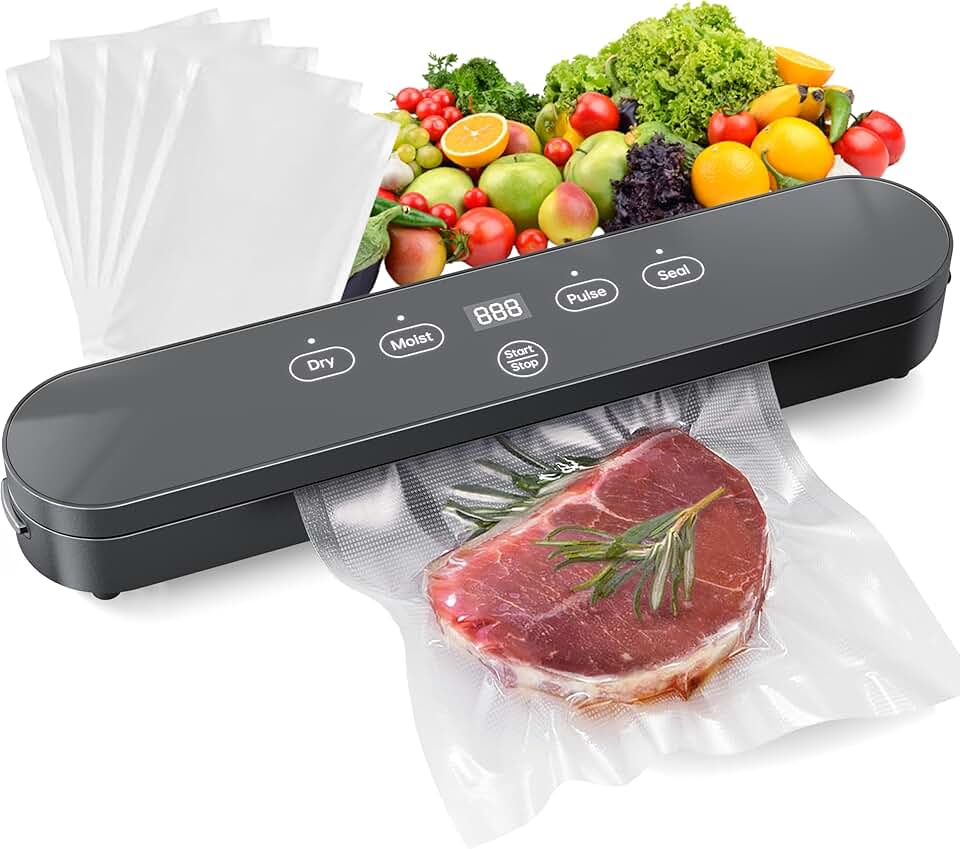
Vacuum Sealer, Automatic Food Preservation System with Digital Display, 75Kpa Super Suction Power, 20 Food Preservation Bags Included, Dry/Moist Food Modes, One-Touch Operation for Maximum Freshness
