How To use Google Sites Complete Overview


Flipped Classroom Tutorials
@flippedclassroomtutorialsAbout
Where we make Educational Technology Easy. On this channel we are all about clear tutorials, helpful tips and tricks for teachers, and reviews of Educational Technology. I would love to hear back from you and hear your ideas and tricks. Leave a comment or ask a question and I will do my best to answer. Learn something new today or use these instructional videos within your class, Flipping the Classroom! New videos every week! This will be a useful trick or tutorial, highlighting a tool I've used in class during the past week. Who am I? A full time class teacher with over a decade of experience in the classroom, part time trainer with a real interest in Educational technology and innovation, and proud dad of two lovely boys(ages 6 and 10). Find out more about me and what I'm up to on my website here https://www.sethideclercq.com Like what you see? Support the channel by becoming a YouTube member or finding me on Patreon: https://www.patreon.com/eduflip
Latest Posts




Video Description
This Deep Dive in Google Sites for Teachers is in response to many asking for a more in depth tutorial on how Google Sites can be used by teachers and students. We go over everything available in Google Sites and you can see every element, how to insert it and what it will look like when you've finished. Support the creation of content like this and be the first to receive updates by becoming a channel member here: https://www.youtube.com/channel/UC_Mv2BsvWR03-s7S5CrNm3w/join TimeStamps: 0:00 Intro 0:30 Why Google Sites? 0:55 Create your Google Sites 1:40 Use Google Sites Templates 2:15 Upload Domain wide Templates for staff and students 3:20 Edit the Page Header 3:45 Header Types 4:10 Header images 5:00 Add pages to your website 5:20 Add nested (Sub) pages 5:50 Re arrange pages in Google Sites 6:50 Preview the Website 7:10 Change the Navigation style 7:40 Add a logo and Favicon 8:30 Announcement Banner for important messages 9:20 Add a button to the announcement 10:40 Use a Theme in Google Sites 11:20 Change the fonts of headers and text 11:50 Add a footer to your website 12:30 Add links to the footer 13:00 All about sections on Google Sites 13:40 Insert content 14:00 Insert Layout styles (Section templates) 14:50 Moving sections around 15:20 Change the section background 16:10 Insert a YouTube video 18:20 Insert a collapsable 18:50 Other elements to insert 19:14 Insert Image carrousel 20:20 Insert a Button 21:00 Why use a button instead of the navigation 21:25 Hide page from navigation 22:00 Build templates with placeholders 22:30 Insert Google Calendar (Calendar and Classroom) 23:15 Insert Google Files (Sheets, Slides, Docs, Forms) 24:10 Insert Other websites and programs 26:00 Add collaborators 27:00 Viewer Settings and contact form 28:20 Revision history (version history) 28:40 Duplicate Website 28:55 Give Google feedback and suggestions 29:30 Publish your Website (Public or domain wide) 30:50 See the viewer tools in action 31:05 Unpublish the website 31:30 Review publish updates 32:00 Summary Come visit me on my website for many more tutorials, resources and tips: https://sethideclercq.com/ SUPPORT THE CHANNEL: Join this channel to get access to perks: https://www.youtube.com/channel/UC_Mv2BsvWR03-s7S5CrNm3w/join or Check out my Patreon here: https://www.patreon.com/eduflip 💚 You can always subscribe for more: http://bit.ly/FlippedYT SERVICES AND SOFTWARE I USE DAILY: Video editing: https://sethideclercq.com/camtasia Website hosting: https://sethideclercq.com/bluehost Screenshots and GIFs: https://sethideclercq.com/snagit Courses: https://sethideclercq.com/teachable Email lists and newsletter: https://sethideclercq.com/convertkit Website building: https://sethideclercq.com/wix GEAR AND RESOURCES: https://www.amazon.com/shop/flippedclassroomtutorials https://kit.co/FlippedTutorials My TPT Store: https://www.teacherspayteachers.com/Store/Eduflip Disclaimer: Some of these links are affiliate links where I'll earn a small commission if you make a purchase at no additional cost to you. These videos have been made for educational purposes and all views or opinions expressed are my own.













Upgrade Your Gaming Setup Today
AI-recommended products based on this video
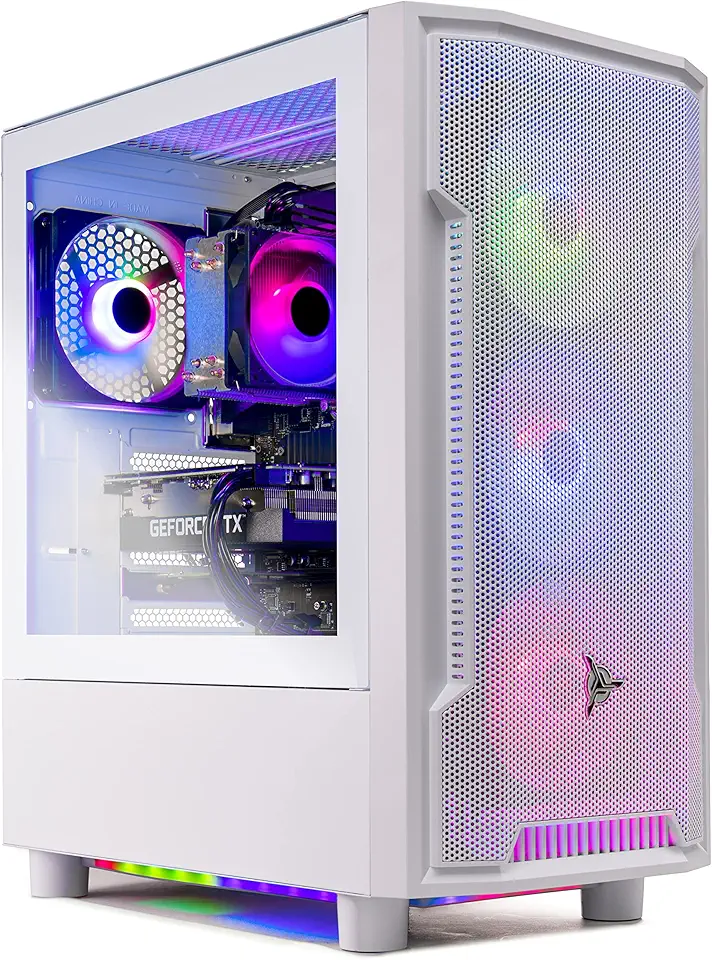
Skytech Archangel Gaming PC Desktop – AMD Ryzen 5 3600 3.6 GHz, NVIDIA RTX 3060, 1TB NVME SSD, 16GB DDR4 RAM 3200, 600W Gold PSU, 11AC Wi-Fi, Windows 11 Home 64-bit
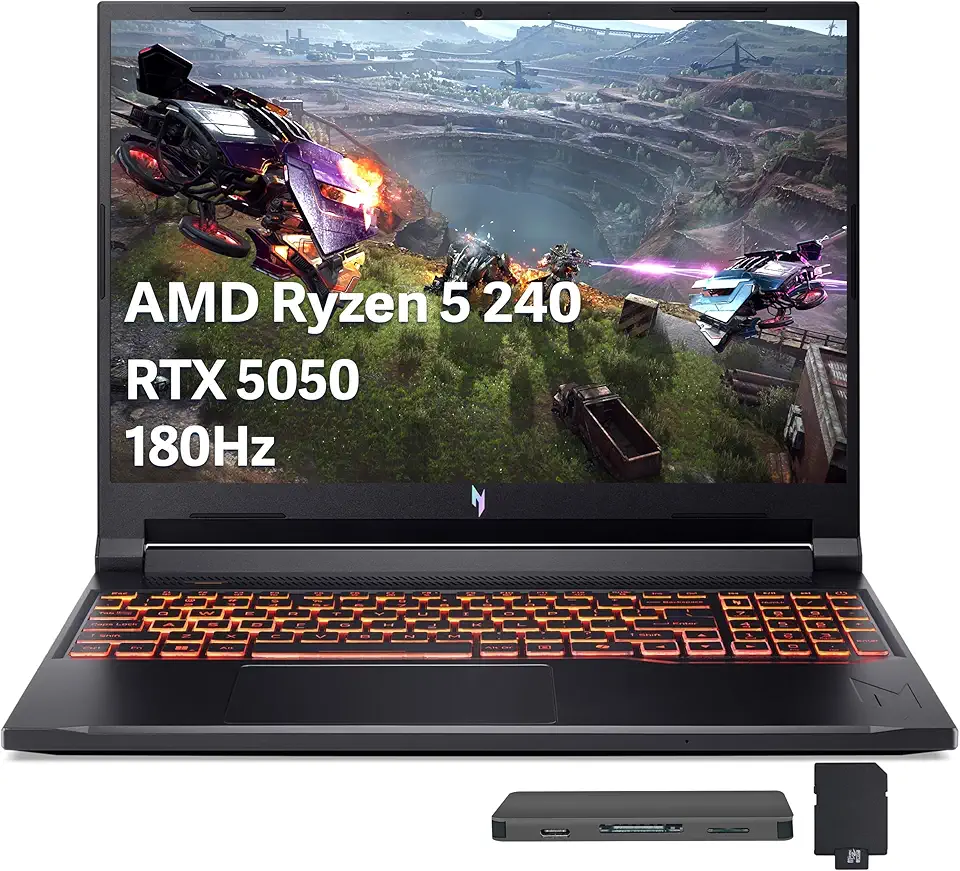
Acer Nitro V 16 AI Gaming Laptop, 16" WUXGA 180Hz Display, AMD Ryzen 5 240, GeForce RTX 5050, 16GB DDR5, 512GB SSD, Backlit Keyboard, Copilot, Wi-Fi 6E, Win 11, Black, 1TB Docking Station Set
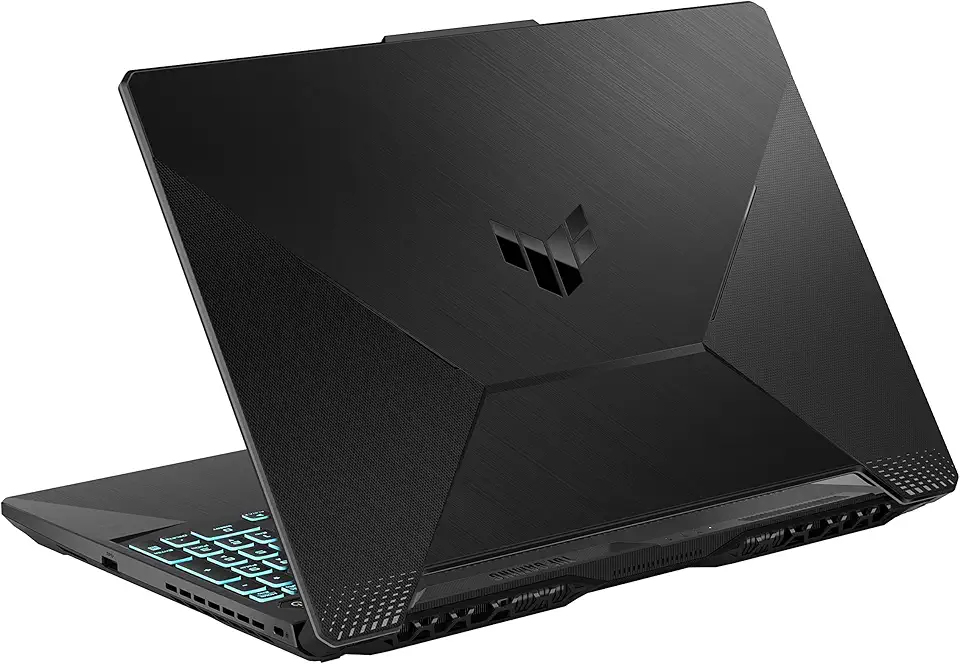
ASUS TUF Gaming A15 Gaming Laptop, 15.6” 144Hz FHD Display, AMD Ryzen 5 7535HS Processor, GeForce RTX 2050, 8GB DDR5 RAM, 512GB PCIe SSD Gen 4, Wi-Fi 6, Windows 11, FA506NF-AS51-CA
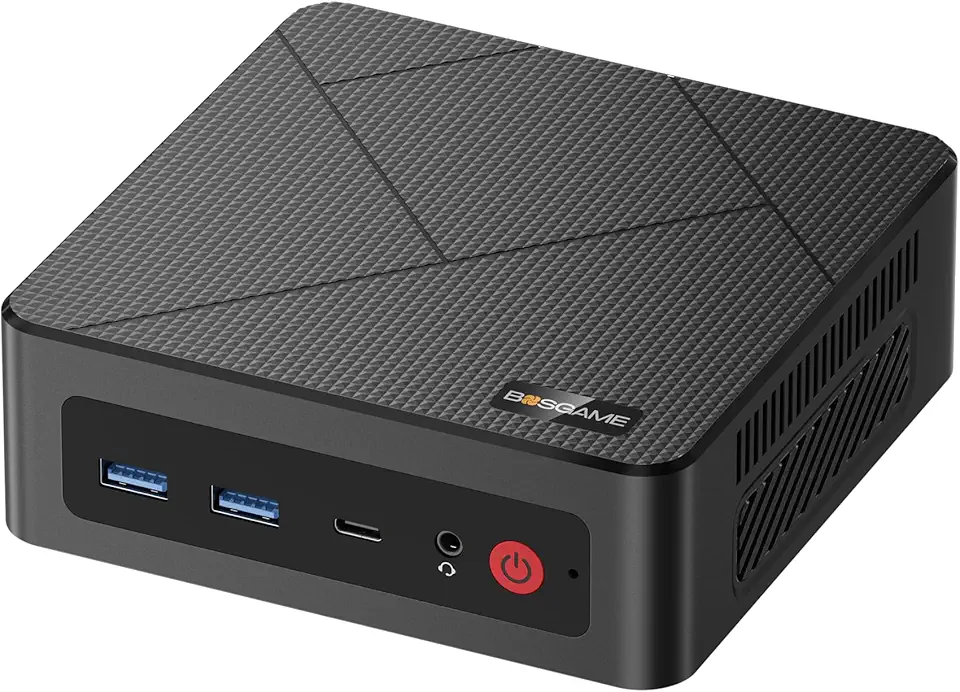
BOSGAME E4 Mini PC, Ryzen 5 3550H Mini Computers, 16GB DDR4 1TB PCIe SSD, Dual RJ45 LAN, 4K Triple Display, USB-C & USB 3.2, Wi-Fi 5 & BT 5.0, Desktop Computers for Office, Home, Streaming

MSI GeForce RTX 3070 Suprim X 8G LHR GDDR6 1905 MHz Boost 14 Gbps 256-bit 3xDP1.4 HDMI PCIE4.0 (RTX 3070 Suprim X 8G LHR)

95MM for PLD10010S12HH Ventus Cooling Fan for MSI for RTX 3060 3070 Ti 2X OC Graphics Card Cooler(Black B-Fan)
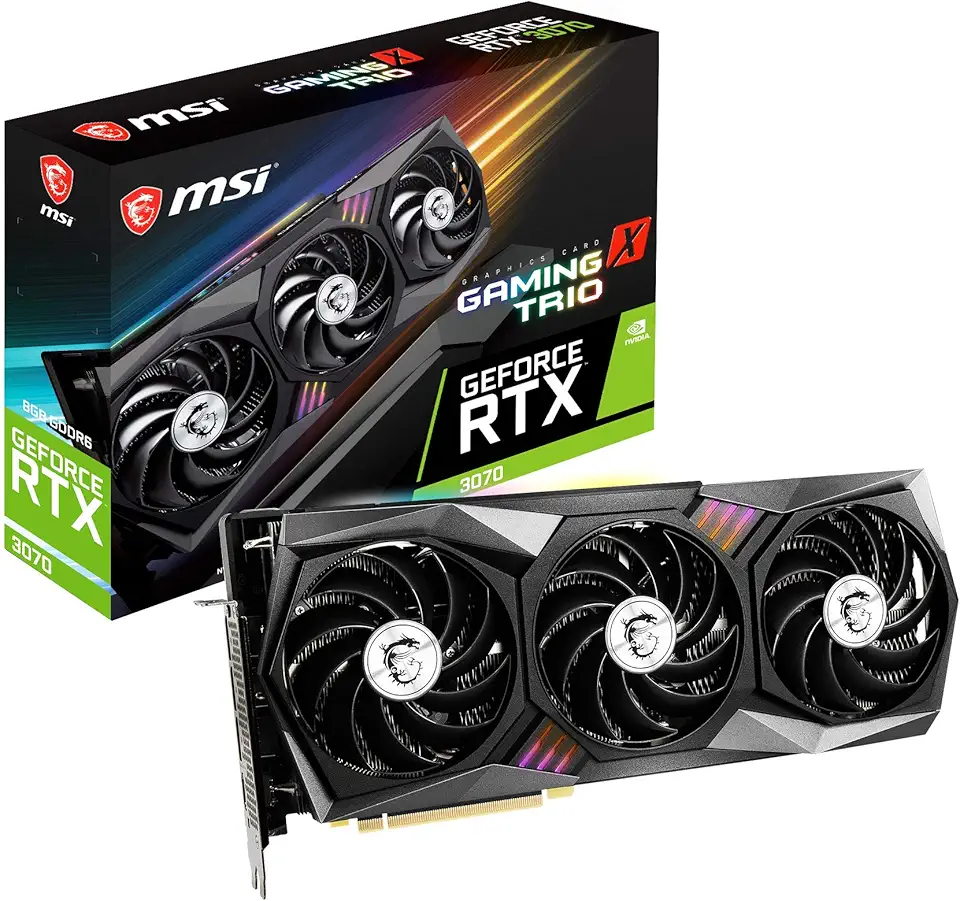
MSI Gaming GeForce RTX 3070 8GB GDRR6 256-Bit HDMI/DP Tri-Frozr 2 TORX Fan 4.0 Ampere Architecture RGB OC Graphics Card (RTX 3070 Gaming X Trio)

for 90MM Video Card Cooler Fan for GPU for MSI GeForce for RTX 3060 3070 3080 3090 3060Ti 3070TI for Gaming X Trio Graphics(1pcs)

Western Digital 2TB WD Blue SA510 SATA Internal Solid State Drive SSD - SATA III 6 Gb/s, 2.5"/7mm, Up to 560 MB/s - WDS200T3B0A

Logitech M185 Wireless Mouse, 2.4GHz with USB Mini Receiver, 12-Month Battery Life, 1000 DPI Optical Tracking, Ambidextrous, Compatible with PC, Mac, Laptop - Black

Logitech G305 Lightspeed Wireless Gaming Mouse, Hero 12K Sensor, 12,000 DPI, Lightweight, 6 Programmable Buttons, 250h Battery Life, On-Board Memory, PC/Mac - Black

Logitech K400 Plus Wireless Touch TV Keyboard With Easy Media Control and Built-in Touchpad, HTPC Keyboard for PC-connected TV, Windows, Android, Chrome OS, Laptop, Tablet - Black

Logitech G435 Lightspeed and Bluetooth Wireless Gaming Headset - Lightweight Over-Ear Headphones, Built-in mics, 18h Battery, Compatible with Dolby Atmos, PC, Mobile - Black

CORSAIR Hydro X Series iCUE Link XH405i Custom Cooling Kit – Hardline Water Cooling Loop – XC7 Elite CPU Water Block – XD5 Elite D5 Pump Res – XR5 360mm Radiator – 3X QX120 RGB Fans

CORSAIR iCUE Link XD5 RGB Elite LCD Pump-Reservoir Unit - D5 PWM Pump - 480x480 IPS LCD Screen - 22 Addressable RGB LEDs - 440ml Nylon Reservoir - White

CORSAIR iCUE Link XC7 RGB Elite CPU Water Block - Transparent Flow Chamber - 24 RGB LEDs - Fits Intel® LGA 1700, AMD® AM5 and Older - White
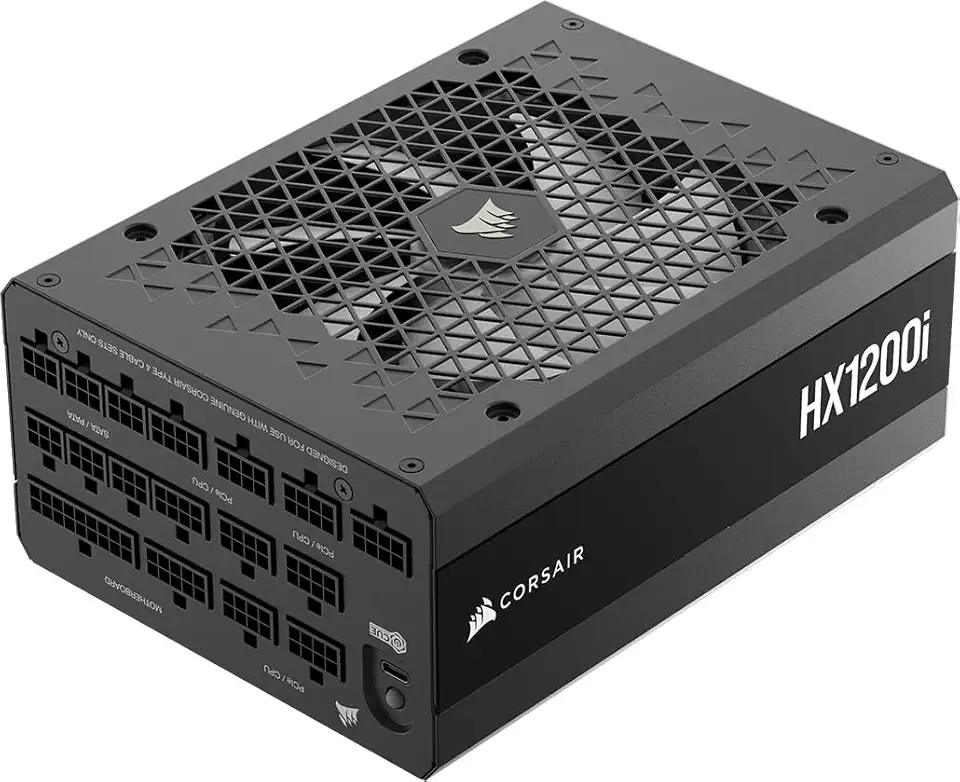
Corsair HX1200i (2025) Fully Modular Ultra-Low Noise ATX Power Supply with 12V-2x6 Cable – ATX 3.1 & PCIe 5.1 Compliant, Cybenetics Platinum Efficiency, Fluid Dynamic Bearing Fan – Black
