How to Use Multiple Zigbee2MQTT Coordinators (Full Setup + Device Migration Guide)

Lazy Tech Geek
@lazytechgeekAbout
I’m Dave, and I love making smart home automation fun and easy! Whether you're just starting out or looking to take your setup to the next level, this channel is here to help. My goal is to simplify complex tech so anyone can build a smarter home—without the headache! Expect step-by-step tutorials, DIY projects, and automations that make life easier (and sometimes just more fun!). 📌 What You’ll Learn Here: ✔️ How to use Home Assistant & smart home devices ✔️ Fun & useful automations and integrations ✔️ DIY projects with custom hardware & software ✔️ Smart home troubleshooting & tech reviews 💬 Smart home tech can be tricky—so let’s figure it out together! Leave a comment if you have questions or cool automation ideas.
Latest Posts


Video Description
🔧 How to Use Multiple Zigbee2MQTT Coordinators (Full Setup + Device Migration Guide) Thinking of running more than one Zigbee coordinator in your smart home setup? In this full step-by-step guide, I’ll show you exactly how to use multiple Zigbee2MQTT coordinators, avoid conflicts, update firmware, and safely migrate your devices — all without breaking your existing setup. Whether you're expanding coverage, managing different device groups, or just curious how it’s done, this guide covers everything you need to know. 🧠 What You’ll Learn: - How to add multiple Zigbee2MQTT add-ons in Home Assistant - Finding the IP address of each coordinator (3 easy methods) - Updating coordinator firmware and core - Setting DHCP reservations - Transferring devices safely using both manual and YAML methods - Changing Zigbee channel IDs and resolving MQTT issues - Creating a custom sidebar (optional bonus!) 📶 WiFi Scanner Tool (Used in This Video): To scan nearby Wi-Fi channels and choose the best one for your Zigbee network, I used WiFiman by Ubiquiti. Download it here: 🌐 Website: https://ui.com/uk/en 💻 Desktop App: https://www.ui.com/download/app/wifiman-desktop ⏱ Timestamps: Jump to any section using the chapters in the video timeline or the list in the pinned comment. 00:00 Outro 00:34 Overview of What I'm Covering 01:06 Adding Multiple Zigbee2MQTT Repositories 03:46 Installing Second Zigbee2MQTT Add-on 06:22 ⚠️ Zigbee2MQTT Folder Doesn’t Exist Until Service Starts 07:46 Before Connecting Your New Zigbee Coordinator 08:48 Option 1: Find IP via mDNS in Your Browser 11:27 Option 2: Find IP Using Command Prompt 13:24 Option 3: Find IP via Your Home Router 15:03 Renaming Your Zigbee Coordinator 16:40 Updating Zigbee Coordinator Core Firmware 17:48 Updating Zigbee Firmware 18:42 Changing Zigbee Coordinator Settings 20:31 Setting a DHCP Reservation 21:46 Plugging in the Original Coordinator 21:56 Using Wi-Fi Scanner to Choose the Best Channel 24:51 Updating configuration.yaml for Zigbee2MQTT 30:54 Common Error: Wrong MQTT Password 32:19 Creating a Custom Sidebar (Optional) 42:20 Manually Moving Devices to New Coordinator 45:15 Removing Block to Allow Device Rejoining 48:48 Moving Devices via YAML to New Coordinator 52:37 Changing Zigbee Channel ID with Paired Devices 58:56: Outro 🧩 Custom Sidebar Integration (Optional Bonus): To create a custom sidebar in Home Assistant, I used the hass_ingress repository by LovelyLain. 🔗 GitHub Repo: https://github.com/lovelylain/hass_ingress 📌 Note: You’ll need HACS installed before adding this integration. 👉 Watch the HACS install guide here: https://youtu.be/z2Z9kpgtPgw 📝 Sample YAML Configuration: ingress: zigbee2mqtt1: work_mode: hassio title: Zigbee2MQTT-1 icon: mdi:zigbee url: 57df1234_zigbee2mqtt zigbee2mqtt2: work_mode: hassio title: Zigbee2MQTT-2 icon: mdi:zigbee url: 9587c5b0_zigbee2mqtt 🎵 MUSIC USED IN THIS VIDEO Intro Track: Powerful Action Rock Trailer 🎤 Artist: RocknStock 🎧 Source: Pixabay 🔗 Link: https://pixabay.com/users/rocknstock-28545072/ 💬 Questions or stuck on a step? Drop a comment below or join our Discord community for help! 🔗 https://discord.gg/jEaremqDJd 👍 If this video helped, smash that like button and subscribe for more smart home automation tutorials. 🔔 Subscribe here!: https://www.youtube.com/@LazyTechGeek?sub_confirmation=1
You May Also Like


Complete Zigbee2MQTT Setup Kit
AI-recommended products based on this video

BrosTrend 1800Mbps WiFi 6 Linux WiFi Adapter for PC and Raspberry Pi 2+, Long Range USB WiFi Dongle Linux for Ubuntu, Mint, Debian, Kubuntu, Lubuntu, Zorin, Windows 11/10, Dual Band Wireless Antenna

BrosTrend AX300 Nano WiFi 6 Linux Compatible WiFi Adapter for PC and Raspberry Pi 2+, 2.4GHz Only, 286Mbps, USB WiFi Dongle for Ubuntu, Debian, Mint, Kubuntu, Lubuntu, Zorin, Xubuntu, Windows 11/10/7

Philips Hue Bridge - Unlock the Full Potential of Hue - Multi-Room and Out-of-Home Control - Create Automations and Zones - Secure, Stable Connection Won't Strain Your Wi-Fi - Works with Voice, Matter

NIVEA Peach Tea Lip Balm, Nourishing Lip Care, Bridgerton Limited Edition Tinted Lip Balm with Peach Flavor and Shea Butter, 3-in-1 Moisture, Repair and Color, 4.8 g Stick

NIVEA Blackberry Pie Lip Balm, Nourishing Lip Care, Bridgerton Limited Edition Tinted Lip Balm with Blackberry Flavor and Shea Butter, 3-in-1 Moisture, Repair and Color, 4.8 g Stick

Full Body Contour Device with Heat & Ems, 2026 New Multiple Heated Muscle Scraping Tool, Electric Fascia Knife for Belly, Arm, Waist, Leg

Anti Barking Device, Bark Control Device, Dog Barking Deterrent with 3 Adjustable Level Sonic Bark Up Dog Training Tools to 33 Ft Range Safe for Dogs and Human

Hydroponics Growing System Kit Indoor: Aeroponics Herb Garden Kit 15 Pods, 3 Grow Modes, 24H Timer Hydroponic Gardening System, Quiet Smart Water Pump Hydroponic Planter for Home Kitchen Office

24 Inch Portable Monitor, Smart Touch Screen TV with Built in Battery, High Definition LCD Screen, Floor Standing Display Screen for Home (US Plug)

iDOO WiFi 12 Pods Hydroponic Growing System with 6.5L Water Tank, Smart Hydro Indoor Herb Garden Up to 14.5", Plants Germination Kit with Pump System, Fan, Grow Light for Home Kitchen Gardening, Black
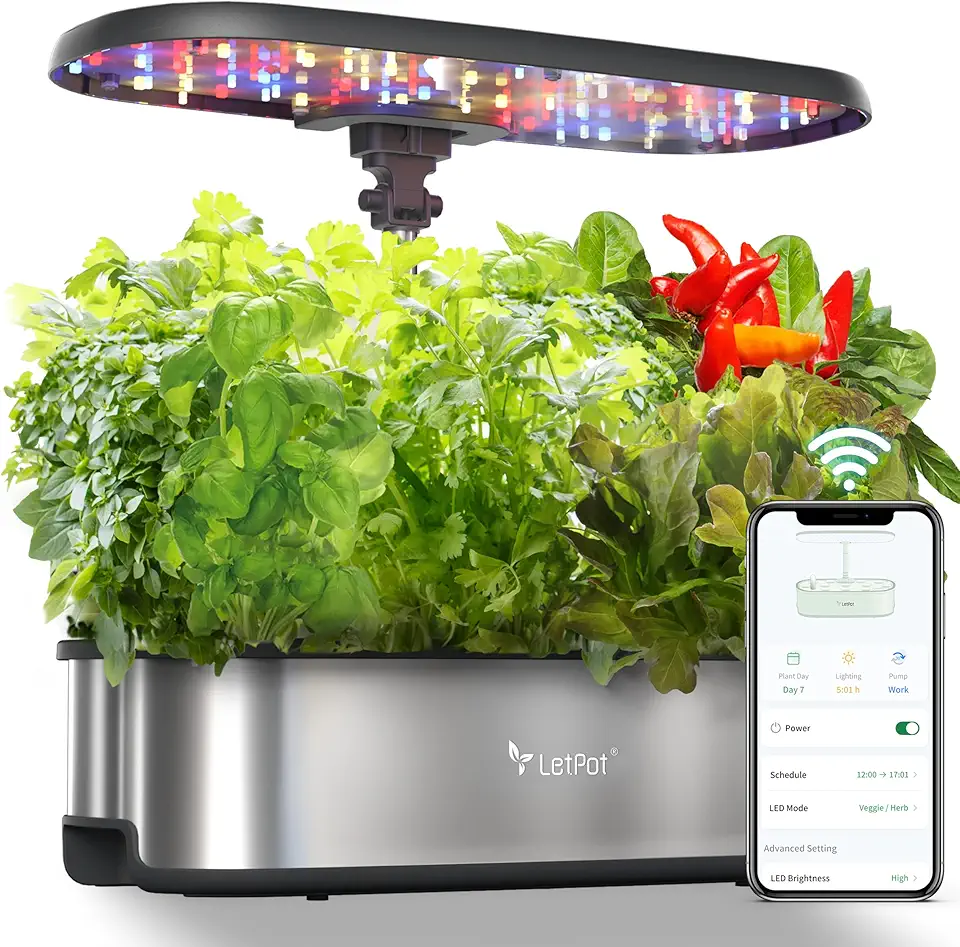
Smart Hydroponics Growing System, LetPot 12 Pods Indoor Garden, 24W Light, App&WiFi Control, Water Shortage Remind, 20" Adjustable Rod, 5.5L Tank, Herb Garden for Home Kitchen, Stainless Steel

NEXPOW Car Jump Starter,Car Battery Jump Starter Pack 1500A Peak Q10S for Up to 7.0L Gas and 5.5L Diesel Engine12V Auto Battery Booster,Jumper Cables,Portable Lithium Jump Box with LED Light/USB QC3.0

Firefly Variety 8 Pack - Fire Starter Accessory for Swiss Army Victorinox Knives (Neon Green-Yellow Glow)

9-in-1 5000A 150PSI Car Battery Booster Jump Starter with Air Compressor (All Gas/9L Diesel), Portable Car Battery Booster Pack, Safe Durable Car Jump Starter with Extended Jumper Cables, Glove, Light

ECOELER Motion Sensor Light Switch, PIR Motion Detection Wall Switch with Adjustable Sensitivity, OCC/VAC Selectable, Neutral Wire Required, Single Pole Occupancy Sensor for Bathroon, Laundry

Ozeino Gaming Headset for Ps5 Ps4 PC, Over Ear Gaming Headphones with Noise Cancelling Microphone RGB Light, Deep Bass Stereo Sound Headset for Xbox Series X/S, Switch, Laptop, Mac, Phone
Magic Bouncing Ball, 2025 New Magic 2-in-1 Bouncing Ball Toddlers, Dual Form Freely Switchable, with 6 Light, Suitable for Indoor & Outdoor Use

eufy Security 5-Piece Home Alarm Kit, Home Security System, Keypad, Motion Sensor, 2 Entry Sensors, Home Alarm System, Control from The App, Links with eufyCam
ECOELER Motion Sensor Light Switch, PIR Motion Detection Wall Switch with Adjustable Sensitivity, OCC/VAC Selectable, Neutral Wire Required, Single Pole Occupancy Sensor for Bathroon, Laundry

DHT11 modules Digital Temperature and Humidity Temperature Sensor for arduino DIY KIT 5pcs

Kasa Smart Outdoor Smart Plug by TP-Link (KP400) - Smart WiFi Outlet with 2 Sockets, IP64 Waterproof, Works with Alexa and Google Home, 2.4GHz WiFi Required, No Hub Required, Sunset & Sunrise Offset

RayNeo Air 4 Pro AR/XR Glasses - HDR10 201" Video Display, 120Hz 3D Movie & Gaming Smart Glasses, USB-C Plug & Play for iPhone 17/16/15, Android, Switch 2, PS5-4 Pro-Black

Anker Nano USB C Wall Charger,45W Fast Charging Smart Display Charger,with 180°Foldable Plug,Smart Recognition,Built-in Care Mode,for iPhone17/16/15 (Non-Battery,One USB-C Port,No Cable Included) ClimatePartner certified
