Model-Driven Power Apps Tutorial: Forms Deep Dive


Lisa Crosbie
@lisacrosbieAbout
This channel is all about making AI at work accessible to everyone. I break down these technologies into practical, easy to follow fun tutorials. Here you will find short and long form tutorials and free courses on Copilot Studio, Microsoft Copilot, Power Apps, and other Microsoft technologies, as well as tutorials on how to use AI at work. You'll also find feature updates here every time there is a major event or new announcement from Microsoft, to help you keep up with what's ahead, and what's important and why. I am a five-time Microsoft Most Valuable Professional (MVP) and Microsoft Certified Trainer, with more than a decade of experience consulting with organizations and training business users to get the most out of Microsoft applications at work. Thanks for watching!
Latest Posts


Video Description
Everything you need to know about how to build and configure forms in model-driven Power Apps, to help you pass a certification, or just to create beautiful and functional apps. This deep dive tutorial covers how to configure and best use tabs, sections, table columns, timeline, subgrids, quick view forms and other controls in model driven apps. -------------------------------------------------- Connect with me: ☕ Buy me a coffee: https://www.buymeacoffee.com/lisacrosbie 🦉 Learn more about AI: https://aka.ms/learnwithlisa 🖇 LinkedIn: https://www.linkedin.com/in/lisa-crosbie/ 📼 TikTok: https://www.tiktok.com/@lisa.crosbie 🐦 X (Twitter): https://twitter.com/LisaCrosbie 📚Take my LinkedIn Learning Course: Microsoft Power Platform Fundamentals (PL-900) Exam: Power Apps https://www.linkedin.com/learning/microsoft-power-platform-fundamentals-pl-900-cert-prep-power-apps/ ------------------------------------------------ Timestamps: 0:00 - Configure Forms in Model Driven Power Apps 2:41 - Create a new Main Form 4:01 - Form components 5:10 - Form designer navigation 8:03 - Deleting fields, components and sections from existing forms 10:35 - Good UI design principles for forms 12:53 - Add table columns to a form 15:30 - Column widths 19:12 - Configure the Timeline control 20:20 - New sections and adding new table columns 22:50 - Header 23:55 - Other components 29:54 - Subgrids 37:27 - Quick View Forms 38:21 - Form settings and security 39:16 - Add forms to a model driven app 40:33 - Form makeover results






Power Apps Essentials: Equip Now
AI-recommended products based on this video
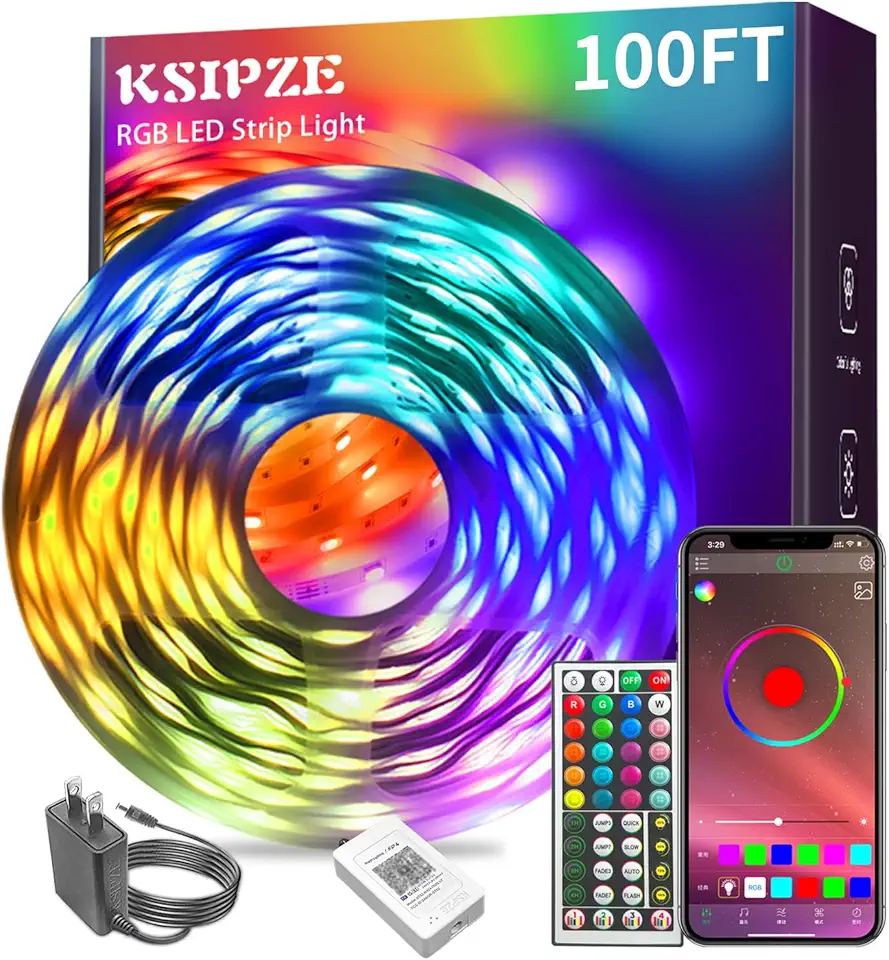
Ksipze led Lights Strip for Bedroom 100FT,Smart Music Sync RGB Color Changing with App and Remote Control, Power Supply Led Strip Lights Lumiere LED for Room Home Party Decoration