MX Linux 21 XFCE: Set Up & Customization [step by step]


STÆMPUNK TV
@staempunktvAbout
Welcome to the STÆMPUNK TV computer tech channel. Here you will find beginner-friendly computing and tech tutorials. Enjoy Correspondence: Stæmpunk TV P.O. Box 211 Rushworth Victoria 3612 Australia
Latest Posts
![Install Newer Versions of macOS on Old Macs | OpenCore Legacy Patcher [Step by step]](https://imgz.pc97.com/?width=500&fit=cover&image=https://i.ytimg.com/vi/u8ST8HUaL9w/hqdefault.jpg)
![Stats - Statistics in macOS's Menu Bar [Step by step]](https://imgz.pc97.com/?width=500&fit=cover&image=https://i.ytimg.com/vi/EiYJ8GKqaqw/hqdefault.jpg)
![Raycast - The Ultimate macOS Enhancement [Step by step]](https://imgz.pc97.com/?width=500&fit=cover&image=https://i.ytimg.com/vi/SI3V2X-H3Fw/hqdefault.jpg)
![How to FIX macOS Startup Errors [Step by step]](https://imgz.pc97.com/?width=500&fit=cover&image=https://i.ytimg.com/vi/lM3JTPYiEMU/hqdefault.jpg)
Video Description
In this video, I'll walk you through how to configure MX Linux 21 XFCE so that it is runs effortlessly and secure. This comprehensive guide is beginner friendly and also covers most of what you'll need to know to be able to effectively secure and easily manage and maintain your MX Linux system. __________________ ►► TIMECODES ► 00:00:00 Introduction 00:01:00 Edit the Terminal preferences 00:01:51 Run the updates 00:04:44 Intro to MX Tools 00:05:54 Install the NVidia driver 00:12:00 Edit the NVIDIA X Server settings 00:18:34 Run applications using the NVidia GPU (in a hybrid system) 00:21:02 Install extra media codecs 00:22:18 Edit/change the Conky ► 00:26:25 Edit the panel 00:29:01 Change the theme 00:31:01 Using the Compositor to eliminate screen-tearing 00:32:29 Scaling your monitor displays 00:33:48 Turn off single-click 00:34:06 Edit password preferences ► 00:35:07 Open the Settings Manager 00:35:35 Turn off the Clipboard manager 00:36:44 Change desktop wallpapers 00:37:53 Show/hide desktop icons 00:39:03 Edit notification settings 00:39:53 Create window tiling keyboard shortcuts 00:43:20 Turn off window wrapping across workspaces 00:44:37 Create DNS network connections 00:53:55 The bluetooth manager 00:54:20 Create keyboard shortcuts to launch apps 00:56:32 Edit the mouse, touchpad & cursor settings 00:57:39 Edit the Power Manager 01:01:06 The Printer settings 01:01:41 Enable the Firewall 01:03:47 Add adblock entries into /etc/hosts file ► 01:04:51 Edit the Thunar file browser settings 01:07:28 Create system folders for AppImages, icons & wallpapers 01:09:58 Transfer system folder permissions from root to user 01:14:20 Download/install AppImageLauncher 01:18:10 Edit boot options to boot into systemD 01:21:30 Configure AppImageLauncher 01:22:23 AppImageLauncher demo 01:25:41 Install Firejail, Firejail Profiles & FireTools 01:27:28 How to sandbox apps using Firejail 01:30:41 How to sandbox AppImages using Firejail 01:32:01 Install Redshift for night-time computer use 01:35:09 Install Geoclue to give Redshift location info 01:36:38 Install Gnome Disk Utility for auto-mounting extra hard-drives ► 01:41:45 Quick clean up 01:43:11 Clean system with MX Cleaner 01:43:46 Install Stacer 01:44:57 Using Stacer to clean system 01:46:06 Create a snapshot using MX Snapshot 01:50:16 Setup Timeshift 01:51:54 Create a system snapshot using Timeshift 01:53:01 Set up Timeshift auto-snaps 01:55:29 Outro ________________ ►► CONNECT ⟡ Support my work ☞ https://www.patreon.com/StaempunkTV ⟡ Buy Me a Coffee ☞ https://www.buymeacoffee.com/StaempunkTV ⟡ Tweets ☞ https://twitter.com/staempunk ⟡ Instagram ☞ https://www.instagram.com/staempunktv ⟡ My music creations ☞ https://soundcloud.com/staempunk ⟡ Odysee ☞ https://odysee.com/@StaempunkTV ⟡ Vlog channel ☞ https://www.youtube.com/@Staempunk ___________________ ►► CORRESPONDENCE ☞ Stæmpunk TV PO Box 211 Rushworth, VIC 3612 Australia ___________________ ►► MUSIC Song: Hydroxica Album: Insomnia Performed by: Streambeats by Harris Heller Written by: Senpai Records Song: Bonsai Album: Insomnia Performed by: Streambeats by Harris Heller Written by: Senpai Records ____________ ►► DISCLAIMER STÆMPUNK TV thoroughly tests & seeks out any potential issues with apps that are used in a walkthrough. Please be aware that installing applications from outside the MX Repositories could lead to potential instability of your MX Linux system. Only install applications that you are sure work well and are free from problems and issues. This page is for enterntainment purposes only. STÆMPUNK TV takes no responsibility for broken systems or loss of data. All rights reserved. Staempunk TV linux beginner to intermediate how-to videos. #linux #MXLinux #Staempunk


Linux Setup & Customization Essentials
AI-recommended products based on this video

100W 90W USB-C Charger Type-C Adapter for Lenovo Thinkpad Carbon x1 5th 6th Gen, IdeaPad 13" 720 Y400 Y500 P580 P500, Yoga 370 X280 X390 910 920 Power Cord GX20M33579 4X20M26268

65W USB C Laptop Charger for Lenovo Thinkpad X1 Carbon T470 T480 T490 T590 E580 E590 E595 Yoga IdeaPad Chromebook Power Supply Adapter Cord 20V 3.25A

45W 65W Laptop Charger for Lenovo Thinkpad X1 Carbon T460 T470 T470S T440 T540 X260 X240 X270 G40 G50 G50-80 E560 E450, Yoga 2 11/2 Pro/ 11s 13 Flex 2 2-15 Ideapad 300 500 700 Power Supply Cord

65W USB C for Lenovo Laptop Charger for Lenovo Thinkpad/Chromebook/Ideapad/Yoga Series-USB C Laptop Charger for Lenovo T14 Thinkpad T480 T490 Yoga 7i 9i Thinkpad X1 Carbon

Logitech G203 Wired Gaming Mouse, 8,000 DPI, Rainbow Optical Effect LIGHTSYNC RGB, 6 Programmable Buttons, On-Board Memory, Screen Mapping, PC/Mac Computer and Laptop Compatible - Black

Logitech G305 Lightspeed Wireless Gaming Mouse, Hero 12K Sensor, 12,000 DPI, Lightweight, 6 Programmable Buttons, 250h Battery Life, On-Board Memory, PC/Mac - Black
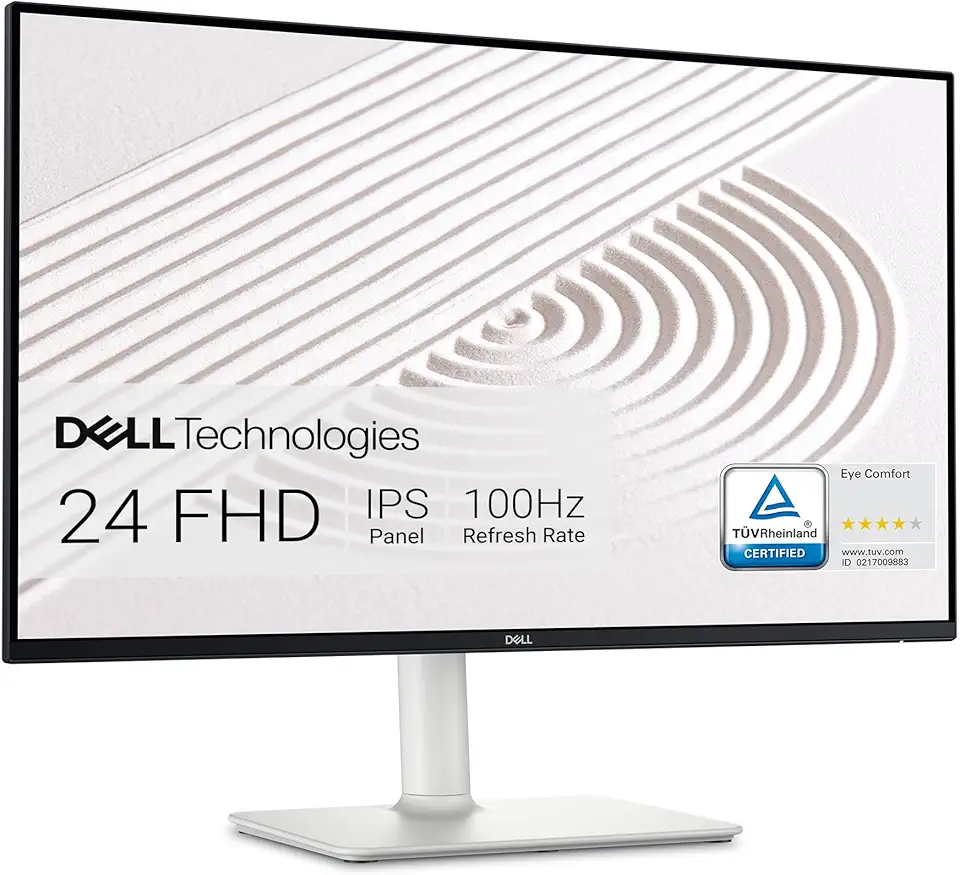
Dell S2425HS Monitor - 23.8 Inch, FHD (1920x1080) Display, 100Hz Refresh Rate 1500:1 Contrast Ratio, TÜV Rheinland Eye Comfort 4 Star, Integrated 2x5W Speaker, Height/Tilt/Swivel/Pivot - Ash White

Razer BlackShark V2 X Gaming Headset: 50mm Drivers - Cardioid Mic - Memory Foam Cushion - Lightweight- Comfortable, Noise Isolating Earcups - for PC, PS4, PS5, Switch - 3.5mm Audio Jack - Black ECOLOGO

Original HP 63 Black/Tri-color Ink (2-pack) | Works with HP DeskJet 1112, 2130, 3630 Series; HP ENVY 4510, 4520 Series; HP OfficeJet 3830, 4650, 5200 Series | Eligible for Instant Ink | L0R46AN

Original HP 63 Black Ink Cartridge | Works with HP DeskJet 1112, 2130, 3630 Series; HP ENVY 4510, 4520 Series; HP OfficeJet 3830, 4650, 5200 Series | Eligible for Instant Ink | F6U62AN ECOLOGO

Western Digital 4TB My Passport Portable External Hard Drive HDD, USB 3.0, USB 2.0 Compatible, Black - WDBPKJ0040BBK-WESN

Western Digital 4TB My Book Desktop External Hard Drive, USB 3.0, External HDD with Password Protection and Backup Software - WDBBGB0040HBK-NESN

Western Digital 2TB WD Blue SA510 SATA Internal Solid State Drive SSD - SATA III 6 Gb/s, 2.5"/7mm, Up to 560 MB/s - WDS200T3B0A
