Photoshop Blend If: The Secret to Vectorize Images in Seconds


Pixvu
@pixivuAbout
Welcome to Pixvu! Your place to learn graphic design and AI in a clear, easy way. Our tutorials are built to help you understand, create, and grow! email: [email protected]
Latest Posts

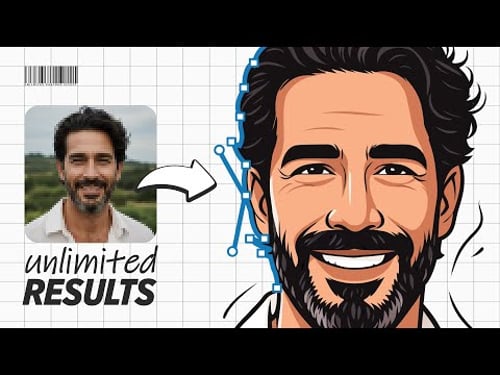

Video Description
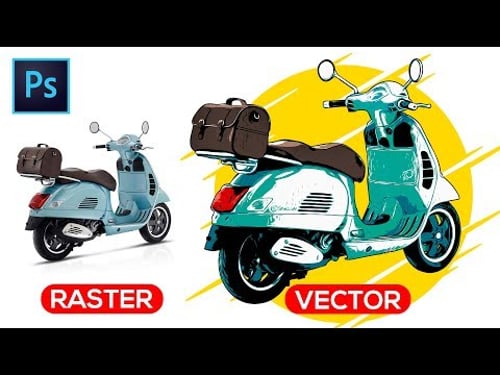
This Photoshop tutorial will show you how to create vector graphics from any raster image or photo using a simple trick. This trick is equivalent to the image trace feature (but in Photoshop). I will give you a Free action to help you with the tutorial, and I will explain to you how I used Blend IF to convert any images into artistic vector. Also, with the power of smart objects, you will remake the process on any new photo with just a few clicks. Follow this video to see how to vectorize an image in Photoshop in a few easy steps. ➤DOWNLOAD TUTORIAL FILES Action & Images: https://www.patreon.com/posts/blend-if-image-95056430 ➤DOWNLOAD FINISHED PSD FILE For Patreon Members: https://www.patreon.com/posts/blend-if-image-95056430 SOCIALS https://www.facebook.com/Pixivu https://www.instagram.com/Pixivu https://www.twitter.com/Pixivu TIMESTAMPS 0:00 Intro 0:20 Create The Effect 3:15 Effect Settings 4:06 How Blend If Works 5:16 How I Made the Action 6:15 How to Use the Action 8:04 Comparison! 8:18 Output Capabilities 8:46 Export to Illustrator 9:16 Repeat Everything in SECONDS!! #PhotoshopTutorial #Photoshop #Pixivu #Wondershare #DemoCreator
You May Also Like








Unleash Your Design Skills
AI-recommended products based on this video
