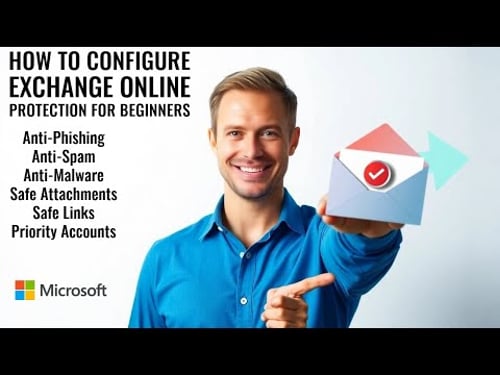
Step-By-Step Exchange Online Protection Setup for Beginners in 2024
About
No channel description available.



Video Description
Welcome to our comprehensive guide on setting up Exchange Online Protection (EOP) for beginners in 2024! In this step-by-step tutorial, I'll walk you through everything you need to know to effectively configure EOP to safeguard your email environment against threats like spam, malware, and phishing attacks. #Baldiestechknowhow In this video, you will learn: - How to access the Microsoft 365 admin center and navigate the setup process. - Detailed instructions for configuring protection settings, including anti-spam and anti-malware policies. - Tips for customizing your email filtering settings and safe sender lists. Whether you're a small business owner or an IT professional, this video is designed to equip you with the knowledge and tools needed to set up Exchange Online Protection with confidence. Don't forget to subscribe for more tutorials and updates on Microsoft 365 solutions! Timestamps: 00:00 Start 01:14 Setting up Quarantine Profile and Anti-Phishing Policy 09:15 Setting up Anti-Spam Policy 12:10 Setting up Anti-Malware Policy 14:58 Setting up Safe Attachments Policy 17:09 Setting up Safe Links 19:26 *Bonus* Priority Accounts Differences between EOP and Defender for Office Plans https://learn.microsoft.com/en-us/defender-office-365/mdo-about Priority Accounts https://learn.microsoft.com/en-us/microsoft-365/admin/setup/priority-accounts?view=o365-worldwide #ExchangeOnlineProtection #EOP #Microsoft365 #EmailSecurity #BeginnersGuide #2024Setup
You May Also Like



No Recommendations Found
No products were found for the selected channel.