The FASTEST Cycles Renders you can get in Blender!

Kaizen
@kaizentutorialsAbout
Making content to help you become a professional creative in 3D.
Latest Posts


Video Description
Not using your PC? Let it work for you! Get Salad now https://bit.ly/Kaizen-Salad and start Chopping today for some amazing rewards and use my code UG5JA0 for a 2x earning rate bonus. Even with the best hardware in the world, getting fast renders can be an issue if you don't know what you're doing! With the settings and explanations in this video you can make your renders up to 3000% faster. And it's super easy to do! These settings are an updated version of my old video and are optimized for Blender 4.0 and up, so start implementing them today to save HOURS of rendering. Download the Benchmark Scene here; https://www.patreon.com/posts/98720050 Get My Renderpreset on Blendermarket; https://bit.ly/kaizenrender Get My Renderpreset on Patreon: https://www.patreon.com/kaizentutorials My Hardware setup: NVIDIA GeForce RTX 4090 FE, AMD Ryzen 9 7900X, 64GB Corsair Vengeance DDR5 RAM, MSI MAG B650 Tomahawk WiFi, Arctic Liquid Freezer II, Corsair RM1000e PSU ----------------------------------------------------------------------------------------- 🫶Support and Follow: Join the Kaizen Discord: https://discord.gg/kaizen-s-blender-dojo-918869941837508678 Instagram - https://www.instagram.com/kaizentutorials/ Twitter - https://twitter.com/kaizentutorials ----------------------------------------------------------------------------------------- 📚 Blender Courses and addons you need: Robotic Planets - https://bit.ly/roboticplanet Gobos: https://bit.ly/Gobos Master 3D Environments in Blender - https://bit.ly/MasterEnvironments Real Water: https://bit.ly/realwaterb3d Blender Launch Pad - https://bit.ly/BlenderLaunchPad Physical Starlight Atmosphere: https://bit.ly/PSAkaizen ----------------------------------------------------------------------------------------- Chapters: 00:00 Intro 00:21 The Benchmark 00:54 Step 1 - Your Render Device 03:17 Sponsortime! 04:26 Step 2 - Noise Threshold 07:42 Step 3 - Denoising 09:53 Step 4 - Performance 11:13 Step 5 - Light Paths 13:51 Extra Tips to try for Faster Cycles Renders! ----------------------------------------------------------------------------------------- 🎶 Music: Epidemic Sound https://share.epidemicsound.com/73h5ua ----------------------------------------------------------------------------------------- Check out Lud and Schlatt's Musical Emporium: @ludandschlattsmusicalempor6746 Some of the links in this description help support the channel!
You May Also Like
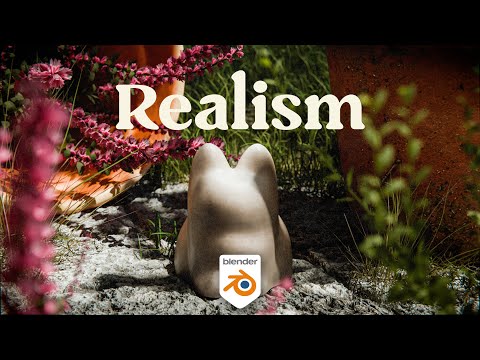







Boost Blender Renders Today
AI-recommended products based on this video
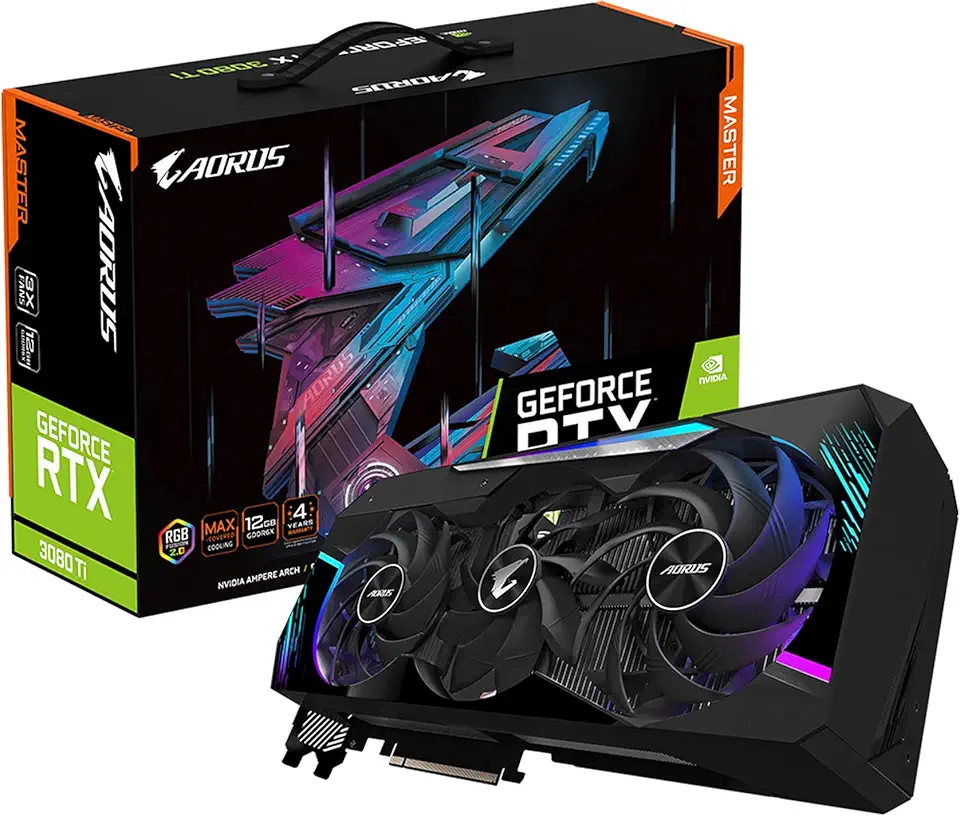
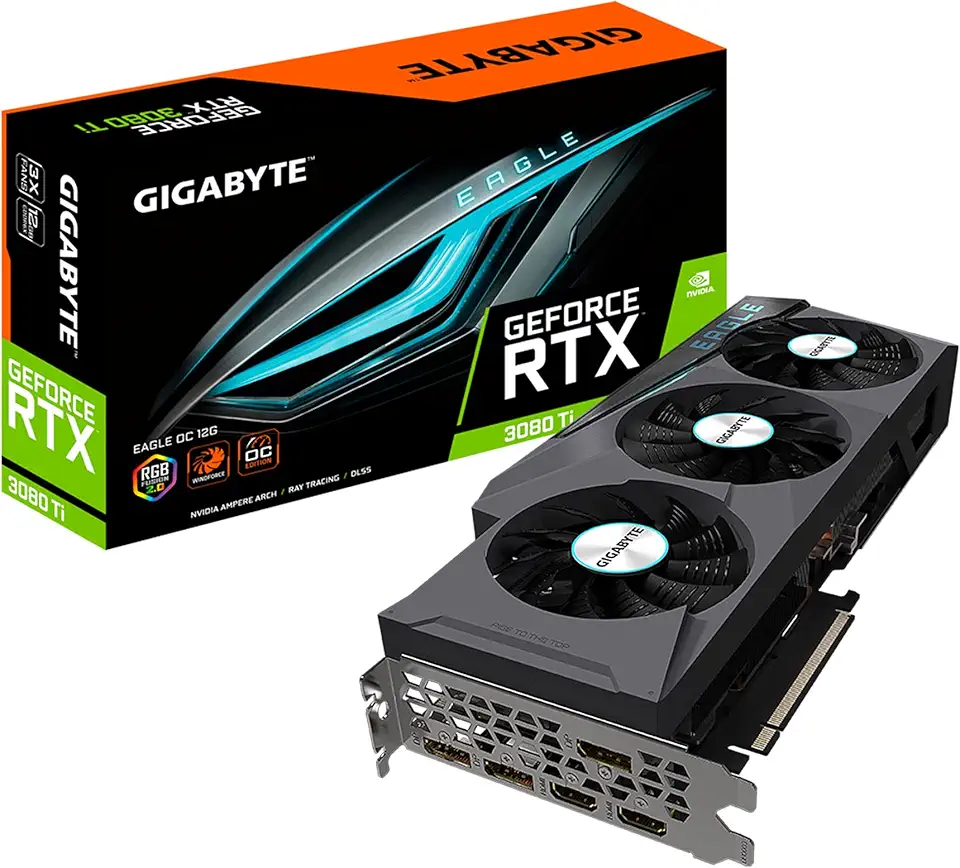
GIGABYTE AORUS GeForce RTX 3080 Ti Master 12G Graphics Card, Max Covered Cooling, 12GB 384-bit GDDR6X, GV-N308TAORUS M-12GD Video Card
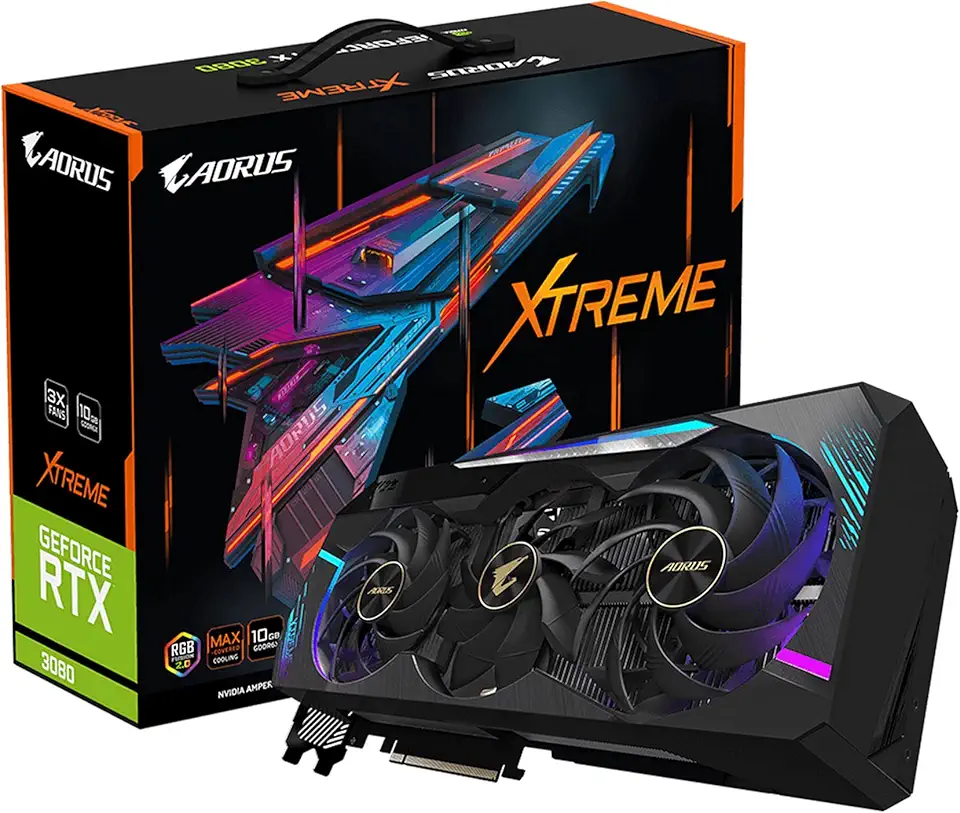
GIGABYTE AORUS GeForce RTX 3080 Xtreme 10G (REV2.0) Graphics Card, Max Covered Cooling, LHR, 10GB 320-bit GDDR6X, GV-N3080AORUS X-10GD REV2.0 Video Card

95MM T129215SU Cooling Fan for ASUS ROG Strix for GeForce RTX 3060 3070 3080 3090 Ti Graphics Card CF1010U12S/D T129215BU(Black A-Fan T12)