This Cool Elementor Effect Will Make Your Website 3D


Nicolai Palmkvist
@nicopalmkvistAbout
Better designs, instantly 👇 I share everything I’ve learned about web design in Elementor, including the techniques, design ideas, and workflows I use in my own projects. I’m a web designer who has built websites for real clients using Elementor. Over the years, I’ve learned what actually makes a website look premium, attract better clients, and get projects done faster. Many of the websites I build use templates from my own Elementor Template Club, which helps designers skip the blank canvas and launch impressive websites much faster. If you’re a web designer using Elementor and want to: • design websites that impress clients • finish projects faster • and build a portfolio you’re proud of then you’re in the right place. What you'll find here: • Elementor web design tutorials • Real website builds and design techniques • Tips for working with clients Privacy Policy: https://lifeonablock.com/pp/
Latest Posts



Video Description
✅ Import design & images: https://nicolaipalmkvist.com/template-ha-long/ In this motion effects Elementor pro tutorial you’ll learn how I built this 3D effect using Elementor motion effects and text behind the picture in Elementor. ✅ Get Elementor Pro: https://lifeonablock.com/3d-website You’ll also learn how to use Elementor to place something behind an object, by using layers and z index. I’ll show you how I built this cool website from scratch by using the 3D tilt effect in Elementor, so sit back and enjoy this motion effects Elementor Pro Tutorial 0:00:00 Overview 0:00:33 Step 1: How I built this from scratch 0:01:09 Step 2: Get all the images i used 0:01:29 Step 3: How did I crop out a part of a picture? 0:02:21 Step 4: Adding the heading 0:03:38 Step 5: Using z-index (the secret) 0:04:42 Step 6: How to add all layers 0:13:54 Adding Elementor motion effects 0:16:23 How to get ready-to-import-template People who will find this video helpful will search for: - Motion effects Wordpress Elementor with real life website example - Animate image behind text with Elementor Pro or text behind the picture in Elementor - And other motion effects To be honest, creating this Elementor website took quite some time because I didn't want to use custom code or plugins. So I hope you appreciate my hard work and follow this video to save yourself a lot of time and energy. I've included a link above where you can download all the images I used to create this beautiful website. I've made several of these "how I built this" videos, and they've been very successful. So now I decided to make a longer video so you can copy my work and use it in your next Elementor project. So in conclusion this video will teach you how to add a 3D effect to your website with Elementor's motion effects without custom coding or a plugin! I hope this Elementor effect will make your site stand out. Music used: LoFi by raspberrymusic Just Dance by Patrick Patrikios #elementor3d #motioneffects #elementoreffect



![SPIN CAROUSEL ON SCROLL - GSAP ScrollTrigger Elementor [No plugin]](https://imgz.pc97.com/?width=500&fit=cover&image=https://i.ytimg.com/vi/nRB49gj6sVA/hqdefault.jpg)


Essential Toilet Upgrade Kit
AI-recommended products based on this video

PUREPLUS 10" x 4.5" Whole House Pleated Sediment Filter for Well Water, Replacement Cartridge for GE FXHSC, Culligan R50-BBSA, Pentek R50-BB, DuPont WFHDC3001, American Plumber W50PEHD, GXWH40L, 4Pack

Salad Green Seed Pod Kits for AeroGarden Ahopegarden, iDOO Hydroponics Growing System Indoor Herb Garden, 400+ Seeds, Including American Fast Lettuce, Red Romaine Lettuce(8-Pods)

Ultra-Slim Bidet Attachment, Posterior&Feminine Wash-(Retractable Dual Nozzles), Non-Electric Bidet Attachment for Toilet Seat, Adjustable Fresh Cold Water Pressure, Stainless Steel Inlet (White)
Ultra-Slim Bidet Attachment, Posterior&Feminine Wash-(Retractable Dual Nozzles), Non-Electric Bidet Attachment for Toilet Seat, Adjustable Fresh Cold Water Pressure, Stainless Steel Inlet (White)
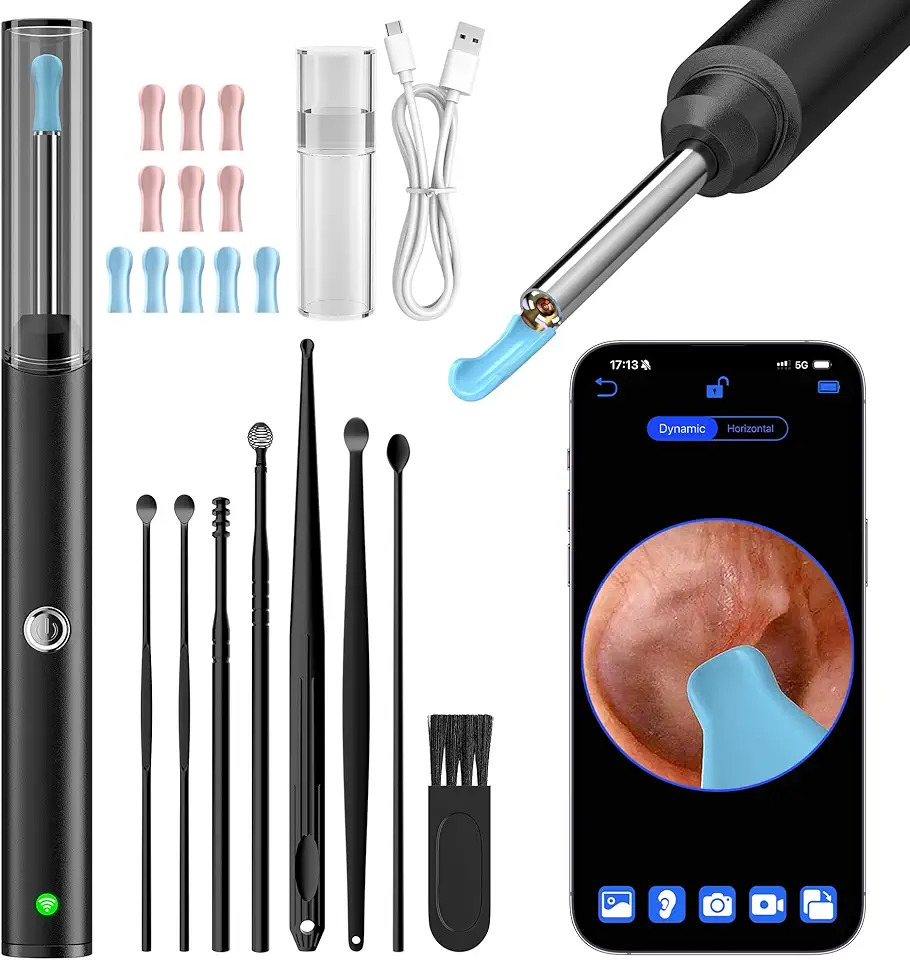
Ear Wax Removal, Ear Cleaner with 8 Pcs Ear Set, Ear Wax Removal Kit, 1296P HD Endoscope with 6 LED Lights, Kids Adults Ear Cleaning Gift, Compatible with iPhone & Android Smart Phones

Demon Mechanic Elite X Ski Tuning Kit & Snowboard Tuning Kit with Ski Wax Iron, Ski and Snowboard Wax & Demon Elite X Ski and Snowboard Edge Tuner w/Diamond Files

Candle Warmer Lamp with Timer Dimmer Adjustable Height, for Women Mom, Dimmable Wax Melter for Jar Candles, Home Decor Living Room Bedroom Decor