Using Arduino IoT Cloud with ESP32 | Is it better than New Blynk 🤔


techiesms
@techiesmsAbout
What I should expect from this channel? -This channel focuses on making some unique project tutorials in the field of IoT,Automation and Electronics. Why not other channel for same content? - Each tutorial video on my channel will contain the components used, connection diagram, code used, PCB design (Gerber file) & everything which is required for making that complete project & if you still face some difficulties, then I have my WhatsApp number open for your doubts. Can I expect anything else then just project tutorials? - Yes, I have several video series like ESP8266 series, ESP32 Series, Common Error Series which focuses on detailed explanation on particular topics. I also do several electronic products reviews like Home automation kits etc. I am a Sponsor, Why should I Sponsor your video? - You better ask this questions to my previous sponsors & they are many. JLCPCB,Altium,LilyGo,LCSC,DFRobots,Blynk,Ubidots,SONOFF,SkillShare,etc For business enquiry - [email protected]
Latest Posts
Video Description
Watch this and get to know about how to use Arduino IoT cloud platform with ESP32 and also to know what are the features provided In it. Btw there a lot of new things In this IoT platform To try out free trial version of Altium, click here - https://www.altium.com/yt/techiesms You can support me🙏🏻 and also get benefitted on Patreon :- https://www.patreon.com/techiesms Subscribe now💪🏻 to watch some amazing videos coming up soon. http://bit.ly/techiesms_youtube __________________________________________________________ 👨🏻💻 Important Links 👨🏻💻 Arduino IoT Cloud - https://store.arduino.cc/digital/create __________________________________________________________ Now you can get free PCB with every order of techiesms T-shirt or techiesms pocket notebook. You can buy the merchandise from here, https://techiesms.com/merchandise/ __________________________________________________________ 👀 You may Like these videos 👀 Getting Started with All new Arduino Nicla Sense ME - https://youtu.be/16XGjNhxJEQ Getting Started with New Blynk IoT platform - https://youtu.be/IKbbvEzZ7wg Top Features of New Blynk IoT Platform - https://youtu.be/qLvgRyb0_mY __________________________________________________________ Buy the components for your projects and support techiesms💡🔌 ESP32 Dev board - https://amzn.to/3jiwCD6 ESP32 Module - https://amzn.to/3g5CKh5 NodeMCU - https://amzn.to/2wbzNrZ Raspberry Pi 4b - https://amzn.to/3phsKFN Raspberry Pi pico - https://amzn.to/2RgeSyW Arduino MEGA - https://amzn.to/3vMEkLw TTGO TCALL module - https://amzn.to/2SQG6wH Visit my Amazon Storefront for purchasing any components you need for this project or any other project :- http://bit.ly/techiesms-Amazon-Store __________________________________________________________ ⏱ Time Stamps ⏱ 0:00 Introduction 01:23 Configuring Arduino IoT Cloud Dashboard 01:52 Creating Variables in Arduino IoT Cloud 04:03 Adding ESP32 device in Arduino IoT Cloud 05:14 Adding WiFi Credentials in Arduino IoT Cloud 05:50 Adding Widgets in Arduino IoT Cloud 08:00 Writing Code in Arduino IoT Cloud 14:24 Installing Arduino Create Agent in Arduino IoT Cloud 15:12 Serial Monitor in Arduino IoT Cloud 15:47 Testing the Project on Arduino IoT Cloud Web Dashboard 16:31 Setting up Arduino IoT Cloud Remote App on mobile 17:07 Testing Project from both mobile app and web dashboard 17:36 Checking out Plans offered by Arduino IoT Cloud 19:11 Blynk IoT or Arduino IoT Cloud, Let me know your choice in comments __________________________________________________________ 🎥 🎙 My Video Gear 🎙🎥 Camera - Canon 750d Lens - 50mm f/1.8 STM Lens (https://amzn.to/32gqnsi), 24mm f/2.6 Key Light - Godox SL60W (https://amzn.to/3522mHe) Fill Light/Back Light - Osaka Lightning Setup (https://amzn.to/2I5cdDi) Tripod - https://amzn.to/3uNhC4H Microphone - Samson Meteor (https://amzn.to/32jfVAt) Editing - Final Cut Pro X on MacBook Pro ( https://amzn.to/3vHcSyJ ) __________________________________________________________ Get connected with techiesms everywhere.. Subscribe Main Channel :- http://bit.ly/techiesms_youtube Subscribe Shorts Channel :- https://bit.ly/techiesms_shorts Facebook :- http://www.facebook.com/techiesms Twitter :- http://www.twitter.com/imtechiesms Instagram :- https://www.instagram.com/techiesms/ Website :- http://www.techiesms.com Telegram - @techiesms You can support me and also get benefitted on Patreon :- https://www.patreon.com/techiesms __________________________________________________________ techiesms explore | learn | share







Upgrade Your Gaming Setup Now
AI-recommended products based on this video

95MM T129215SU Cooling Fan for ASUS ROG Strix for GeForce RTX 3060 3070 3080 3090 Ti Graphics Card CF1010U12S/D T129215BU(Black A-Fan T12)
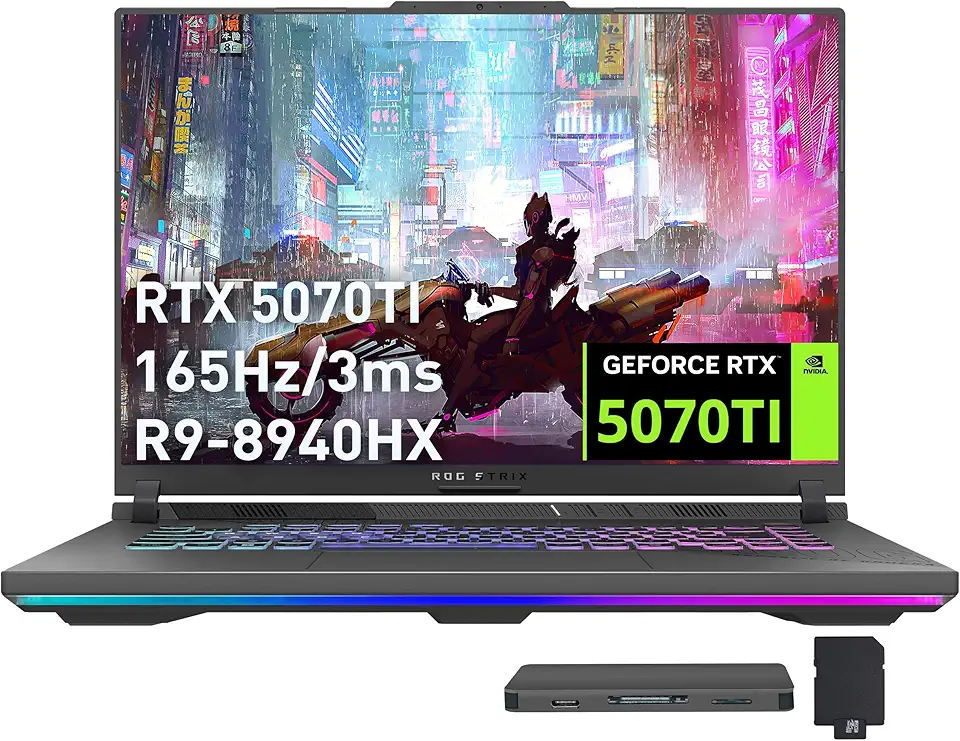
ASUS ROG Strix G16 Gaming Laptop, GeForce RTX 5070 Ti 12GB GDDR7, AMD Ryzen 9 8940HX, 64GB DDR5, 2TB SSD, Backlit Keyboard, Wi-Fi 6E, 16" WUXGA 165Hz Display, Win 11, Gray, 1TB Docking Station Set

ASUS ROG Strix G16 (2024) Gaming Laptop, 16” 16:10 FHD+ 165Hz, GeForce RTX 4060, Intel Core i7-13650HX, 16GB DDR5, 1TB PCIe SSD, Wi-Fi 6E, Windows 11, G614JV-AS71-CA

Asus ROG Gladius III Wireless AimPoint Gaming Mouse, Connectivity (2.4GHz RF, Bluetooth, Wired), 36000 DPI Sensor, 6 programmable Buttons, ROG SpeedNova, Replaceable switches, Paracord Cable, White

230W Charger Compatible with Razer Blade 14” 15” 16" 17” (2025-2018) RZ09 RTX-3060/3070/3080/4060/4070 Gaming Laptop RC30-0530 RC30-0238 RC30-0248 Replacement Power Adapter

Logitech M185 Wireless Mouse, 2.4GHz with USB Mini Receiver, 12-Month Battery Life, 1000 DPI Optical Tracking, Ambidextrous, Compatible with PC, Mac, Laptop - Black

Logitech G305 Lightspeed Wireless Gaming Mouse, Hero 12K Sensor, 12,000 DPI, Lightweight, 6 Programmable Buttons, 250h Battery Life, On-Board Memory, PC/Mac - Black

Logitech K400 Plus Wireless Touch TV Keyboard With Easy Media Control and Built-in Touchpad, HTPC Keyboard for PC-connected TV, Windows, Android, Chrome OS, Laptop, Tablet - Black

Logitech G435 Lightspeed and Bluetooth Wireless Gaming Headset - Lightweight Over-Ear Headphones, Built-in mics, 18h Battery, Compatible with Dolby Atmos, PC, Mobile - Black

New SteelSeries Arctis Nova Pro for Xbox Multi-System Gaming Headset - Premium Hi-Fi Drivers - Hi-Res Audio - 360° Spatial - GameDAC Gen 2 - Quad-DAC - ClearCast Gen 2 Mic - Xbox, PC, PS5/PS4, Switch

NEW SteelSeries Arctis Nova 3 Multi-Platform Gaming Headset - Signature Arctis Sound - ClearCast Gen 2 Mic - PC, PS5/PS4, Xbox Series X|S, Switch, Mobile

CORSAIR iCUE Link XD5 RGB Elite LCD Pump-Reservoir Unit - D5 PWM Pump - 480x480 IPS LCD Screen - 22 Addressable RGB LEDs - 440ml Nylon Reservoir - White

CORSAIR iCUE Link XC7 RGB Elite CPU Water Block - Transparent Flow Chamber - 24 RGB LEDs - Fits Intel® LGA 1700, AMD® AM5 and Older - White

CORSAIR Hydro X Series iCUE Link XH405i Custom Cooling Kit – Hardline Water Cooling Loop – XC7 Elite CPU Water Block – XD5 Elite D5 Pump Res – XR5 360mm Radiator – 3X QX120 RGB Fans
