BIOS and UEFI Setup

About
No channel description available.
Latest Posts


Video Description
In this video from ITFreeTraining I will look at how to use the setup software for a BIOS and UEFI computer. The setup is used to configure settings on the computer. This video will explain what these settings do and where you may find them. To get started, I will change to my computer with a BIOS installed and an AMD CPU. Download the PDF handout: http://itfreetraining.com/handouts/ap/1b65.pdf BIOS Demonstration 0:22 You will notice that when this computer starts up, a logo screen is displayed. This may give you some information about the manufacturer and also some information about the BIOS. If the logo screen is disabled, you will be given a text screen instead which will give you some information. At the bottom of the screen, notice that there are a number of different hot keys. These allow access to different things. You will notice on the far right, if the end key is pressed, this will launch the flash software that is used to update the BIOS. Keep in mind that each different BIOS may require a different key to be pressed. Some may not have a key to access the flash software. To access the flash utility, you may need to go into the BIOS setup. Notice to the left of this option is the F12 key for the boot menu. This can vary from BIOS to BIOS. If pressed, this will bring up a boot menu allowing you to decide which device to boot from. This is often useful if you need to perform a one-off boot from an optical drive or USB device. To the left of this, notice the option F9 for “xpress recovery 2”. If this is configured on your computer, this will allow the administrator to restore a computer if the operating system becomes corrupt, lost or damaged. To the left of this, the BIOS setup can be accessed by pressing the delete key. I will press this in a moment, but before that I want to point out to the left of this is the tab key for the post screen. If I press the tab key, notice that the BIOS changes to a text-based screen. With older computers this was always what was displayed, there was no graphic screen. On modern computers, you will see a graphical screen unless it is disabled or you press a key to access the text-based screen. This screen gives us some additional information, such as the type of motherboard, CPU info, amount of memory and storage devices installed. Notice at the bottom of the screen, the keys are still listed which are required to access different options. To access the BIOS setup, I will now press the delete key. Once in the setup, I will be given a text menu. Most BIOS based systems you will find will be text based, you may however find the odd one that is graphically based. I won’t go through every option, just the main ones and those that you may come across when troubleshooting. The top option is “MB Intelligent Tweaker”. If I go into this option, this will display settings that can be configured to fine tune the speed and voltage of the computer. I would recommend leaving this setting on the default. If you’re into overclocking your computer, you may want to change some of these settings, but most users should not have the need to change anything here. The top option, “CPU Clock Ratio” I will select. I am not planning on changing it, but it illustrates how computers operate. You will notice that other than auto, a clock ratio can be selected from five through to eight. The motherboard has a clock on it which I will cover in more detail later in the course. Essentially what happens is the CPU will run a number of times faster than the internal clock. This is called the multiplier. So if the multiplier is set to five, this means the CPU will run five times faster than the motherboard. Unless you have good reason to, you should leave this setting on auto. If I scroll down, the next setting I want to look at is “Set Memory Clock”. This will configure the clock rate the memory will use. In modern computers, the BIOS can read these settings from the memory modules and thus there should be no need to set these settings. Generally, the only time with modern memory that you would change these settings is if you were overclocking the memory modules or you were having stability problems with the memory. You may find that on some of the older motherboards, the memory modules may not be detected correctly. This is usually fixed with a BIOS update, but if you are experiencing problems or have memory modules that are not supported by the motherboard, you may need to manually configure this option. Description to long for YouTube. Please see the following link for the rest of the description. http://itfreetraining.com/ap/1b65 References “CompTIA A+ Certification exam guide. Tenth edition” Pages 316 - 319 Credits Trainer: Austin Mason http://ITFreeTraining.com Voice Talent: HP Lewis http://hplewis.com Quality Assurance: Brett Batson http://www.pbb-proofreading.uk
You May Also Like







Essential PC Upgrade Kits
AI-recommended products based on this video

Asus ROG Strix B550-F Gaming WiFi II AMD AM4 (3rd Gen Ryzen) ATX Motherboard (PCIe 4.0,WiFi 6E, 2.5Gb LAN, BIOS Flashback, HDMI 2.1, Addressable Gen 2 RGB Header and Aura Sync)

Asus TUF Gaming B550-PLUS WiFi II AMD AM4 (3rd Gen Ryzen) ATX Motherboard (PCIe 4.0, WiFi 6, 2.5Gb LAN, BIOS Flashback, USB 3.2 Gen 2, Addressable Gen 2 RGB Header and Aura Sync)

Asus TUF Gaming B650E-PLUS WiFi AMD B650 ATX Motherboard, 12+2+1 80A DrMOS Power Stages, DDR5, PCIe 5.0 Ready, 3X M.2, Wi-Fi 6E, 2.5Gb LAN, DisplayPort, HDMI™, USB Type-C, BIOS Flashback, Aura Sync

Asus Prime B650-PLUS WiFi AMD B650 AM5 Ryzen Desktop 9000 8000 & 7000 ATX Motherboard, DDR5, PCIe 5.0 M.2, 2.5Gb LAN, WiFi 6E, HDMI, SATA 6 Gbps, USB Type-C®, BIOS Flashback, Thunderbolt 4 Header
Skytech Archangel Gaming PC Desktop – AMD Ryzen 5 3600 3.6 GHz, NVIDIA RTX 3060, 1TB NVME SSD, 16GB DDR4 RAM 3200, 600W Gold PSU, 11AC Wi-Fi, Windows 11 Home 64-bit
Acer Nitro V 16 AI Gaming Laptop, 16" WUXGA 180Hz Display, AMD Ryzen 5 240, GeForce RTX 5050, 16GB DDR5, 512GB SSD, Backlit Keyboard, Copilot, Wi-Fi 6E, Win 11, Black, 1TB Docking Station Set
ASUS TUF Gaming A15 Gaming Laptop, 15.6” 144Hz FHD Display, AMD Ryzen 5 7535HS Processor, GeForce RTX 2050, 8GB DDR5 RAM, 512GB PCIe SSD Gen 4, Wi-Fi 6, Windows 11, FA506NF-AS51-CA

KAMRUI Mini PC E3B, Mini Computer AMD Ryzen 5 7430U (6C/12T, Up to 4.3GHz), 16GB DDR4 512GB M.2 SSD Mini Gaming Pc W11 PRO, 4K Triple Display/WiFi 6/BT5.2/USB3.2 for Home/Business Mini Desktop PC Global Recycled Standard

Corsair Vengeance LPX 32GB (2 X 16GB) DDR4 3200 (PC4-25600) C16 1.35V Desktop Memory - Black
Skytech Archangel Gaming PC Desktop – AMD Ryzen 5 3600 3.6 GHz, NVIDIA RTX 3060, 1TB NVME SSD, 16GB DDR4 RAM 3200, 600W Gold PSU, 11AC Wi-Fi, Windows 11 Home 64-bit

Skytech Blaze 3.0 Gaming PC Desktop – Intel Core i5 12400F 2.5 GHz, NVIDIA RTX 3060, 500GB NVME SSD, 16GB DDR4 RAM 3200, 600W Gold PSU, 11AC Wi-Fi, Windows 11 Home 64-bit

Gaming Mini PC N2 Pro, Ryzen 7 6800H, 32GB DDR5 512GB M.2 NVME SSD, Radeon 680M Mini Computers, Uual USB4 8K UHD, Quad Display, WiFi 6E, BT-5.2, Mini Desktop PC/11 Pro/Office

BOSGAME P2 Plus Mini PC - Intel Core i7-12700H, 32GB DDR5, 512GB NVMe SSD | Thunderbolt 4, Triple 4K Display| Dual 2.5G LAN, WiFi 6, Bluetooth 5.2 | Win11 Pro Desktops for Work Gaming

Crucial X9 4TB Portable SSD, Up to 1050MB/s, USB 3.2 USB-C, External Solid State Drive, Compatible with Windows, Mac, & Android, Reliable Storage for Games, Files, & Backups, Black - CT4000X9SSD902

Crucial X10 Pro 4TB Portable SSD, Up to 2100MB/s Read, 2000MB/s Write, 3.2 USB-C, External Solid State Drive, Durable Storage for PC & Mac, for Professional Creators, Black - CT4000X10PROSSD902

Crucial X9 Pro 4TB Portable SSD, Up to 1050MB/s Read & Write, 3.2 USB-C, External Solid State Drive, Durable Storage for PC and Mac, for Professional Creators, Silver - CT4000X9PROSSD902

Crucial T705 4TB PCIe Gen5 NVMe M.2 SSD - Up to 14,100 MB/s - Game Ready - Internal Solid State Drive (PC) - +1mo Adobe CC - CT4000T705SSD3

Pc Motherboard Fit for Gigabyte B560M AORUS Elite LGA 1200 Micro ATX Intel B560 DDR4 128G SATA M.2
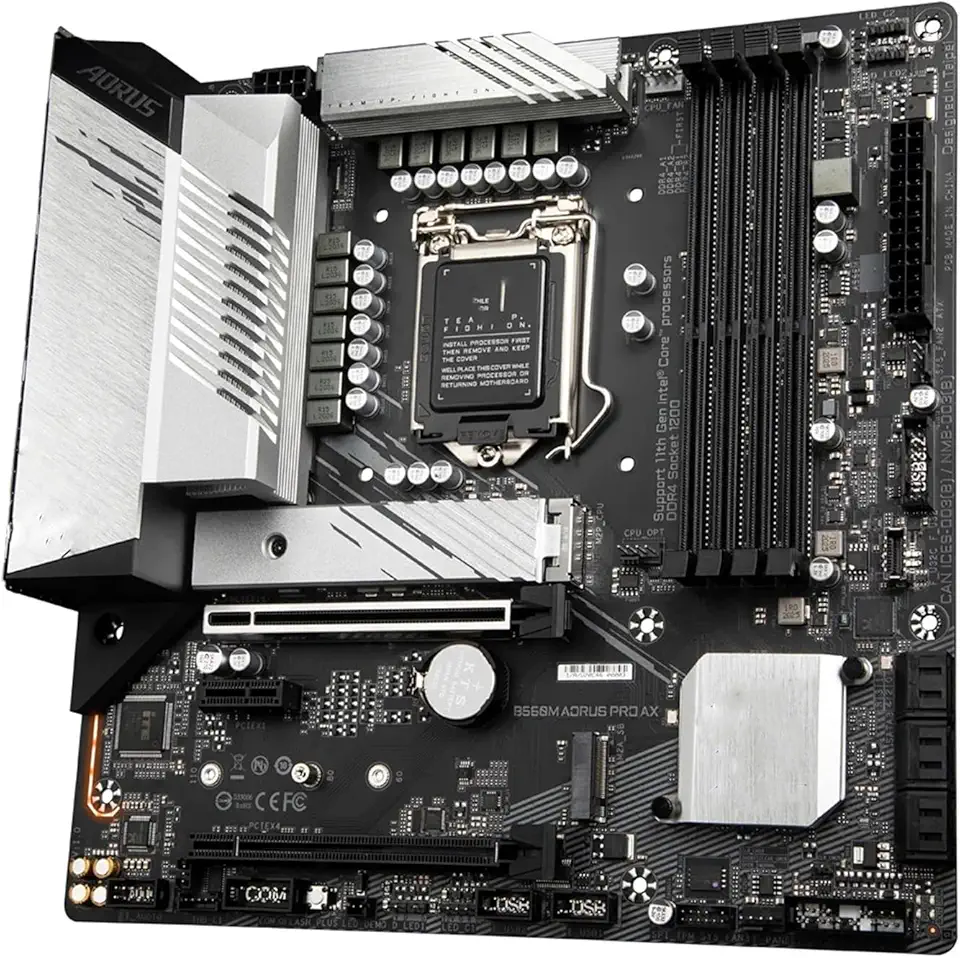
Pc Motherboard Fit for Gigabyte B560M AORUS PRO AX Motherboard 128GB LGA 1200 DDR4 Micro ATX Mainboard
Skytech Blaze 3.0 Gaming PC Desktop – Intel Core i5 12400F 2.5 GHz, NVIDIA RTX 3060, 500GB NVME SSD, 16GB DDR4 RAM 3200, 600W Gold PSU, 11AC Wi-Fi, Windows 11 Home 64-bit
STGAubron Gaming PC Desktop Computer, Intel Core i7 8th Gen up to 4.1G, GeForce RTX 3060 12G, 32GB DDR4, 2TB SSD, WiFi 6, BT 5.0, RGB Fan x9, Windows 11 Home

Lenovo LOQ 15.6" FHD 144Hz Gaming Laptop, Intel Core i5-12450HX, NVIDIA GeForce RTX 2050, 16GB DDR5, 2TB Storage (1TB SSD+1TB Docking Station Set), Number Pad, 720p Camera, Wi-Fi 6, Win 11, Gray
MSI Crosshair 18" QHD+ 240Hz Gaming Laptop, Intel Core Ultra 9 275HX, GeForce RTX 5070 8GB GDDR7, 32GB DDR5, 2TB Storage(1TB SSD+1TB Docking Station Set), 24-Zone RGB Backlit Keyboard, Win 11, Black

CORSAIR Hydro X Series iCUE Link XH405i Custom Cooling Kit – Hardline Water Cooling Loop – XC7 Elite CPU Water Block – XD5 Elite D5 Pump Res – XR5 360mm Radiator – 3X QX120 RGB Fans

Corsair RM1000e Fully Modular Low-Noise ATX Power Supply - Dual EPS12V Connectors - 105°C-Rated Capacitors - 80 Plus Gold Efficiency - Modern Standby Support - Black
MSI MAG CORELIQUID A15 240 - AIO ARGB CPU Liquid Cooler - 240mm Radiator - AM5, LGA 1851 Ready - Dual 120mm ARGB PWM Fans, Black
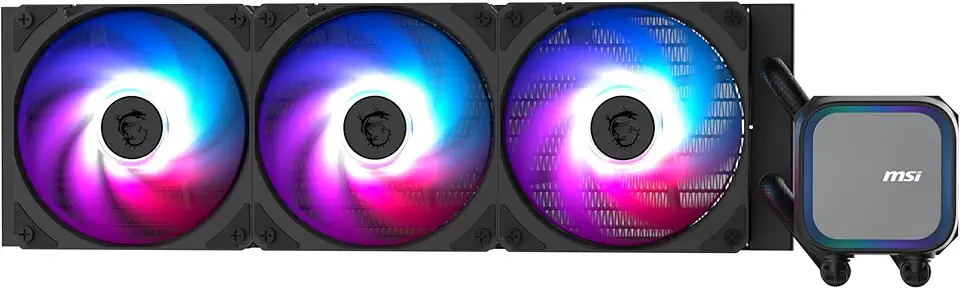
MSI MAG Coreliquid A13 360 - AIO ARGB CPU Liquid Cooler - 360mm Radiator - LGA 1851 Ready - Triple 120mm ARGB PWM Fans, Black

Thermalright Aqua Elite 240 V3 Liquid CPU Cooler, 240 Cooling Row Size, 2 x 120mm PWM Fans, S-FDB Bearings,for AMD/AM4/AM5, Intel LGA1150/1151/1155/1156/1200/2011/1700,Desktop CPU Cooler AIO

Battery Cover for Xbox Series S, Cheap Replacement Back Shell Door Lid Repair Part to Microsoft Xbox Series X Controller, Black Batteries Port Cap Outside Case for New Xbox Core Wireless Remote,4 Pack

Complete Component for Elite Controller Series 2/Series 2 Core, 1 X Charging Dock, 6 X Thumbsticks, 4 X Paddles, 2 X Direction Keys, 1 X Adjustment Tool, 1 X Case

Industrial Mini PC, KINUPUTE Fanless Desktop Computer Core i7-5500U 2.4-3.0GHz, Windows 10 Pro, 16GB RAM, 256GB SSD, 2xNICs, 6xCOM RS232, 4xUSB 3.0, HDMI/VGA Ports, Full Metal Case
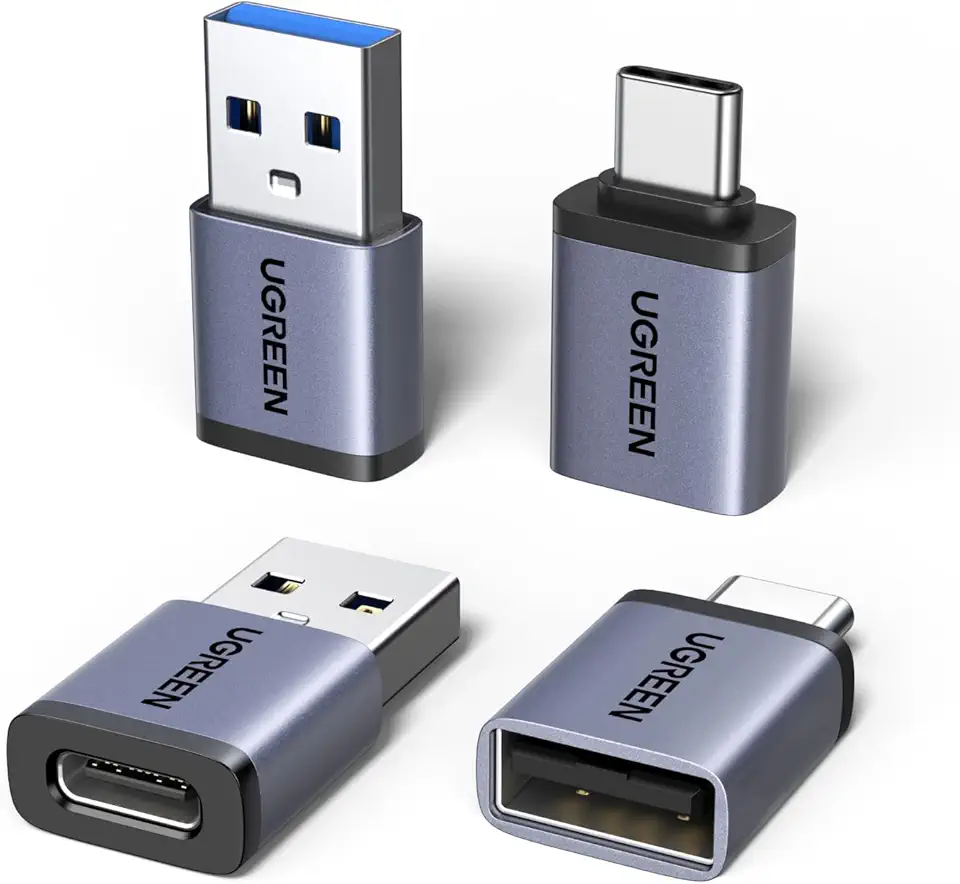
UGREEN USB to USB C Adapter & USB C to USB Adapter Combo 4-Pack, 10Gbps Type-C Converter, Car Charger Compatible with MacBook Pro, iPad Mac mini, iPhone 17/16, Galaxy, PC/Laptop, Hard Drive Enclosure

Syntech USB C to USB Adapter Pack of 2 USB C Male to USB3 Female Adapter Compatible with MacBook Pro 2021 iMac iPad Mini 6/Pro MacBook Air 2020 and Other Type C or Thunderbolt 4/3 Devices Space Grey

Elebase USB to USB C Adapter 4 Pack,USBC Female to A Male Car Charger,Type C Converter for iPhone 16 Pro Max,15 14 13 12 11 Plus,Apple Watch iWatch 10 9 8,Airpods,iPad Air Mini 6 7,Samsung Galaxy S25

TP-Link USB to Ethernet Adapter (UE306) - Foldable USB 3.0 to Gigabit Ethernet LAN Laptop Network Adapter, Supports Nintendo Switch, Windows, Linux, Apple MacBook OS 10.11- OS 12, Surface

STGAubron Gaming PC Desktop, Intel Core i7 up to 3.9G, GeForce GTX 1660 Super 6G GDDR6, 32G RAM, 1T SSD, WiFi, BT 5.0, RGB Fan x 6, Windows 10 Home

HP Stream 14-Inch Laptop, Intel Celeron N4000, 4 GB RAM, 64 GB eMMC, Windows 10 Home in S Mode (14-cb159nr, Jet Black)
