Motherboard Connectors

About
No channel description available.
Latest Posts


Video Description
In this video from ITFreeTraining I will look at all the different connectors on the motherboard. If you are planning on building a computer or upgrading a computer, you will need to understand what all these connectors do and how to plug them in. Download the PDF handout: http://itfreetraining.com/handouts/ap/1b90.pdf Motherboard Diagram 0:14 Every motherboard, I have yet to see one that has not, will have a diagram in the manual showing the locations of all the connectors on the motherboard. If you have trouble locating a connector, have a look in the manual. If you don’t have the manual, you will be able to download a copy from the motherboard manufacturer’s website. Main Power Connector (P1) 0:33 To start with, I will have a look at the main power connector, otherwise known as the P1 connector. The connector will be 20 or 24 pins in size. The 20-pin size is an old connector and unless you’re working with an old computer you won’t come across it. Most power supplies will have a 24-pin connector that can be divided into a four pin and 20 pin plug if required. With some power supplies, the connector will be all one part and cannot be divided. If you come across this and need the 20-pin connector you have two choices. You can purchase an adapter to change the 24-pin plug to a 20 pin plug or you can attempt to plug it in anyway. It will go in, but will be a tight fit and four of the pins will be hanging out of the plug. Just make sure if you do this that you are plugging it in the right way. You will notice this P1 connector is 24 pins, however it can be divided into two separate plugs. This motherboard has a 24-pin connector so I will combine it back into one plug. Every connection on a motherboard nowadays is keyed. This means it is not possible to put a connector in the wrong way unless you use a lot of force which most likely will damage something in the process. If you find you are having to force a connector, double check the plug, you probably have it the wrong way around. You will notice that the plug on the motherboard has a small notch. This will hook onto the latch on the plug. I will now plug in the P1 connector. When the P1 connector goes into place, you should hear a click. The click is the latch on the plug; once you hear that, you know the P1 connector is in place. Once the P1 connector is plugged in, five volts of power is supplied to the computer continuously. Essentially the computer is in standby mode and this five-volts powers standby devices. For example, if you have wake-on-LAN, the five volts allows the computer to monitor for a wake-on-LAN event and start the computer up. It is possible to have devices like the keyboard start the computer from standby if your computer supports it. As time moved on, computers required more and more power. First, the 20-pin connector was not enough and then the 24-pin connector was not enough. P4 Connector 2:54 In 2003 the power supply standard was updated to include what is commonly referred to as the P4 connector. The P4 connector is a four-pin cable supplied by the power supply. It supplies the motherboard with additional power. The P4 connector is generally near the CPU. Like the P1 connector, it can only be plugged in one way and you should hear a clicking noise when it is in place. Don’t get this confused with the extra four pins of the P1 connector. These connectors are not compatible and are keyed differently. If you find that your power supply does not have the P4 connector, you can always purchase an adapter cable. In some cases, you will find that some of the older motherboards may still work without a P4 connector. You may start experiencing problems if you add new or additional video cards that use a lot of power. New motherboards tend to require the P4 connector and won’t start up without it. The extra power supplied by the P4 connector was good, but as time passed, there was a need for even more. EPS 12V 4:00 To provide more power to the motherboard, the four pin P4 connector was expanded to an eight-pin connector. This is called the EPS 12V. Most of the time it will be referred to just as the EPS connector. Description to long for YouTube. Please see the following link for the rest of the description. http://itfreetraining.com/ap/1b90 References “The Official CompTIA A+ Core Study Guide (Exam 220-1001)” Chapter 3 Position 8196-8785 “Power supply unit (computer)” https://en.wikipedia.org/wiki/Power_supply_unit_(computer) “Computer fan control” https://en.wikipedia.org/wiki/Computer_fan_control “M.2” https://en.wikipedia.org/wiki/M.2 “Trusted Platform Module” https://en.wikipedia.org/wiki/Trusted_Platform_Module Credits Trainer: Austin Mason http://ITFreeTraining.com Voice Talent: HP Lewis http://hplewis.com Quality Assurance: Brett Batson http://www.pbb-proofreading.uk
You May Also Like






Motherboard Upgrade Must-Haves
AI-recommended products based on this video

Asus TUF Gaming B650E-PLUS WiFi AMD B650 ATX Motherboard, 12+2+1 80A DrMOS Power Stages, DDR5, PCIe 5.0 Ready, 3X M.2, Wi-Fi 6E, 2.5Gb LAN, DisplayPort, HDMI™, USB Type-C, BIOS Flashback, Aura Sync

Asus Prime B650-PLUS WiFi AMD B650 AM5 Ryzen Desktop 9000 8000 & 7000 ATX Motherboard, DDR5, PCIe 5.0 M.2, 2.5Gb LAN, WiFi 6E, HDMI, SATA 6 Gbps, USB Type-C®, BIOS Flashback, Thunderbolt 4 Header

Asus ROG STRIX Z890-A GAMING WIFI Z890 LGA 1851 ATX motherboard, Intel® Core™ Ultra Series 2 Ready, Advanced AI PC-ready, 16+2+1+2 stages, DDR5, WiFi 7, 2.5G, 5x M.2, Thunderbolt™ 4, USB Type-C, AI OC
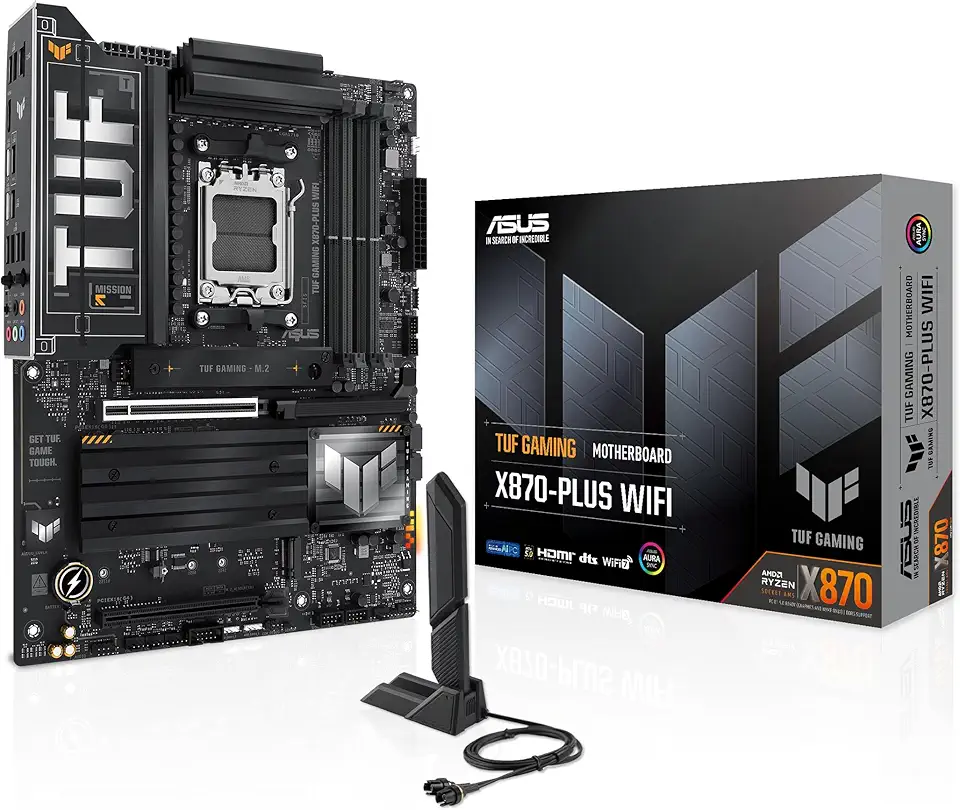
Asus TUF Gaming X870-PLUS WiFi AMD AM5 X870 ATX Motherboard, 16+2+1, 80A SPS Power Stages, DDR5, PCIe 5.0 Ready, Four M.2 Slots, Wi-Fi 7, 2.5Gb LAN, HDMI, USB4® 40Gbps, SATA 6 Gbps, USB 20Gbps Type-C
Skytech Archangel Gaming PC Desktop – AMD Ryzen 5 3600 3.6 GHz, NVIDIA RTX 3060, 1TB NVME SSD, 16GB DDR4 RAM 3200, 600W Gold PSU, 11AC Wi-Fi, Windows 11 Home 64-bit
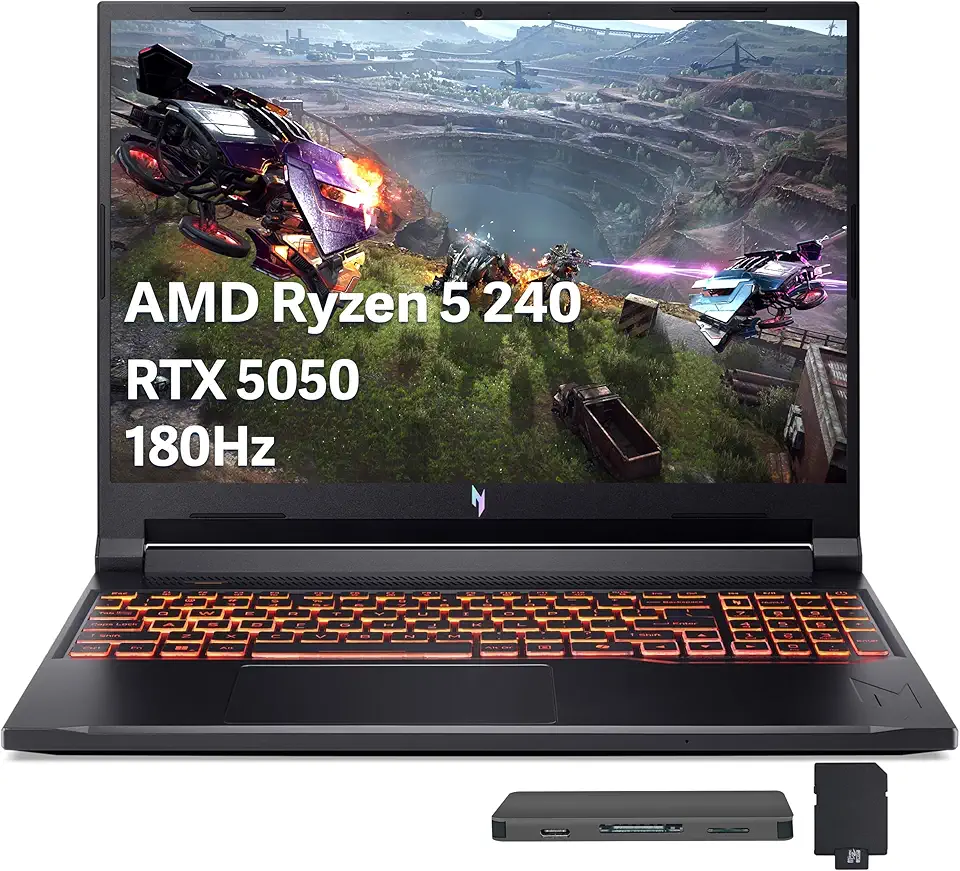
Acer Nitro V 16 AI Gaming Laptop, 16" WUXGA 180Hz Display, AMD Ryzen 5 240, GeForce RTX 5050, 16GB DDR5, 512GB SSD, Backlit Keyboard, Copilot, Wi-Fi 6E, Win 11, Black, 1TB Docking Station Set
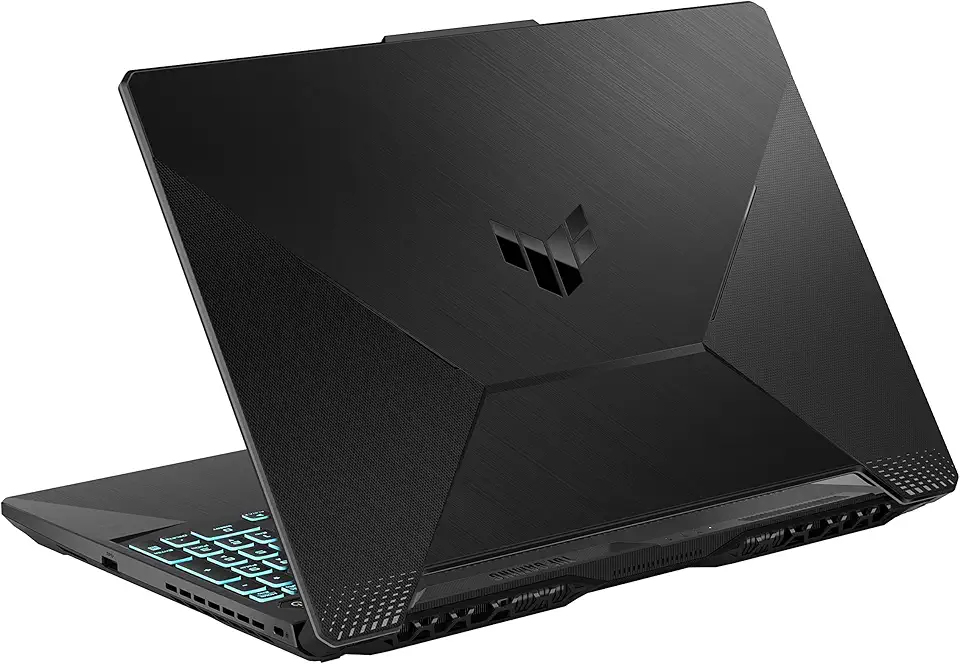
ASUS TUF Gaming A15 Gaming Laptop, 15.6” 144Hz FHD Display, AMD Ryzen 5 7535HS Processor, GeForce RTX 2050, 8GB DDR5 RAM, 512GB PCIe SSD Gen 4, Wi-Fi 6, Windows 11, FA506NF-AS51-CA

KAMRUI Mini PC E3B, Mini Computer AMD Ryzen 5 7430U (6C/12T, Up to 4.3GHz), 16GB DDR4 512GB M.2 SSD Mini Gaming Pc W11 PRO, 4K Triple Display/WiFi 6/BT5.2/USB3.2 for Home/Business Mini Desktop PC Global Recycled Standard

Skytech Blaze 3.0 Gaming PC Desktop – Intel Core i5 12400F 2.5 GHz, NVIDIA RTX 3060, 500GB NVME SSD, 16GB DDR4 RAM 3200, 600W Gold PSU, 11AC Wi-Fi, Windows 11 Home 64-bit
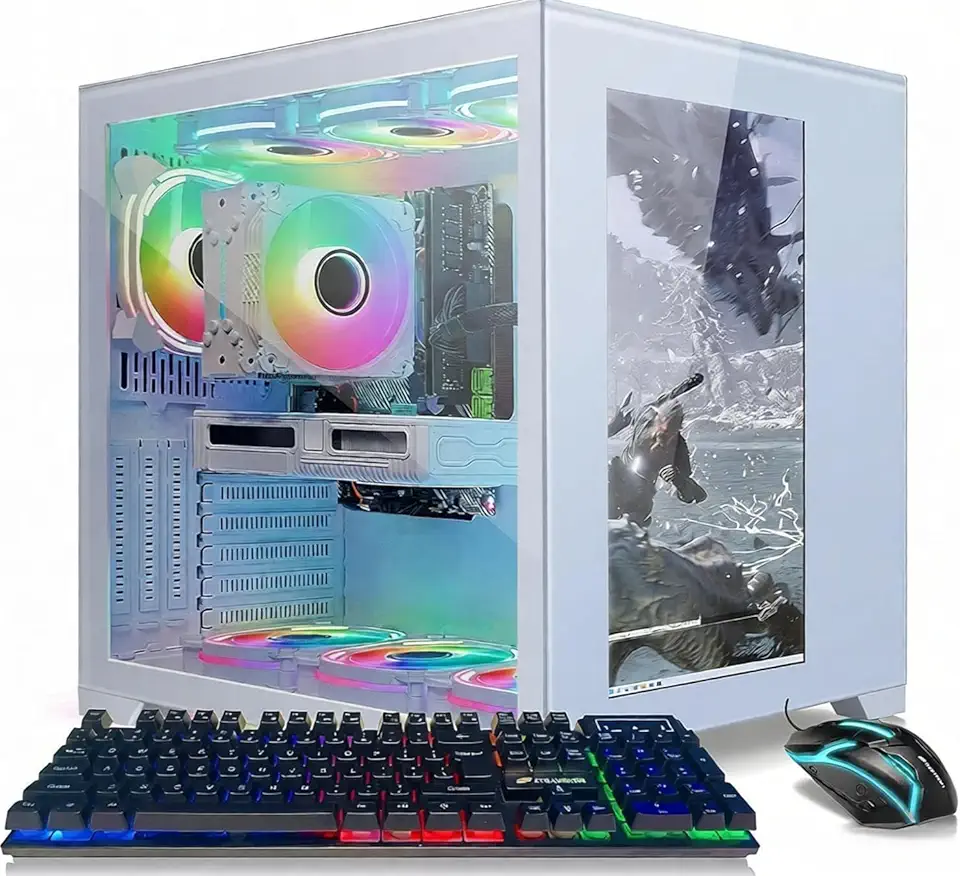
STGAubron Gaming PC Desktop Computer, Intel Core i7 8th Gen up to 4.1G, GeForce RTX 3060 12G, 32GB DDR4, 2TB SSD, WiFi 6, BT 5.0, RGB Fan x9, Windows 11 Home

Lenovo LOQ 15.6" FHD 144Hz Gaming Laptop, Intel Core i5-12450HX, NVIDIA GeForce RTX 2050, 16GB DDR5, 2TB Storage (1TB SSD+1TB Docking Station Set), Number Pad, 720p Camera, Wi-Fi 6, Win 11, Gray
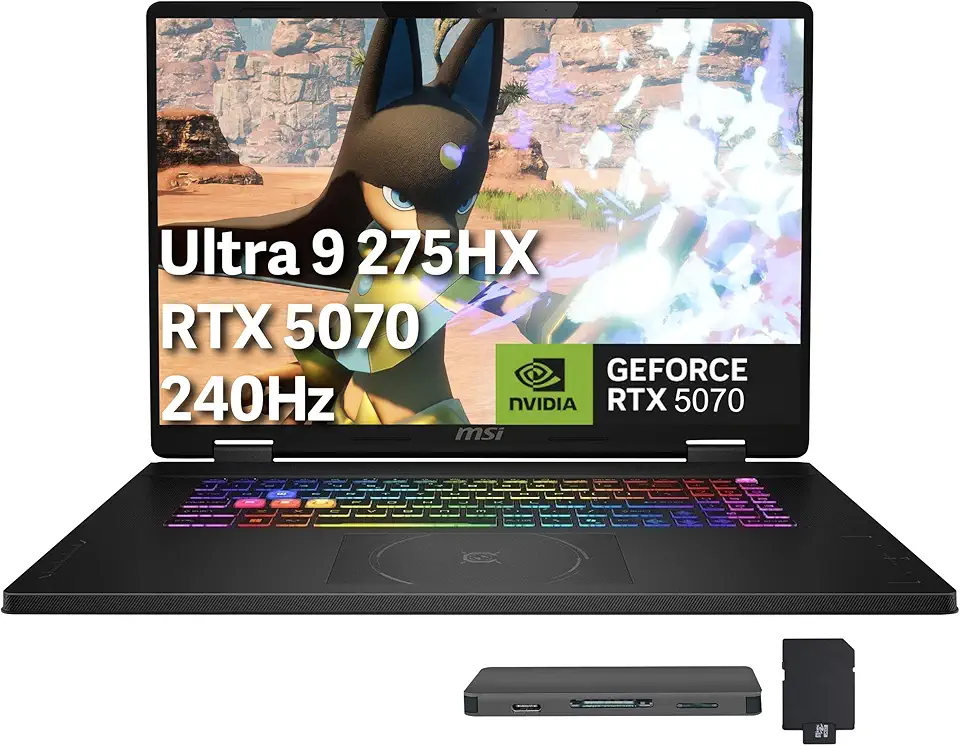
MSI Crosshair 18" QHD+ 240Hz Gaming Laptop, Intel Core Ultra 9 275HX, GeForce RTX 5070 8GB GDDR7, 32GB DDR5, 2TB Storage(1TB SSD+1TB Docking Station Set), 24-Zone RGB Backlit Keyboard, Win 11, Black

Thermalright Aqua Elite 240 V3 Liquid CPU Cooler, 240 Cooling Row Size, 2 x 120mm PWM Fans, S-FDB Bearings,for AMD/AM4/AM5, Intel LGA1150/1151/1155/1156/1200/2011/1700,Desktop CPU Cooler AIO
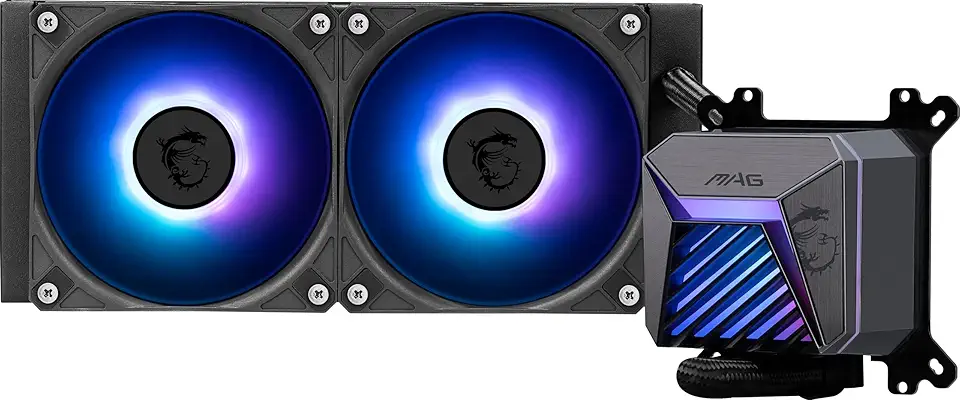
MSI MAG CORELIQUID A15 240 - AIO ARGB CPU Liquid Cooler - 240mm Radiator - AM5, LGA 1851 Ready - Dual 120mm ARGB PWM Fans, Black
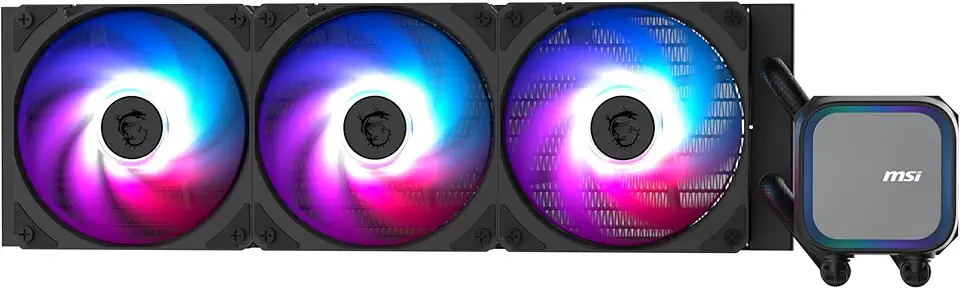
MSI MAG Coreliquid A13 360 - AIO ARGB CPU Liquid Cooler - 360mm Radiator - LGA 1851 Ready - Triple 120mm ARGB PWM Fans, Black

Beelink EQR5 Mini PC, AMD Ryzen 5 5650U(7nm, 6C/12T) up to 4.2GHz, Mini Computer 32GB DDR4 RAM 1TB PCIe3.0x4 SSD, Micro PC 4K@60Hz Dual HDMI Display/WiFi6/BT5.2/Office/Home/HTPC/W-11 Pro

BOSGAME Mini PC Intel Core i5 12600H(12C/16T, up 4.5GHz), 32GB DDR4 RAM 512GB PCIe SSD, Mini Desktop Computers Dual LAN/4x USB3.2/WiFi6E/BT5.2/HDMI+DP+USB-C/4K Triple Display
Beelink Mini PC, AMD Ryzen 7 5825U(6nm, 8C/16T) up to 4.5GHz, Mini Computer 32GB DDR4 RAM 500GB PCIe3.0x4 SSD, Micro PC 4K@60Hz Dual HDMI Display/WiFi6/BT5.2/Office/Home/HTPC/W-11 Pro

M9 Plus Mini PC with 2.1" Display, Intel Core i9-12900HK (14C/20T 5.0GHz), 32GB DDR4 RAM + 1TB NVMe SSD, Mini Desktop Computer, Compact Desktop Triple 4K Display, WiFi6, BT5.2, USB-C

16.4Ft/5M Long USB C Cable, Durable USB A to USB C Charging and Data Sync Cord, Power Extension Cable for Any USB-C Enabled Security Cameras Phones Tablets Switch Pro Controller and More

MSI MAG PANO 100R PZ - Premium Mid-Tower Gaming PC Case - Tempered Glass Side Panel - ARGB 120mm Fans - Liquid Cooling Support up to 360mm Radiator - Black Color Case

ivoler Dockable Case for Nintendo Switch 2 (2025), Slim Carrying Protective PC Case, Soft TPU Grip Case for Joy-Con, Grip Cover with Shock-Absorption, Anti-Scratch, Split Design- Black
![LAYJOY Compatible with iPhone 16 Pro Case, Silicone Soft TPU Bumper and Transparent Hard PC Case [Anti Yellowing] [Shockproof] [Anti-Scratch] Slim Phone Cover for iPhone 16 Pro 6.3-Inch-Clear](https://m.media-amazon.com/images/I/71nZc-Z9JTL._AC_UL960_FMwebp_QL65_.jpg)
LAYJOY Compatible with iPhone 16 Pro Case, Silicone Soft TPU Bumper and Transparent Hard PC Case [Anti Yellowing] [Shockproof] [Anti-Scratch] Slim Phone Cover for iPhone 16 Pro 6.3-Inch-Clear
![UPERFECT Portable Monitor, 2023 [New Version] 15.6" IPS HDR 1920X1080 FHD Eye Care Screen USB C Gaming Monitor, Dual Speaker Computer Display HDMI Type-C VESA for Laptop PC Phone w/Smart Case](https://m.media-amazon.com/images/I/71UePqgqiML._AC_UL960_FMwebp_QL65_.jpg)