37 Creative Ways To Use Photoshop AI + Generative Fill


Brendan Williams
@brendanwilliamstutorialsAbout
🎁 Download My FREE Photoshop Quick Start Guide to kick start your journey: You can grab the free 30-page ebook here 👉 https://bwillcreative.kit.com/photoshop-quick-start-guide My goal around here is simple. To help you unlock your creativity with actionable tips to level up your photo editing in Photoshop & Lightroom. It's time to actually to have FUN creating again. Brendan Williams is a professional photographer and photo retoucher turned founder of www.bwillcreative.com, one of the leading photo editing education resources online. With 700+ free guides, it's the ultimate starting point for any creative starting their journey with Photoshop or Lightroom.
Latest Posts



Video Description
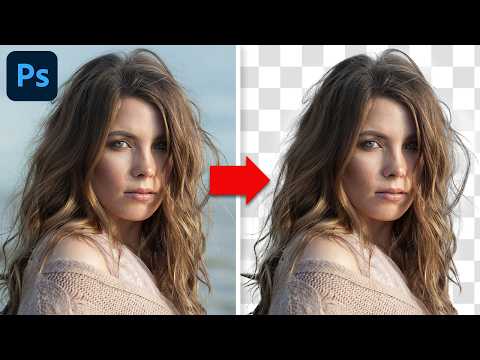
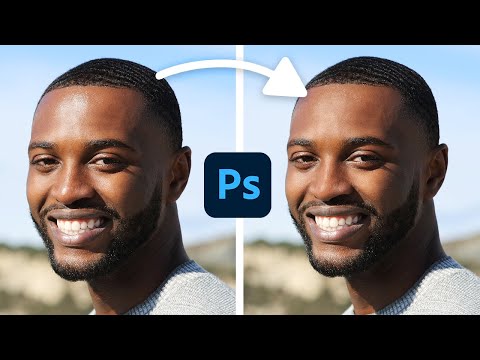
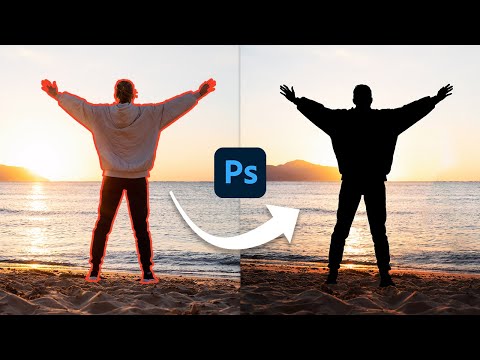
37 Pro Tips for Using AI in your Photoshop Projects. GET MY FREE GUIDE TO MASTER PHOTOSHOP *here* 👉* https://www.bwillcreative.com/photoshop-pro-ebook/ — 😄 TRY PHOTOSHOP FOR FREE: *https://prf.hn/l/0e9YJxb/* — 🤓 ***JOIN MY BEGINNER PHOTOSHOP PROGRAM:*** https://www.bwillcreative.com/photoshop-accelerator/ 👨🏫 ***MASTER PHOTOSHOP FOR PHOTOGRAPHY:*** https://www.bwillcreative.com/21-day-photoshop-expert ✏️ ***MASTER PHOTOSHOP SELECTIONS IN THIS COURSE:*** https://www.bwillcreative.com/selections-made-simple-photoshop-course/ 🌐 *VISIT MY WEBSITE* for 700+ free Photoshop & Lightroom guides: https://www.bwillcreative.com/ 👥 MY SOCIAL MEDIA Instagram: https://www.instagram.com/brnwills/ Facebook: https://www.facebook.com/brnwills Portfolio: https://portfolio.bwillcreative.com/ Email: [email protected] — In this Photoshop tutorial, you’ll learn 37 different ways to use AI Generative Fill—whether it’s to extend a photo, add graphics, or change specific traits of an image with minimal effort. These techniques are designed to speed up your editing workflow and make your creative process more efficient, whether you’re working on client projects or personal designs. You’ll also see how to incorporate Generative Fill with existing tools like the Lasso Tool and Remove Tool to create more targeted and seamless edits. From basic object replacements to creative scene transformations, these tips will help you get the most out of Photoshop’s AI features. Which trick are you most excited to try first? Let me know in the comments!






Unleash Your Creativity
AI-recommended products based on this video

2026 New Embroidery Stitch Book Kit, Stitch Book Embroidery, All-in-One Embroidey StitchBook & Sewing Kit, Comes with a Complete Toolkit and Instructional Tutorial (1set)

soundcore by Anker P20i True Wireless Earbuds, 10mm Drivers with Big Bass, Bluetooth 5.3, 30H Long Playtime, IPX5 Water-Resistant, 2 Mics for AI Clear Calls, 22 Preset EQs, Customization via App

AI Translation Earbuds Real Time with Audio and Video Calls, 164 Language/7 Translation Modes Translator Earbuds Bluetooth 5.4 with APP, 50H Translate Ear Buds Device for Business/Learning/Travel
