Photoshop Generative Fill - Your Ultimate Guide To AI


Brendan Williams
@brendanwilliamstutorialsAbout
🎁 Download My FREE Photoshop Quick Start Guide to kick start your journey: You can grab the free 30-page ebook here 👉 https://bwillcreative.kit.com/photoshop-quick-start-guide My goal around here is simple. To help you unlock your creativity with actionable tips to level up your photo editing in Photoshop & Lightroom. It's time to actually to have FUN creating again. Brendan Williams is a professional photographer and photo retoucher turned founder of www.bwillcreative.com, one of the leading photo editing education resources online. With 700+ free guides, it's the ultimate starting point for any creative starting their journey with Photoshop or Lightroom.
Latest Posts


Video Description
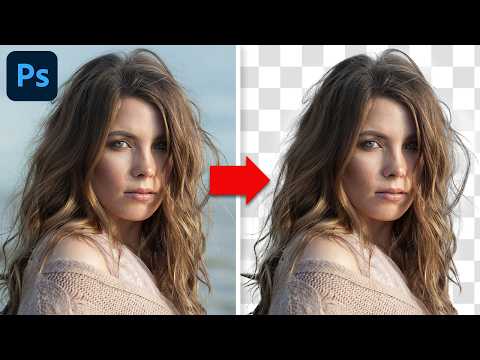
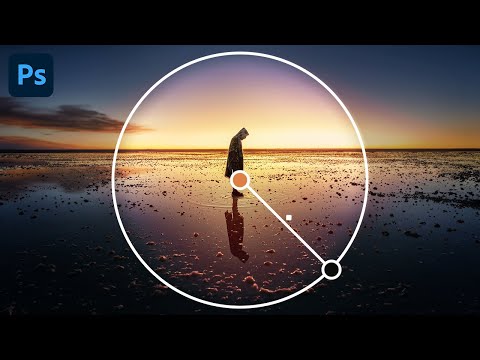
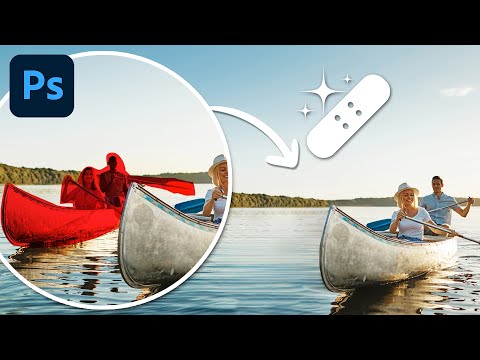
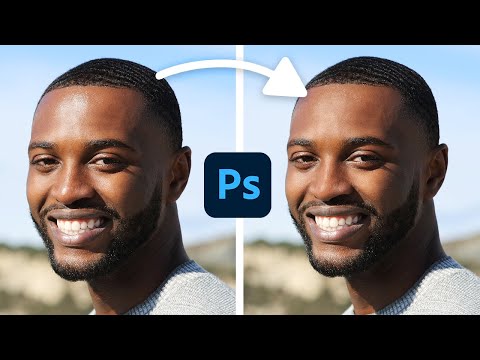
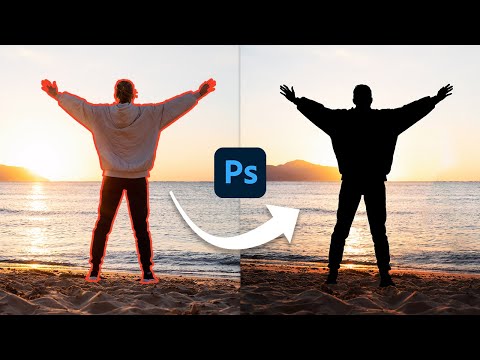
Master Photoshop’s AI Generative Fill tool with this ultimate guide! 📝 *GET THE FREE LESSON PDF here* 👉 https://bwillcreative.kit.com/generative-fill-cheat-sheet — 🤓 JOIN MY BEGINNER PHOTOSHOP PROGRAM: https://www.bwillcreative.com/photoshop-accelerator/ 👨🏫 *MASTER PHOTOSHOP FOR PHOTOGRAPHY:* https://www.bwillcreative.com/21-day-photoshop-expert ✏️ *MASTER PHOTOSHOP SELECTIONS IN THIS COURSE:* https://www.bwillcreative.com/selections-made-simple-photoshop-course 🌐 *VISIT MY WEBSITE* for 700+ free Photoshop & Lightroom guides: https://www.bwillcreative.com 👥 MY SOCIAL MEDIA Instagram: https://www.instagram.com/brnwills Facebook: https://www.facebook.com/brnwills Portfolio: https://portfolio.bwillcreative.com Email: [email protected] — In this comprehensive Photoshop tutorial, you'll learn to unlock the full potential of Generative Fill for creating and editing images. From defining selections and writing prompts to removing objects and generating creative edits like reflections and new hairstyles, this guide covers it all. You'll discover pro tips for enhancing quality, using generative expand, and crafting precise prompts for consistent results. Whether you're extending images, creating custom effects, or generating entire scenes, this video has everything you need to take your editing to the next level. Don't forget to grab the free cheat sheet in the description for easy reference! — Timestamps: 0:44 Setting Up Selections and Using Prompts 2:41 Generating and Refining Variations 4:33 Removing Objects and Enhancing Image Quality 6:18 Creating Entire Images with Generative Fill 10:03 Extending and Cropping with Generative Expand 13:30 Advanced Creative Edits (Reflections, Clothing, Hairstyles) 21:11 Get the Free Lesson Cheat Sheet





Essential DIY Drone Parts
AI-recommended products based on this video

Cordless Car Handheld Vacuum: Car Vacuum Cleaner with 16000Pa Ultra-Strong Suction, Brushless Motor & HEPA Filter - Lightweight Design for Drivers and Office Workers - Ashen

Compressed Air Duster-380000RPM Super Power Electric Air Duster, Rechargeable Brushless Motor Durable Blower for Fast Charging, Adjustable Mini Blower for House,Outdoors,Car

Long Range Super Endurance Foldable Drone with Camera for Beginners–36+ min Flight Time, WiFi FPV Quadcopter with 2K HD Camera, Brushless Motor, Auto Hover, Follow Me (2 Batteries)

NAFYRE N11 PRO GPS Drone with Camera for Adults 4K UHD, 90 Min Long Flight Time, Long Control Range, Auto Return, Follow Me, Brushless Motor, 5G FPV RC Quadcopter for Beginners

ANXRE 71" Phone Tripod, NT79 Extendable Selfie Stick for Cell Phone&Camera Photo Video Kits, Travel Tripod Stand with Remote for Video Recording, Phone Holder Tripod Compatible with Phone Camera Gopro
