Host a Private AI Server at Home with Proxmox Ollama and OpenWebUI
About
No channel description available.


Video Description
Building your own Private AI server is one of the most fun and exciting projects you can try out in your home lab environment. It is also a great way to learn more about AI, LLM models, and GPU passthrough configuration. Self-hosting and configuring your own AI environment is not as difficult as it might sound. Let's take a look at Proxmox, Ollama, and OpenWebUI, as well as Docker Desktop, GPU passthrough a my best practices and tips and tricks. I also show you what projects I am using Private AI servers for. Check it out! GPU passthrough to LXC containers in Proxmox: https://www.virtualizationhowto.com/2025/05/how-to-enable-gpu-passthrough-to-lxc-containers-in-proxmox/ Run Ollama with NVIDIA GPU in Proxmox VMs and LXC containers: https://www.virtualizationhowto.com/2025/05/run-ollama-with-nvidia-gpu-in-proxmox-vms-and-lxc-containers/ My 2025 Proxmox Build (affiliate links) Minisforum BD795M – https://geni.us/bd795m RackChoice 2U Micro ATX Compact – https://geni.us/rackchoice2u Cooler Master MWE Gold 850 V2 – https://geni.us/coolermaster850 Crucial 128 GB 5600MT/sec RAM – https://geni.us/crucial128gbramkit Noctua NH-L9i-17xx, Premium Low-Profile CPU Cooler – https://amzn.to/4hAKIwG Crucial 96GB kit of DDR5 SODIMM memory kit – https://geni.us/noctuanhl9i17xx Intel X520-DA2 10 GbE network adapter – https://geni.us/intelx520 Kingston 240 GB drive for boot – https://geni.us/kingston240 Samsung EVO 990 Pro 2TB – https://geni.us/samsung990pro2tb MX-4 Thermal paste – https://geni.us/mx4thermalpaste Case fans: https://geni.us/arcticp8 Check out the VHT forums to get your questions answered: https://www.virtualizationhowto.com/community/ Join the coolest home lab community here! https://www.skool.com/homelabexplorers/about?ref=25f64c297b724689ae81c7dd30ba2c21 ★ Subscribe to the channel: https://www.youtube.com/channel/UCrxcWtpd1IGHG9RbD_9380A?sub_confirmation=1 ★ My blog: https://www.virtualizationhowto.com ★ Twitter: https://twitter.com/vspinmaster ★ LinkedIn: https://www.linkedin.com/in/brandon-lee-vht/ ★ Github: https://github.com/brandonleegit ★ Facebook: https://www.facebook.com/people/VirtualizationHowto/100092747277326/ ★ Discord: https://discord.gg/Zb46NV6mB3 ★ Pinterest: https://www.pinterest.com/brandonleevht/ Introduction to Private AI in the home lab - 0:00 Why self-host GPT for private AI - 0:54 Prerequisites to running private AI at home - 1:27 Can you run this on something old? 1:55 Docker to play around with AI - 2:12 Ollama overview and what it does - 2:33 OpenWebUI chatGPT style interface to interact with Ollama - 2:44 Using Docker and overview of the setup - 3:06 Docker run or Compose can be used - 3:49 Looking at Docker Desktop - 4:11 Command to spin up ollama in Docker Desktop - 4:36 Spinning the OpenWebUI container from the docker command line - 5:55 Overview of what happens after we spin up both containers - 7:06 Showing how to browse out to the OpenWebUI - 7:40 First steps and adding models to your Ollama instance - 7:47 Talking about better performance with LLMs with GPUs - 8:17 Enabling the NVIDIA container toolkit and when needed - 8:43 Overview of GPU passthrough with Proxmox - 9:00 Options for running GPU passthrough in Proxmox (LXC containers, and Virtual Machines) - 10:00 Steps for GPU passthrough overview - 10:50 IOMMU requirement - 11:05 Checking IOMMU - 11:20 Grepping for the device - 11:56 Claiming the IDs for GPU passthrough in Proxmox - 12:53 Blacklisting the drivers for the host - 13:02 Seeing the RTX video card recognized in the VM running in Proxmox - 13:29 Adding a PCI Device in your virtual machine - 13:51 Passthrough challenges in Proxmox - 15:00 Performance of GPU - 15:41 Quick tips and best practices of using this in the home lab - 16:20 Wrapping up self-hosting private AI in your home - 17:00









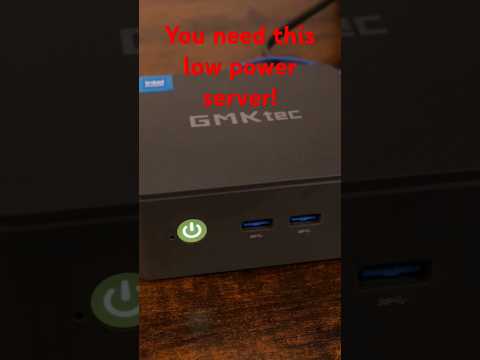
Essential AI Server Setup
AI-recommended products based on this video

GMKtec Mini PC Ryzen 5 3500U (Beats N150), 16GB 512GB SSD 2.5GbE NIC LAN Office Home Desktop Computers, HTPC Proxmox, Triple 4K Display, USB-C, DP, Type-C PD, HDMI 2.1 G10 Global Recycled Standard

Firewall Mini PC N100 Fanless Pocket Computer 2x2.5G I226-V Micro Router Appliance, AES-NI, HDMI DP Support Dual 4K Proxmox Server, 32GB RAM 1TB SSD

OWC 64GB DDR5 4800 PC5-38400 CL40 2Rx4 288-pin 1.1V ECC Registered RDIMM Memory RAM Module Upgrade Compatible with Dell PowerEdge R660XS R760XS
OWC 64GB DDR5 4800 PC5-38400 CL40 2Rx4 288-pin 1.1V ECC Registered RDIMM Memory RAM Module Upgrade Compatible with Dell PowerEdge XE9680
OWC 64GB DDR5 4800 PC5-38400 CL40 2Rx4 288-pin 1.1V ECC Registered RDIMM Memory RAM Module Upgrade Compatible with Dell PowerEdge R6625 R760 R7615 R7625
OWC 64GB DDR5 4800 PC5-38400 CL40 2Rx4 288-pin 1.1V ECC Registered RDIMM Memory RAM Module Upgrade Compatible with Dell PowerEdge HS5610 HS5620

Western Digital 2TB WD Blue SA510 SATA Internal Solid State Drive SSD - SATA III 6 Gb/s, 2.5"/7mm, Up to 560 MB/s - WDS200T3B0A

Dell E-Port Plus Advanced Port Replicator with USB 3.0 for E Series Latitudes, 130W AC
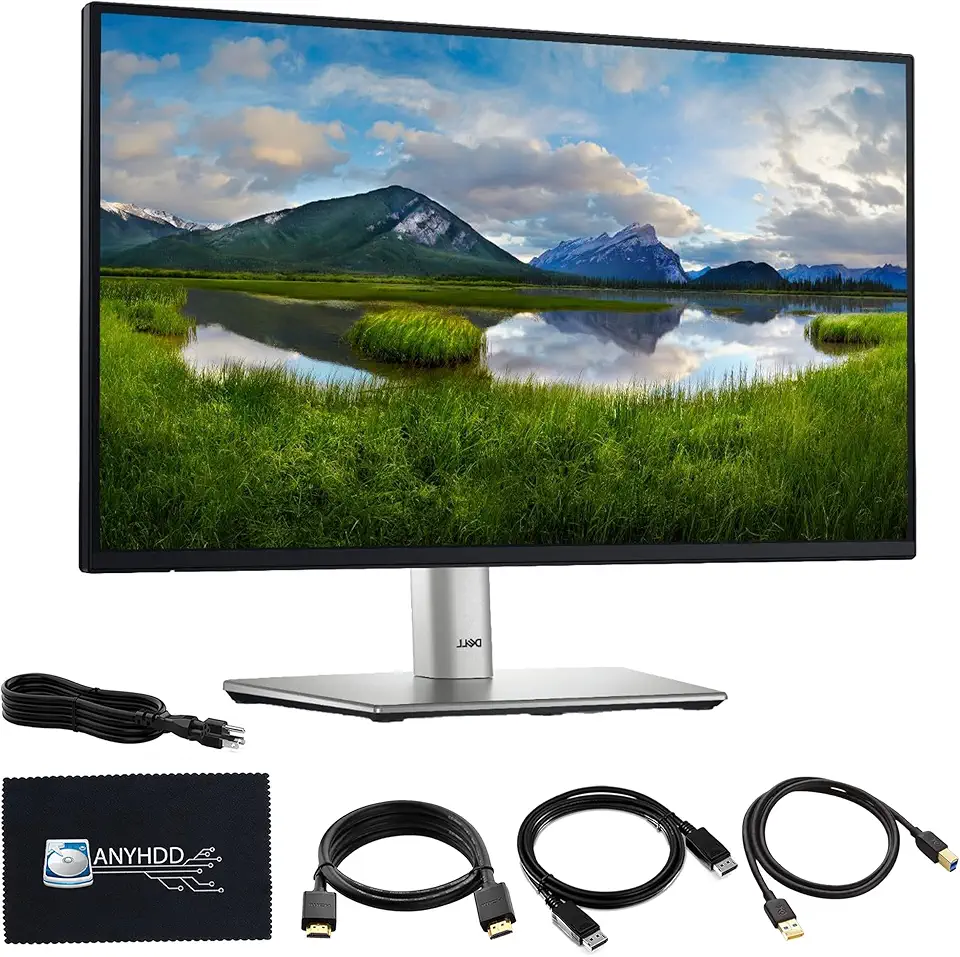
Dell P2725H 27" Full HD 1920 x 1080 Monitor - 1 Year Warranty, Computer Monitor Screen Bundle with Power Cable + USB 3.0 Upstream Cable + Display Port Cable + HDMI Cable + Microfiber Cloth Included
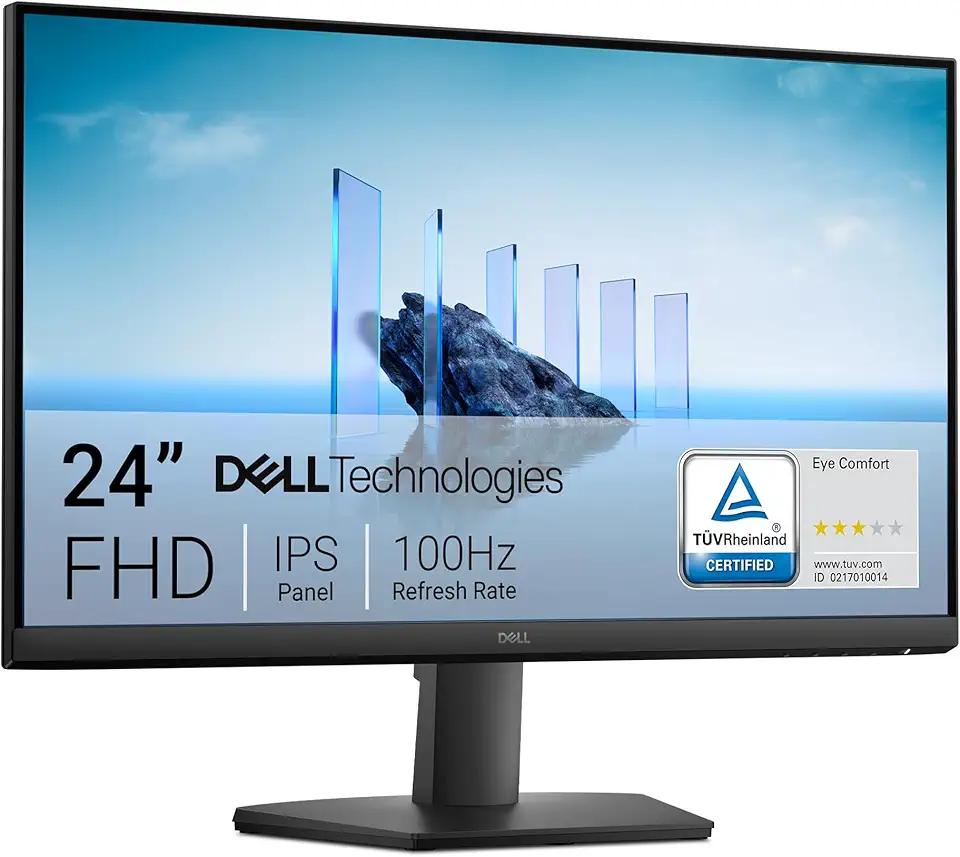
Dell 24 Monitor - SE2425HM - 23.8-inch Full HD (1920x1080) 16:9 100Hz Display, IPS Panel, 16.70 Million Colors, Anti-Glare, 1 HDMI / 1 VGA Port, TÜV Rheinland 3-Star*, Comfortview Plus - Black
