The Best Self-Hosted AI Tools You Can Actually Run in Your Home Lab

About
No channel description available.



Video Description
In this video, I walk you through the best self-hosted AI tools you can actually run in your home lab. From Ollama and OpenWebUI to n8n, LocalAI, AnythingLLM, Whisper, Stable Diffusion, and ComfyUI, I cover how each tool works, how they fit together, and how you can build your own private AI stack at home. If you’ve been thinking about running AI locally for privacy, automation, or just for fun, check out this video to see where to start. Great home lab server: Minisforum MS-A2 - https://geni.us/HzwrN (affiliate link) VirtualizationHowto relevant posts: https://www.virtualizationhowto.com/2025/10/best-self-hosted-ai-tools-you-can-actually-run-in-your-home-lab/ https://www.virtualizationhowto.com/2025/05/run-ollama-with-nvidia-gpu-in-proxmox-vms-and-lxc-containers/ https://www.virtualizationhowto.com/2025/07/automate-your-home-lab-with-n8n-workflow-automation-and-ai/ Check out the VHT forums to get your questions answered: https://www.virtualizationhowto.com/community/ ★ Skool Community https://www.skool.com/homelabexplorers/about?ref=25f64c297b724689ae81c7dd30ba2c21 ★ Substack URL: bleevht.substack.com ★ Subscribe to the channel: https://www.youtube.com/channel/UCrxcWtpd1IGHG9RbD_9380A?sub_confirmation=1 ★ My blog: https://www.virtualizationhowto.com ★ Twitter: https://twitter.com/vspinmaster ★ LinkedIn: https://www.linkedin.com/in/brandon-lee-vht/ ★ Github: https://github.com/brandonleegit ★ Facebook: https://www.facebook.com/people/VirtualizationHowto/100092747277326/ ★ Discord: https://discord.gg/Zb46NV6mB3 ★ Pinterest: https://www.pinterest.com/brandonleevht/ Introduction to AI tools in the home lab - 0:00 Why does self-hosted AI matter? - 0:56 Ollama - 2:11 OpenWebUi - 3:25 n8n - 4:30 LocalAI - 6:00 AnythingLLM - 6:55 Whisper and WhisperX - 8:50 Stable Diffusion WebUI - 9:50 PrivacyGPT - 10:44 LibreChat - 11:25 ComfyUI - 12:15 Putting all the tools together - 13:04 Wrapping up and talking about building your AI stack - 14:09







Essential AI Lab Setup
AI-recommended products based on this video

10.1 Inch Touch Portable Monitor IPS Screen 1366x768P 60Hz 400 Brightness 99% sRGB HDMI USB-C Monitors Switch for Xbox PS3/4/5 Laptop Compatible with Raspberry Pi, Mini Touch Screen
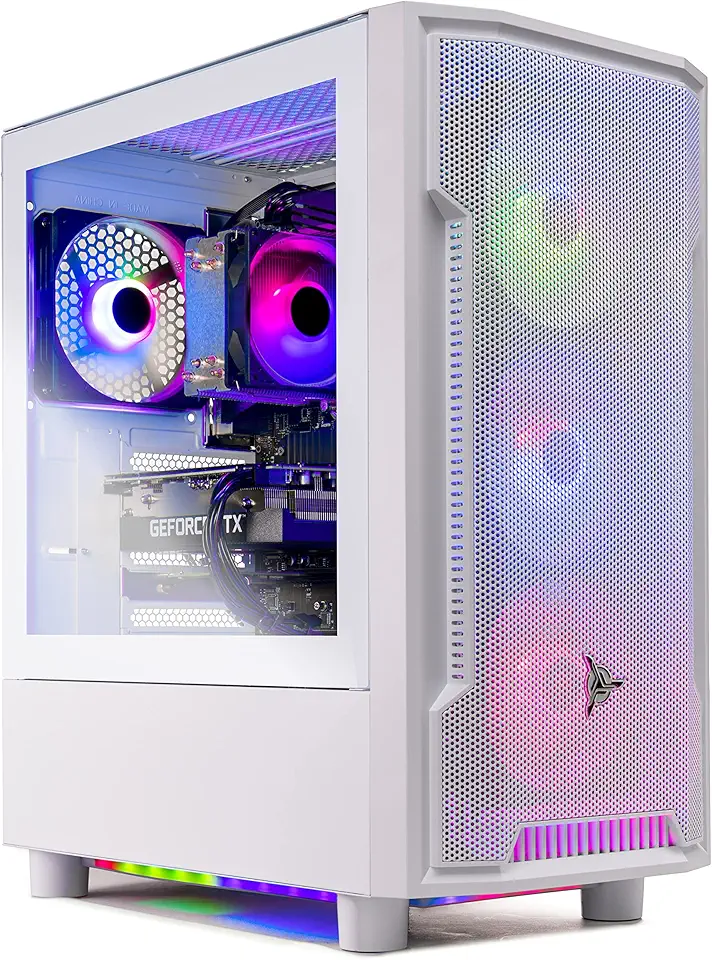
Skytech Archangel Gaming PC Desktop – AMD Ryzen 5 3600 3.6 GHz, NVIDIA RTX 3060, 1TB NVME SSD, 16GB DDR4 RAM 3200, 600W Gold PSU, 11AC Wi-Fi, Windows 11 Home 64-bit

Skytech Blaze 3.0 Gaming PC Desktop – Intel Core i5 12400F 2.5 GHz, NVIDIA RTX 3060, 500GB NVME SSD, 16GB DDR4 RAM 3200, 600W Gold PSU, 11AC Wi-Fi, Windows 11 Home 64-bit

Beelink SER3 Mini PC, AMD Ryzen 3 3200U(14nm, 2C/4T) up to 3.5GHz, Mini Gaming Computer 16GB DDR4 RAM 500GB PCIE3.0 X4 SSD, Micro PC 4K@60Hz Dual Display, Mini Computer WiFi6/BT5.2/HTPC/W-11 Pro
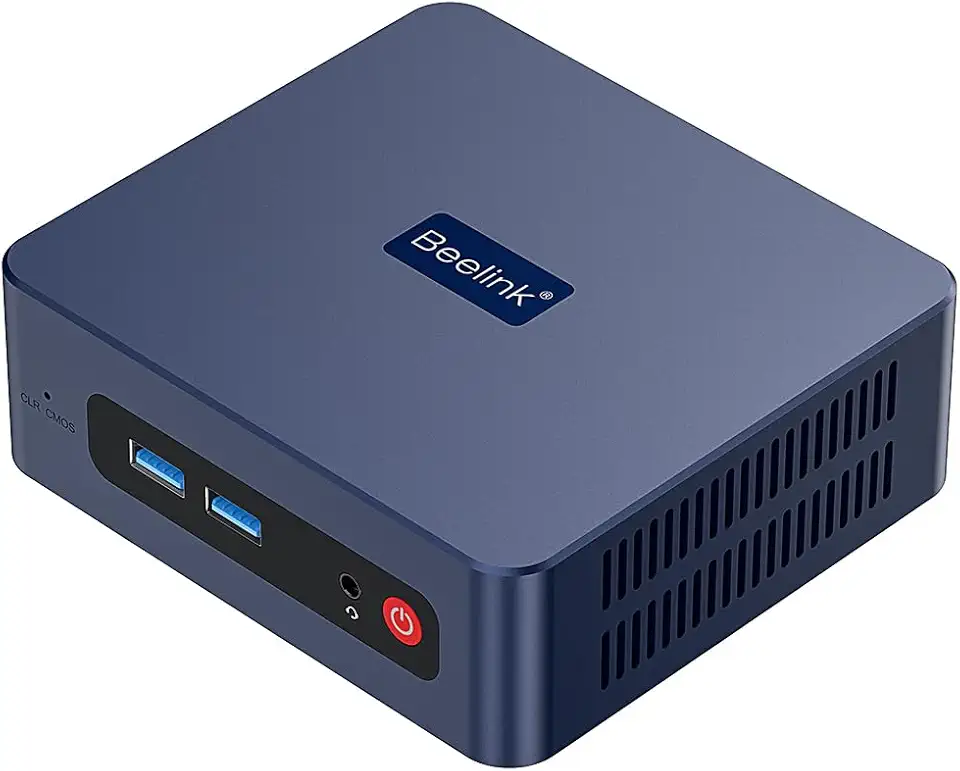
Beelink SER3 Mini PC, AMD Ryzen 3 3200U(up to 3.5GHz) 2C/4T, Mini Computer 16GB DDR4 RAM 500GB SSD, Mini Desktop Computer 4K@60Hz Dual HDMI Display WiFi6/BT5.2/WOL/HTPC/W-11 Pro

Lenovo IdeaPad Slim 3i 15.6" FHD Laptop, Intel i3-N305, 8GB LPDDR5, 1.16TB Storage (1TB SSD + 160GB Docking Station Set), Intel UHD Graphics, Numeric keypad, Dolby Audio, Wi-Fi 6, Win 11 Pro, Gray

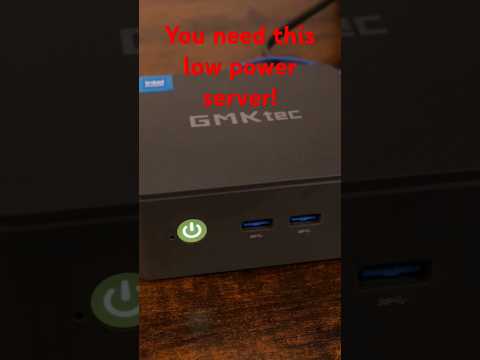
GMKtec Mini PC NAS, G9 N150 Dual Boot Win Linux Desktop Computer 12GB DDR5 64GB EMMC + 1TB M.2 SSD, 4*M.2 NVMe Slots, Dual NIC 2.5GbE, USB-C/USB 3.2 10Gbps, Network Attached Storage

NA to Clamp, Quick Release NA to Rail Lock Clamp with 1/4in 3/8in Thread, Standard NA to Clamp Adapter for Camera Cage Friction Arm Ball Head Cold Shoe Microphone Monitor

USB C Hub, MacBook Pro Adapter USB C Dongle with 4K HDMI,Thunderbolt 3 100W Power Delivery Port,USB C 5Gbps Data Port,SD/TF Card Reader,2 USB 3.0 Ports Compatible for MacBook Pro Air 2022/2021/2020

GMKtec EVO-X2 AI Mini PC Ryzen Al Max+ 395 (up to 5.1GHz) Mini Gaming Computers, 96GB LPDDR5X 8000MHz (12GB*8) 1TB PCIe 4.0 SSD, Quad Screen 8K Display, WiFi 7 & USB4, SD Card Reader 4.0 Global Recycled Standard
