Playwright Java | Part 2 | Framework structure, TestNG and Recording


Automation Step by Step
@raghavpalAbout
Simple Basic Beginners Step-by-Step tutorials ❤️ I create videos on Automation, Testing, DevOps, CI and related tools, technologies and platform Raghav is a teacher and founder of AutomationStepByStep.com He was an Automation Architect and has led multiple teams of Automation and DevOps Engineers. For over a decade, Raghav witnessed, worked, and delivered multiple Automation Testing Projects and worked with some awesome people in this industry ► https://automationstepbystep.com/ Some topics covered: - Jenkins - JMeter - Selenium - Appium - Cypress - Playwright - Katalon Studio - API Testing - Postman - Docker - Kubernetes - Other DevOps topics Words from Raghav We often need someone to hold our hand and help us take the first few steps before we learn to walk and run. I am on a mission to spread education and make it available to anyone willing to learn Never Stop Learning Raghav All education here is FREE FOR ALL, FOREVER Share with as many people as you can in your lifetime
Latest Posts


Video Description
00:00 Topics 00:37 Project Structure 03:21 Add TestNG 26:40 Run with testng.xml 33:00 Recording Project Repo - https://github.com/Raghav-Pal/PlaywrightJavaProject_RaghavPal Create Project structure Step 1 - Update the project structure add packages/folders as shown src ├── main │ └── java │ └── (can keep empty) ├── test │ └── java │ ├── base → BaseTest.java │ ├── pages → Page classes (e.g., HomePage.java) │ └── tests → Test classes (e.g., HomePageTest.java) -- Add TestNG Step 1 - Add TestNG to pom.xml Can do right-click project → Maven → Update Project Step 2 - Create BaseTest.java under base package This sets up and tears down the browser automatically package base; import com.microsoft.playwright.*; import org.testng.annotations.AfterMethod; import org.testng.annotations.BeforeMethod; public class BaseTest { protected Playwright playwright; protected Browser browser; protected Page page; @BeforeMethod public void setup() { playwright = Playwright.create(); browser = playwright.chromium().launch( new BrowserType.LaunchOptions().setHeadless(false).setSlowMo(1000)); page = browser.newPage(); } @AfterMethod public void teardown() { if (browser != null) browser.close(); if (playwright != null) playwright.close(); } } Step 3 - Convert Your First Test to TestNG package tests; import org.testng.annotations.Test; import com.microsoft.playwright.*; import base.BaseTest; public class BasicTest extends BaseTest{ @Test public void verifyTitle() { page.navigate("https://www.google.com/ncr"); // Optional: Handle cookie popup if (page.isVisible("button:has-text('Accept all')")) { page.click("button:has-text('Accept all')"); } System.out.println("Google NCR opened successfully...!"); System.out.println("Page Title: " + page.title()); } } Step 4 - Add TestNG plugin to IDE Step 5 - Try to run test using TestNG and from command line mvn clean test (This should also generate TestNG Reports) - Run with Testng.xml Step 1 - Create a testng.xml Suite File in project root folder <suite name="PlaywrightSuite"> <test name="BasicTests"> <classes> <class name="tests.BasicTest"/> </classes> </test> </suite> Step 2 - Run from Command Line mvn clean test -DsuiteXmlFile=testng.xml Step 3 - Run from testng.xml file. Rt click → Run As → TestNG Suite TestNG plugin must be added for this Step 4 - Check Results in test-output folder. Also check testng website for testng.xml options - Record a Login Test using Codegen Step 1 - Run Codegen from CLI – mvn exec:java -P run-cli -Dexec.args="codegen https://opensource-demo.orangehrmlive.com/" Step 2 - Record the login scenario and copy the java code in a new class LoginTest.java Step 3 - Extend from BaseTest, Update @Test annotation from testng Step 4 - Save and Run Step 5 - Can also update the testng.xml file and run from command line mvn clean test -DsuiteXmlFile=testng.xml - ▬▬▬▬▬▬▬ Share with all who may need this If my work has helped you, consider helping any animal near you, in any way you can Never Stop Learning Raghav Pal ▬▬▬▬ USEFUL LINKS ▬▬▬▬ ✅ ALL TUTORIALS - https://AutomationStepByStep.com/ ✅ CI | CD | DEVOPS Jenkins Beginner - https://bit.ly/2MIn8EC Jenkins Tips & Trick - https://bit.ly/2LRt6xC Docker - https://bit.ly/2MInnzx Jenkinsfile - https://bit.ly/3JSMSZ7 Kubernetes - http://bit.ly/2MJIlMK Vagrant - https://bit.ly/3MVKdBt Ansible - https://bit.ly/3MUsY3h Terraform - https://bit.ly/4hMh3l6 ✅ WEB TESTING Selenium Beginners - https://bit.ly/2MGRS8K Selenium Java Framework from Scratch - https://bit.ly/2N9xvR6 Selenium Python - https://bit.ly/2oyMp5x Selenium 4 - https://bit.ly/3AiJOlP Selenium Tips - https://bit.ly/2owxc50 Selenium Builder - https://bit.ly/2MKNtlq Katalon Studio - https://bit.ly/2wARFdi Robot Framework with RIDE- https://bit.ly/2Px6Ue9 Robot Framework with Eclipse - http://bit.ly/2N8DZxb Testim - https://bit.ly/3VbnNQb TestCafe - https://bit.ly/3O6eYmK AccelQ - https://bit.ly/3PlsAsh Cucumber BDD - https://bit.ly/3Cnno4z Cypress - https://bit.ly/3PpEukM Playwright - https://bit.ly/3iuPByJ WebdriverIO - https://bit.ly/3IJyofA XPath & Web Locators - https://bit.ly/3PpEvoQ QnA Friday - https://bit.ly/2NgwGpw Sunday Special - https://bit.ly/2wB23BO 🙌 Connect with Raghav: * Ask Raghav: https://bit.ly/2CoJGWf * GitHub: https://github.com/Raghav-Pal * Udemy: https://www.udemy.com/user/raghav-pal-3/ Shorts Eng - https://bit.ly/3H9bifV Shorts Hindi - https://bit.ly/3XY7XqN ➡️ Subscribe for more videos: https://www.youtube.com/@RaghavPal —






Boost Your Automation Setup
AI-recommended products based on this video
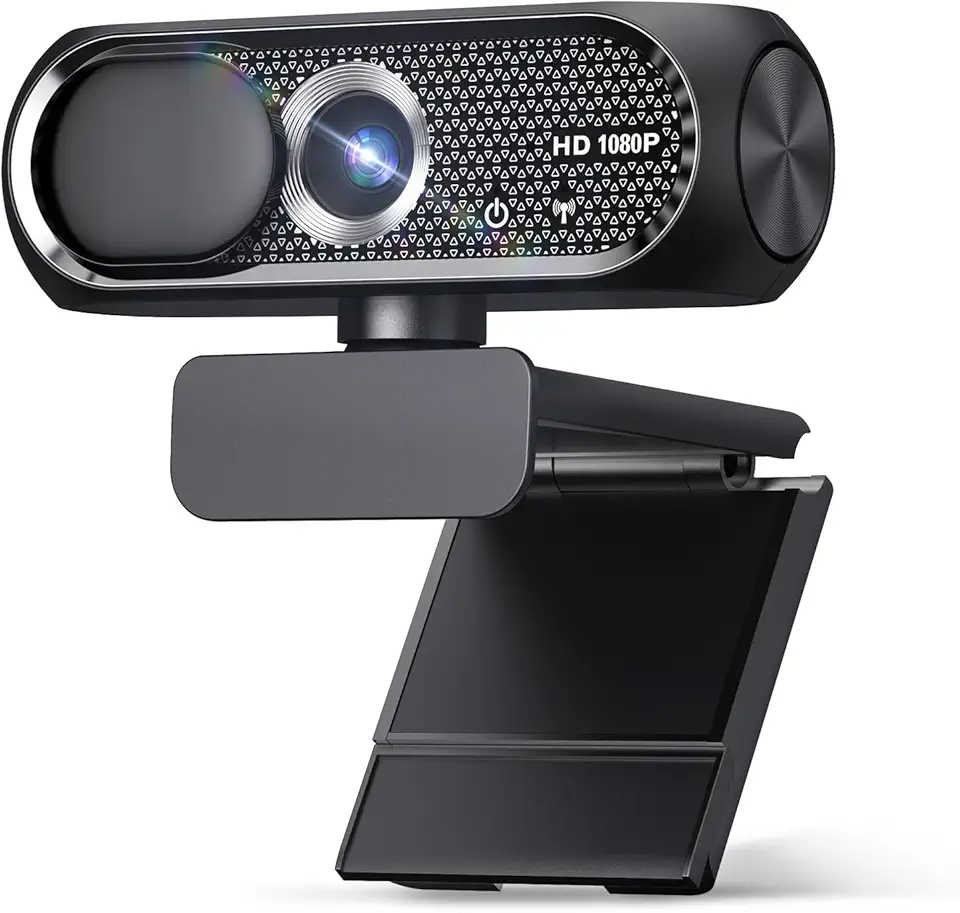
Shcngqio 1080P Full HD Webcam with Privacy Cover, Wide Angle Lens, Active Light Correction, Plug and Play USB Webcam for PC, Desktop,Laptop (Black)

TRAUSI HD Webcam with Microphone, Noise Cancellation, Privacy Cover, Wide-Angle Lens, Auto Light Correction, Plug & Play USB Webcam for Laptop, Desktop, PC, Mac, Zoom, Skype, Streaming (1080P, Black)
TRAUSI 1080P HD Webcam with Microphone, Noise Cancellation, Privacy Cover, Wide-Angle Lens, Auto Light Correction, Plug & Play USB Webcam for Laptop, Desktop, PC, Mac, Zoom, Skype, Streaming Black

HP 17.3" FHD Laptop, AMD Ryzen 5 5500U, 16GB RAM, 1TB SSD, AMD Radeon Graphics, Numeric Keyboard, 720p HD Webcam, WiFi, Windows 11 Pro, Silver, 32GB Hotface USB Card

Pillows Queen Size 2 Pack for Sleeping - Premium Down Alternative Cooling Bed Pillow for Side, Back, and Stomach Sleepers Hotel Quality Fluffy Soft Microfiber Fill Breathable Skin-Friendly

Pillows Queen Size 2 Pack for Sleeping - Hotel Pillows Premium Down Alternative Bed Cooling Pillow for Side, Back, and Stomach Sleepers, Fluffy Soft Microfiber Fill Breathable Skin-Friendly

Gauze Rolls – 40 Rolls- Premium First Aid Supplies for Safe Adventuring–individually wrapped -Flexible, Stretchable, Breathable Gauze Bandage Rolls – 3” x 4.1 Yards Bandage Wrap for Wound Dressing

6-Tube Pedal Resistance Band, Premium Elastic Tension Rope for Full Body Workout, Natural Latex Fitness Bands for Strength Training,Yoga Stretching Slimming Training, Home Gym Exercise Equipment
