How to setup and use Docker on Free AWS Linux | Complete beginners hands-on in 7 Steps


Automation Step by Step
@raghavpalAbout
Simple Basic Beginners Step-by-Step tutorials ❤️ I create videos on Automation, Testing, DevOps, CI and related tools, technologies and platform Raghav is a teacher and founder of AutomationStepByStep.com He was an Automation Architect and has led multiple teams of Automation and DevOps Engineers. For over a decade, Raghav witnessed, worked, and delivered multiple Automation Testing Projects and worked with some awesome people in this industry ► https://automationstepbystep.com/ Some topics covered: - Jenkins - JMeter - Selenium - Appium - Cypress - Playwright - Katalon Studio - API Testing - Postman - Docker - Kubernetes - Other DevOps topics Words from Raghav We often need someone to hold our hand and help us take the first few steps before we learn to walk and run. I am on a mission to spread education and make it available to anyone willing to learn Never Stop Learning Raghav All education here is FREE FOR ALL, FOREVER Share with as many people as you can in your lifetime


Video Description
🔥 All Free Tutorials - https://AutomationStepByStep.com/ 2nd Part https://youtu.be/C-bX86AgyiA SETUP Step 1 - Create an account on AWS and login to your account Step 2 - Launch a AWS Linux EC2 Instance and connect to your AWS Instance - https://youtu.be/6bb-OqbI8-E Check linux information cat /etc/*-release rpm -E %{rhel} Step 3 - Install Docker sudo yum update -y sudo amazon-linux-extras install docker sudo docker --version Step 4 - Start Docker service - sudo service docker start Step 5 - Check Docker is running - sudo docker info Step 6 - Add the "ec2-user" to the docker group so you can run Docker commands without using sudo: sudo usermod -aG docker ec2-user Exit and reconnect to the instance for this to take effect logout Step 7 - Test your Docker installation - Run hello-world container - docker run hello-world USING DOCKER COMMANDS Pull image docker pull nginx Run docker container using the image docker run -d -p 80:80 nginx The "-d" flag runs the container in detached mode, and the "-p" flag maps port 80 on the container to port 80 on the host List running docker containers docker ps List all docker containers docker ps -a Stop all containers docker stop $(docker ps -a -q) Remove all containers docker rm $(docker ps -a -q) List all docker images docker images Remove all docker images docker rmi $(docker images -q) Remove all unused Docker resources docker system prune Stop docker sudo service docker stop ▬▬▬▬▬▬▬ Every Like & Subscription gives me great motivation to keep working for you You can support my mission for education by sharing this knowledge and helping as many people as you can If my work has helped you, consider helping any animal near you, in any way you can Never Stop Learning Raghav Pal ▬▬▬▬ USEFUL LINKS ▬▬▬▬ Ask Raghav - https://bit.ly/2CoJGWf GitHub Repositories - https://github.com/Raghav-Pal Udemy Discounts - https://automationstepbystep.com/udemy-discounts/ Stories - https://automationstepbystep.com/stories/ ▬▬ CI | CD | DEVOPS ▬▬ Jenkins Beginner - https://bit.ly/2MIn8EC Jenkins Tips & Trick - https://bit.ly/2LRt6xC Docker - https://bit.ly/2MInnzx Jenkinsfile - https://bit.ly/3JSMSZ7 Kubernetes - http://bit.ly/2MJIlMK ▬▬ UI TESTING ▬▬ Selenium Beginners - https://bit.ly/2MGRS8K Selenium Java Framework from Scratch - https://bit.ly/2N9xvR6 Selenium Python - https://bit.ly/2oyMp5x Selenium 4 - https://bit.ly/3AiJOlP Katalon Studio - https://bit.ly/2wARFdi Robot Framework with RIDE- https://bit.ly/2Px6Ue9 Robot Framework with Eclipse - http://bit.ly/2N8DZxb Protractor - http://bit.ly/2KtqVkU AccelQ - https://bit.ly/3PlsAsh Test Project - http://bit.ly/2DRNJYE Cucumber BDD - https://bit.ly/3Cnno4z Cypress - https://bit.ly/3PpEukM Playwright - https://bit.ly/3iuPByJ WebdriverIO - https://bit.ly/3IJyofA XPath & Web Locators - https://bit.ly/3PpEvoQ ▬▬ API TESTING ▬▬ Web Services (API) - https://bit.ly/2MGafL7 SoapUI - https://bit.ly/2MGahmd Postman - https://bit.ly/2wz8LrW Postman 2022 - https://bit.ly/3JWm4qX Rest Assured - https://bit.ly/3zUdhRD Karate API Testing - https://bit.ly/3w3H5Ku General - https://bit.ly/2PYdwmV JMeter API Testing - https://bit.ly/3AgVPar Katalon Studio API Testing - https://bit.ly/2BwuCTN API Mocking - https://bit.ly/3bYPsjS ▬▬ MOBILE TESTING ▬▬ Appium - https://bit.ly/2ZHFSGX Mobile Playlist - https://bit.ly/2PxpeUv ▬▬ PERFORMANCE TESTING ▬▬ JMeter Beginner - https://bit.ly/2oBbtIU Gatling - https://bit.ly/3QrWfkV Performance Testing - https://bit.ly/2wEXbLS ▬▬ SOURCE CODE MANAGEMENT ▬▬ Git & GitHub - https://bit.ly/2Q1pagY GITLAB - http://bit.ly/2kQPGyQ ▬▬ IDE ▬▬ Eclipse - https://bit.ly/3AnRhQP IntelliJ IDEA - https://bit.ly/3AnyDZ8 Visual Studio Code - https://bit.ly/2V15yvt ▬▬ PROGRAMMING ▬▬ Java Beginners - https://bit.ly/2PVUcXs Java Tips & Tricks - https://bit.ly/2CdcDnJ Groovy - https://bit.ly/2FvWV5C JavaScript - http://bit.ly/2KJDZ8o ▬▬ BUILD TOOLS ▬▬ Maven - https://bit.ly/2NJdDRS Gradle - http://bit.ly/30l3h1B ▬▬ DATA FORMATS ▬▬ JSON - https://bit.ly/3w450tq XML - https://bit.ly/3PqRneH ▬▬ OTHERS ▬▬ Virtualization on Windows - http://bit.ly/2SItIL9 Mock Interviews - https://bit.ly/3QGwwVJ Redis - https://bit.ly/2N9jyCG Misc - https://bit.ly/2Q2q5xQ Tools & Tips - https://bit.ly/2oBfwoR QnA Friday - https://bit.ly/2NgwGpw Sunday Special - https://bit.ly/2wB23BO Docker tutorial for AWS beginners How to deploy Docker on AWS Linux for free Step-by-step guide to setting up Docker on AWS Learn how to run Docker on an AWS EC2 instance Using Docker on AWS - a comprehensive guide Docker for AWS - a beginner's guide AWS + Docker: Building a powerful cloud infrastructure How to use Docker to simplify application deployment on AWS Docker on AWS - Tips, tricks, and best practices Getting started with Docker on AWS - a practical walkthrough —







Instant Slime Essentials
AI-recommended products based on this video

Floral Beads Kit 50000pcs & 300pcs Giant Large Colorful Gel Jelly Balls, Non Toxic Beads for Vase Filler, Plant, Floating Candles, Wedding and Home Decoration

Gifts 5-12 Years Old Girls, Bracelet Making Kit, Unicorn Toys, Gifts for Teen Girls, Beads for Making Jewellery, Crafts for Kids 6-8, Arts and Crafts for Kids Age 4 5 6 7 8 9 10 11

Hbnlai 5300 Pcs Clay Beads Bracelet Making Kit, Flat Preppy Beads for Friendship Jewelry Making, Polymer Heishi with Charms Gifts for Teen Girls Crafts for Girls Ages 8-12

EnvoGif Mens Leather Bracelet Personalized Name Bracelet for Men Engraved 1-6 Names Leather Braid Bracelets with Stainless Beads for Dad Husband Grandpa
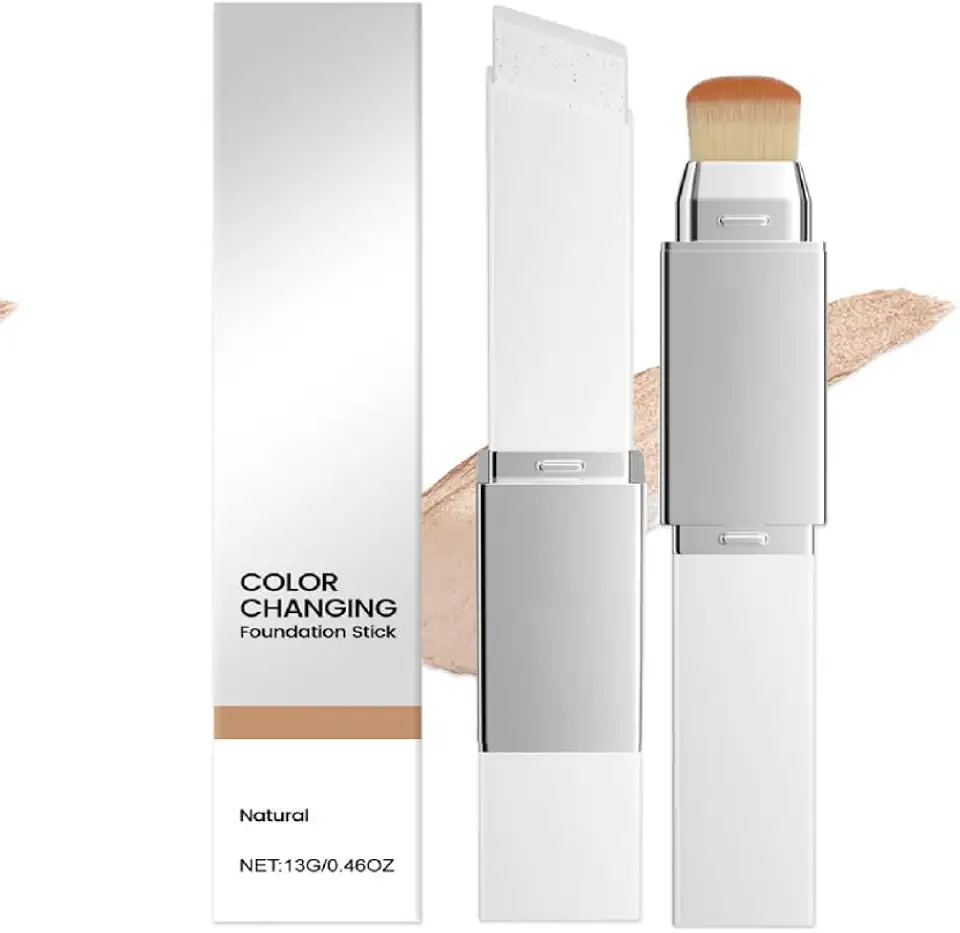
Blanc Cover Cream Stick V – Korean Color Changing Foundation Stick with Volufiline & Collagen – White Foundation Sticks for Dewy Skin–Korean Makeup Foundations Sticks with Detachable Brush (Natural)
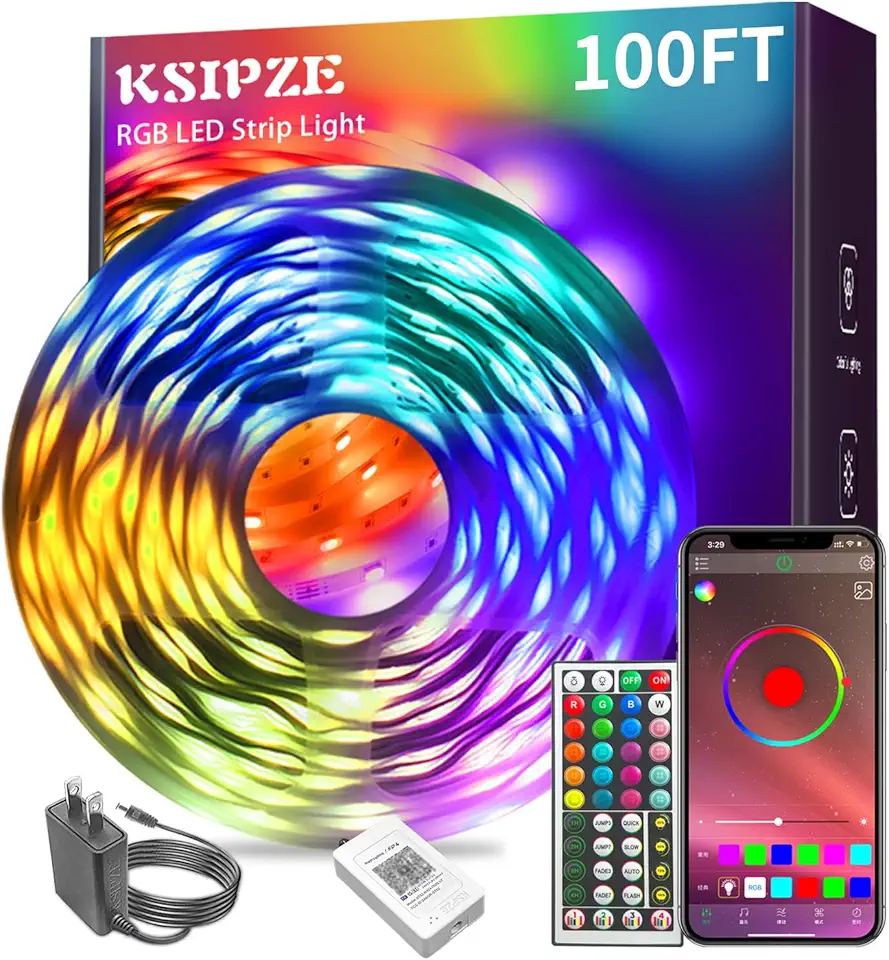
Ksipze led Lights Strip for Bedroom 100FT,Smart Music Sync RGB Color Changing with App and Remote Control, Power Supply Led Strip Lights Lumiere LED for Room Home Party Decoration

9V Battery Powered Led Kayak Strip Lights, 2 Pcs 6.56 FT RGB Color Changing Paddleboard SUP Canoes Lights, IP68 Waterproof Marine Submersible Boat Light Strip with Remote, Marine Boat Interior Light.
