How To Format External Hard Drive On Mac Using Disk Utility - Show All Devices VS Show Only Volumes


David “DEVO” Harry
@davidharryAbout
No channel description available.
Latest Posts


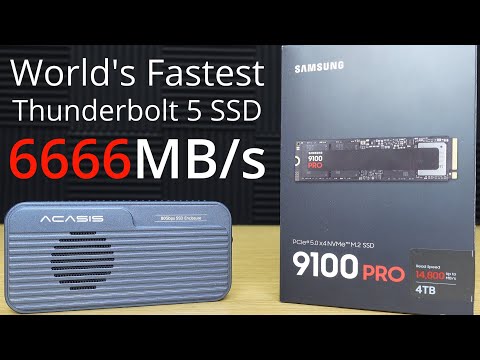
Video Description
How to Format an External SSD on Your Mac Using Disk Utility | Show All Devices VS Show Only Volumes ACASIS ➡ https://geni.us/ACASIS-23 and use my 15% discount code DAVID15 This video shows the difference between the options, Show Only Volumes and Show All Devices when using Disk Utility with macOS on a Mac. As you will see, depending on the option that you choose in the View setting, it results in differences for how you see the connected external storage devices and what formatting options you can choose. So hopefully this video will help when it comes to how to format an external drive in macOS. This all works for any Apple Silicon Mac running any version of macOS. Such as the MacBook Pro, MacBook Air, Mac mini, Mac Studio, iMac etc. and any of the M series processor variations, such as M1, M2, M3, M4, M5 etc. with the Pro, Max and Ultra chips. SPONSORSHIP NOTICE: This video is sponsored by ACASIS and thank you to ACASIS for supporting my YouTube channel 👍 Video chapters: 00:00 Intro 01:20 ACASIS advert 01:55 Tutorial 08:23 End summary For anyone interested, here's what was used in the video: M4 Max MacBook Pro https://amzn.to/4kbIBAp ACASIS TB501 Pro Thunderbolt 5 80Gbps enclosure at Amazon https://amzn.to/3ZX20xQ ACASIS TB501 Pro Thunderbolt 5 80Gbps enclosure at the ACASIS website and use my 15% discount code DAVID15 if there are no better discounts for the enclosure on the ACASIS website https://geni.us/dgavo 4TB WD SN850X SSD https://amzn.to/3TQKWGd 4TB Orico O7000 SSD https://geni.us/KH1WDzn Acasis TB501 Thunderbolt 5 80Gbps enclosure (NO LONGER MADE) ACASIS Amazon store https://amzn.to/449pJgP WD BLACK Amazon store https://amzn.to/4lyiIvK Orico Amazon store https://amzn.to/3TR5Gh6 Links to some of my favourite things: Use the discount code David15 for a 15% discount on any products you buy on the Acasis website Link to Acasis website https://geni.us/ACASIS-20 For the ACASIS website check first to see if they have any specific promos running for specific products, they sometimes have great promos especially for the enclosures. If not, use my promo code David15 for 15% off anything on you buy on the Acasis website. ACASIS products on their website: TB501 Pro enclosure ➡ https://bit.ly/3XhDlTm TBU405Pro M1 Enclosure ➡ https://bit.ly/4i1edsR TBU401 enclosure ➡ https://bit.ly/49PFnPu 4 Bay Thunderbolt 4 NVMe RAID enclosure ➡ https://bit.ly/3RfkG72 ACASIS products on Amazon: TB501 Pro enclosure ➡ https://geni.us/NRrRI7 TB501 enclosure ➡ Not available yet on Amazon TBU405Pro M1 Enclosure ➡ https://amzn.to/41V6p62 TBU401 enclosure ➡ https://amzn.to/3DwYEta WD SSDs: SN850X 4TB ➡ https://geni.us/SN850X-4TB SN850X 2TB ➡ https://geni.us/SN850X-2TB SN850X 1TB ➡ https://geni.us/SN850X-1TB Apple products: M4 MacBook Air Amazon.com ➡ https://amzn.to/41RObko M4 MacBook Air Amazon.co.uk ➡ https://amzn.to/4bFE5rl M4 MacBook Air Amazon.de (Germany mainland Europe) ➡ https://amzn.to/3XWC7Nz M4 Max MacBook Pro 16" ➡ https://geni.us/70Xn M4 Max MacBook Pro 14" ➡ https://geni.us/57QzTfu M4 Pro MacBook Pro 16" ➡ https://geni.us/qSYR M4 Pro MacBook Pro 14" ➡ https://geni.us/4thf yu0 M4 MacBook Pro 14" ➡ https://geni.us/Y7TFR Mac Mini M4 ➡ https://geni.us/oibaLH Mac Mini M4 Pro ➡ https://geni.us/ImJto AMAZON ASSOCIATE DISCLOSURE: I am an Amazon Associate. My Amazon links are Amazon affiliate links. I earn money from qualifying purchases when you use my Amazon affiliate links. OTHER EARNINGS AND COMMISSIONS: I also earn money from other product links within my video description. For the sake of clarity and for the avoidance of any confusion, assume that I earn money from commissions from any and all links that I have within my video description. Amazon links to stuff used in this video: The gear that I use, have used or reviewed that I would recommend. Cameras: https://amzn.to/3PzC8mI Microphones: https://amzn.to/3tD6FaM Computers: https://amzn.to/3tuwHNr Phones: https://amzn.to/3ttqjWN iPads & Tablets: https://amzn.to/46t8wxG My Amazon pages with videos and product links: Amazon USA https://www.amazon.com/shop/davidharry Amazon UK https://www.amazon.co.uk/shop/davidharry If you would like to help my channel please use my global Amazon Affiliate links. I will be paid a small commission for anything you buy from Amazon when using these links. These commissions don't cost you any extra but really do help me to buy gear for my productions and to review: Amazon USA: https://geni.us/Amazon-USA Amazon UK: https://geni.us/Amazon-UK Amazon Deutschland: https://geni.us/Amazon-Deutschland Amazon France: https://geni.us/Amazon-France Amazon España: https://geni.us/Amazon-Espana Amazon Italia: https://geni.us/Amazon-Italia Amazon Canada: https://geni.us/Amazon-Canada Contact for product reviews: [email protected] http://www.DavidHarry.com I’m David Harry. Thank you very much for watching this video, take care and goodbye now. Cheers, Dave. #Mac #SSD #format


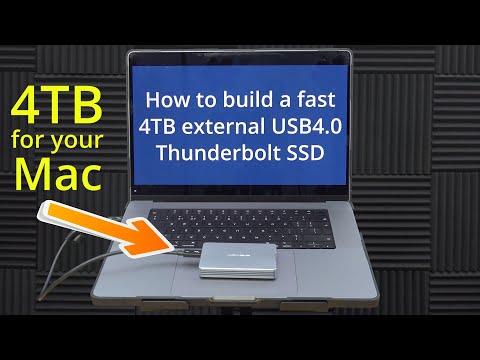

Mac User's Data Backup Kit
AI-recommended products based on this video
![Anker USB C Cable, [2-Pack, 6 ft] Type C Charger Premium Nylon USB Cable, USB A to Type C Charging Cable Fast Charge for Samsung Galaxy S10 S10+ / Note 8, LG V20 and Other USB C Charger (Black)](https://m.media-amazon.com/images/I/71N7xhCJnoL._AC_UL960_FMwebp_QL65_.jpg)
Anker USB C Cable, [2-Pack, 6 ft] Type C Charger Premium Nylon USB Cable, USB A to Type C Charging Cable Fast Charge for Samsung Galaxy S10 S10+ / Note 8, LG V20 and Other USB C Charger (Black)

Anker Nano USB C Wall Charger,45W Fast Charging Smart Display Charger,with 180°Foldable Plug,Smart Recognition,Built-in Care Mode,for iPhone17/16/15 (Non-Battery,One USB-C Port,No Cable Included) ClimatePartner certified

Anker USB C Charger Cable (6ft 100W, 2Pack), USB 2.0 Type C Fast Charging Cable for iPhone 15 / 15Pro / 15Plus / 15ProMax MacBook Pro 2020, iPad Pro 2020, iPad Air 4, Samsung Galaxy S23+/S23 Ultra ClimatePartner certified

Teeran Wired Apple CarPlay to Wireless Adapter, 2025 Upgrade, Mini USB Design for Cars, Seamless Use Fast Stable Connection Built-in Car Play Dongle for iPhone Global Recycled Standard

TP-Link USB to Ethernet Adapter (UE306) - Foldable USB 3.0 to Gigabit Ethernet LAN Laptop Network Adapter, Supports Nintendo Switch, Windows, Linux, Apple MacBook OS 10.11- OS 12, Surface
![TP-Link USB C To Ethernet Adapter (UE300C) - J45 To USB C [Thunderbolt 3/4 Compatible] Type-C Gigabit Ethernet LAN Network Adapter, Compatible With Apple MacBook Pro 2017-2023, MacBook Air, And More](https://m.media-amazon.com/images/I/418xZkoG-RL._AC_UY654_FMwebp_QL65_.jpg)
TP-Link USB C To Ethernet Adapter (UE300C) - J45 To USB C [Thunderbolt 3/4 Compatible] Type-C Gigabit Ethernet LAN Network Adapter, Compatible With Apple MacBook Pro 2017-2023, MacBook Air, And More
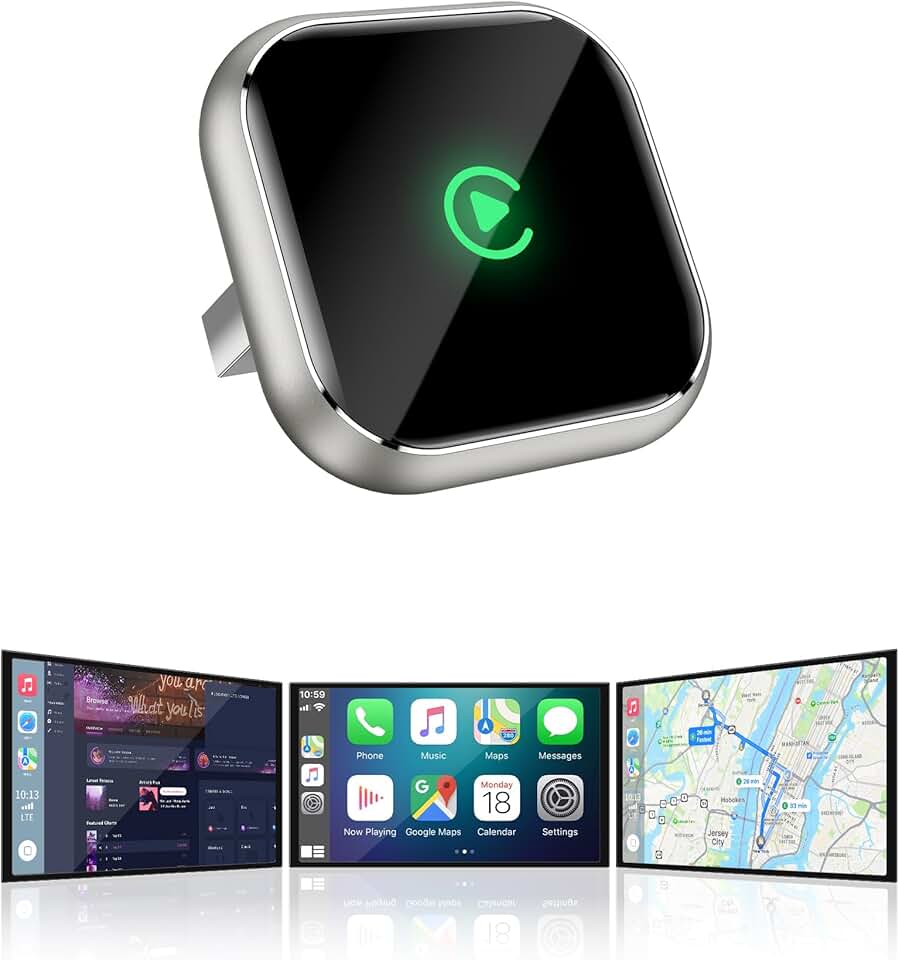
Wireless CarPlay Adapter for Apple iPhone - Upgrade Wired CarPlay to Wireless Device, Mini T-Shaped for Car USB Plug and Play Auto Reconnect, for Vehicle GPS Navigation Car Stereo Receivers, Black

Lenovo USA ThinkPad Thunderbolt 3 Dock Gen 2 135W (40AN0135US) Dual UHD 4K Display Capability, 2 HDMI, 2 DP, USB-C, USB 3.1, Black
