8K Video Editing On M4 MacBook Air


David “DEVO” Harry
@davidharryAbout
No channel description available.
Latest Posts


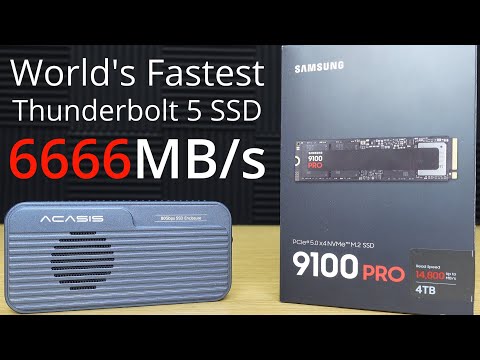
Video Description
Editing 8K 24FPS video on the base M4 MacBook Air is possible with DaVinci Resolve Studio. In this video I use 8K 24FPS footage shot on a Samsung Galaxy S25 Ultra. For the video editing I'm using DaVinci Resolve Studio. DaVinci Resolve Free would also edit these 8K UHD video files but only at a maximum of 4K UHD. Some extra notes: The issue of the mixture of 24 FPS and 23.976 FPS I'm assuming was down to the S25 Ultra. Although, it could have been Resolve not reading the files properly but more likely the S25 Ultra. In any event, I effectively re-conformed all the video files to be seen as 24FPS in Resolve and used a 24FPS project. I didn't notice the M4 MacBook Air getting too hot, even during the rendering and video export. That's not to say that it didn't thermal throttle but because the M4 MacBook Air uses passive cooling, no active fan cooling, I think it would have been throttling at some point. However, with whatever thermal throttling that may have been going on, if it did, the M4 MacBook Air still performed way beyond my expectations. The base M4 MacBook Air only has 8 GPU cores and is the weakest of all the M4 Macs. What will be interesting is to see how a similar edit would perform on the base M4 Mac mini, as that has 10 GPU cores. This is something I may try at some point. However, neither will compare to an M4 Max MacBook Pro or even a M4 Pro MacBook Pro or the M4 Max Mac Studio or M3 Ultra Mac Studio but they are in a completely different league as far as their prices are concerned. Here's a link to the 8K 24FPS upload: https://youtu.be/penhY0qPI2w Video chapters: 00:00 Introduction 02:38 MacBook info 03:22 Resolve & media settings 07:17 Timeline playback 10:02 Applying effects 18:02 Timeline scrubbing test 21:44 Exporting 8K 24FPS 30:02 End summary Here's a description of my Mac desktop setup: My M4 MacBook Air basically uses the same desktop setup as my M4 Max MacBook Pro, or any of my Macs. I use an ACASIS DS-9007 Thunderbolt 4 dock which allows for many connection types, including ethernet for my Internet and USB-C and HDMI for my monitors and Atomos Ninja. For my external SSD storage I use a combination of the ACASIS TB501 and TB501 Pro Thunderbolt 5 enclosures and the TBU405Pro M1 Thunderbolt 4 enclosure. I use WD Black SN850X 4TB Gen 4 NVMe SSDs in all my main ACASIS Thunderbolt enclosures. I use the Apple Magic Keyboard with Touch ID and Logitech Logi ERGO 575 for my mouse and keyboard. I use various 4K monitors. Samsung Galaxy S25 Ultra ➡ https://geni.us/S25_Ultra M4 MacBook Air ➡ https://amzn.to/41RObko Magic Keyboard ➡ https://amzn.to/4iTyU9M Logi M575 ➡ https://amzn.to/4iWX9UC ACASIS website: TB501 Pro enclosure ➡ https://bit.ly/3XhDlTm TB501 enclosure ➡ https://bit.ly/4fsUfEQ TBU405Pro M1 Enclosure ➡ https://bit.ly/4i1edsR TBU401 enclosure ➡ https://bit.ly/49PFnPu DS-9007 Thunderbolt 4 Dock ➡ https://bit.ly/3CFoY4j 4 Bay Thunderbolt 4 NVMe RAID enclosure ➡ https://bit.ly/3RfkG72 ACASIS on Amazon: TB501 Pro enclosure ➡ https://geni.us/NRrRI7 TB501 enclosure ➡ Not available yet on Amazon TBU405Pro M1 Enclosure ➡ https://amzn.to/41V6p62 TBU401 enclosure ➡ https://amzn.to/3DwYEta For the ACASIS website use the promo code TB20 for 20% off the TB501 and TB501 Pro. For everything else use the promo code David15 for 15% off. I don't know how long the TB20 promo code will last, if it is not working then use David15 for 15% off the TB501 and TB501 Pro. WD SSDs: SN850X 4TB ➡ https://geni.us/SN850X-4TB SN850X 2TB ➡ https://geni.us/SN850X-2TB SN850X 1TB ➡ https://geni.us/SN850X-1TB M4 MacBook Air Amazon.co.uk ➡ https://amzn.to/4bFE5rl M4 MacBook Air Amazon.de (Germany mainland Europe) ➡ https://amzn.to/3XWC7Nz M4 Max MacBook Pro 16" ➡ https://geni.us/70Xn M4 Max MacBook Pro 14" ➡ https://geni.us/57QzTfu M4 Pro MacBook Pro 16" ➡ https://geni.us/qSYR M4 Pro MacBook Pro 14" ➡ https://geni.us/4thf yu0 M4 MacBook Air ➡ https://amzn.to/41RObko Mac Mini M4 ➡ https://geni.us/oibaLH Mac Mini M4 Pro ➡ https://geni.us/ImJto Links to Amazon stores: Amazon USA: https://geni.us/Amazon-USA Amazon UK: https://geni.us/Amazon-UK Amazon Deutschland: https://geni.us/Amazon-Deutschland Amazon France: https://geni.us/Amazon-France Amazon Canada: https://geni.us/Amazon-Canada AMAZON ASSOCIATE DISCLOSURE: I am an Amazon Associate. I earn money from qualifying purchases when you use my Amazon affiliate links. OTHER EARNINGS AND COMMISSIONS: I also earn money from other product links within my video description. For the sake of clarity and for the avoidance of any confusion, assume that I earn money from commissions from any and all links that I have within my video description. You can also send me a coffee donation via PayPal if you found my video super helpful: https://www.paypal.me/DavidHarry Contact for product reviews: [email protected] http://www.DavidHarry.com I’m David Harry. Thank you very much for watching this video, take care and goodbye now. Cheers, Dave.


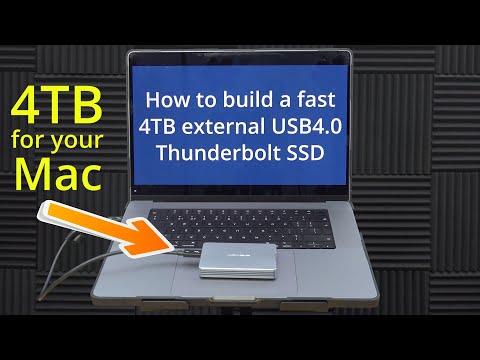


Elevate Your 8K Editing
AI-recommended products based on this video

MOSISO Laptop Case 13 inch, 13 inch Laptop Sleeve Bag Compatible with MacBook Air 13 M4 M3 M2 M1 2025-2018 / Pro 13 M2 M1 2025-2016, Neoprene Computer Sleeve Bag with Small Case, Space Gray Global Recycled Standard

MOSISO 360 Protective Laptop Bag 15 inch, 15 inch Computer Shoulder Bag Compatible with MacBook Air 15 M4 M3 M2 2025-2023, Dell XPS 15, Side Open Messenger Case &4 Zipper Pockets&Handle, Black Global Recycled Standard

MOSISO 13-14 inch Laptop Case, 13.3 inch Puffy Laptop Sleeve Compatible with MacBook Air 13 13.6 M4 M3 M2 M1/Pro 13/Pro 14,HP,Dell,ASUS, Lenovo, Polyester Horizontal Bag with Small Case, Rose Red Global Recycled Standard

EooCoo Case Compatible with MacBook Air 13 inch M4 M3 M2 2025-2022 A3240 A3113 A2681, Plastic Hard Case & TPU Keyboard Skin & Screen Protector for Laptop Air 13.6 inch - Crystal Clear Global Recycled Standard

Apple 2025 MacBook Air 13-inch Laptop with M4 chip: Built for Apple Intelligence, 16GB Unified Memory, 256GB SSD Storage, Touch ID; Sky Blue - English Keyboard

Teeran Wired Apple CarPlay to Wireless Adapter, 2025 Upgrade, Mini USB Design for Cars, Seamless Use Fast Stable Connection Built-in Car Play Dongle for iPhone Global Recycled Standard

TP-Link USB to Ethernet Adapter (UE306) - Foldable USB 3.0 to Gigabit Ethernet LAN Laptop Network Adapter, Supports Nintendo Switch, Windows, Linux, Apple MacBook OS 10.11- OS 12, Surface
![TP-Link USB C To Ethernet Adapter (UE300C) - J45 To USB C [Thunderbolt 3/4 Compatible] Type-C Gigabit Ethernet LAN Network Adapter, Compatible With Apple MacBook Pro 2017-2023, MacBook Air, And More](https://m.media-amazon.com/images/I/418xZkoG-RL._AC_UY654_FMwebp_QL65_.jpg)
TP-Link USB C To Ethernet Adapter (UE300C) - J45 To USB C [Thunderbolt 3/4 Compatible] Type-C Gigabit Ethernet LAN Network Adapter, Compatible With Apple MacBook Pro 2017-2023, MacBook Air, And More
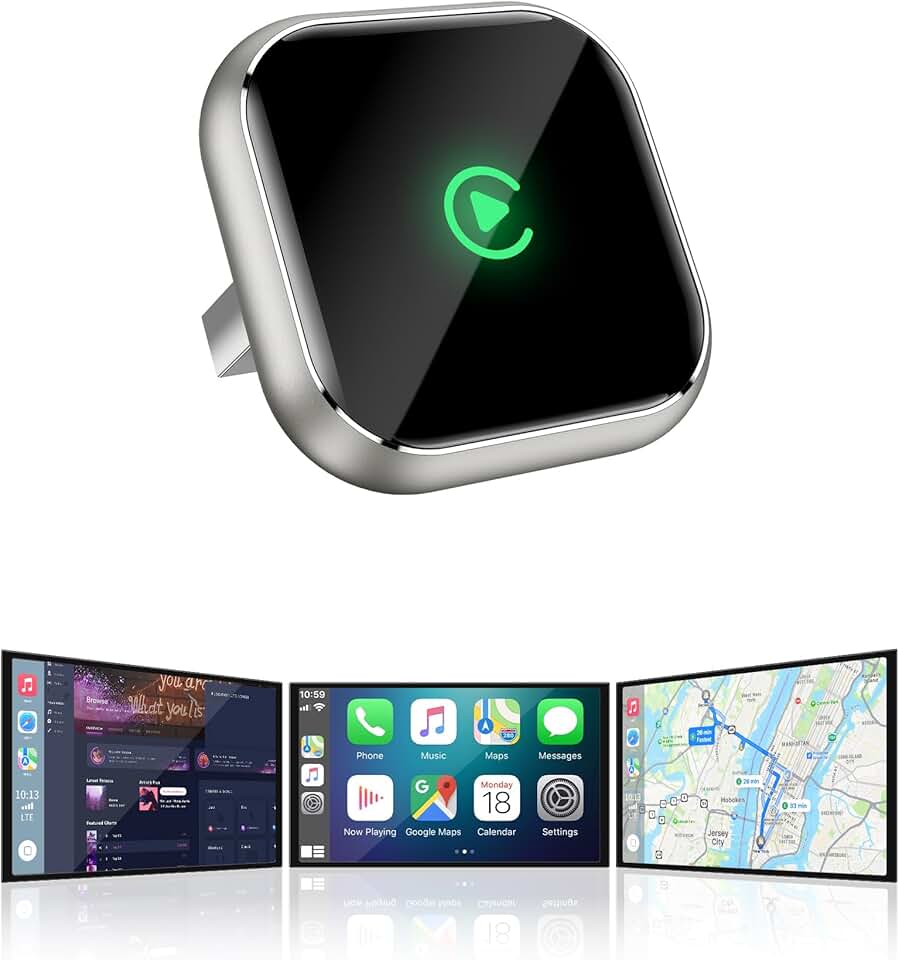
Wireless CarPlay Adapter for Apple iPhone - Upgrade Wired CarPlay to Wireless Device, Mini T-Shaped for Car USB Plug and Play Auto Reconnect, for Vehicle GPS Navigation Car Stereo Receivers, Black
![SAMSUNG T7 4TB, Portable SSD, Grey, up to 1050MB/s, USB 3.2 Gen2, Gaming, Students & Professionals, External Solid State Drive (MU-PC4T0T/AM), Grey [Canada Version]](https://m.media-amazon.com/images/I/91YfRIy7kYL._AC_UL960_FMwebp_QL65_.jpg)
SAMSUNG T7 4TB, Portable SSD, Grey, up to 1050MB/s, USB 3.2 Gen2, Gaming, Students & Professionals, External Solid State Drive (MU-PC4T0T/AM), Grey [Canada Version]
![SAMSUNG T7 Shield 4TB, Portable Solid State Drive, up-to 1050MB/s, USB 3.2 Gen2, Rugged, IP65 Water & Dust Resistant, for Photographers, Creators and Gaming, (MU-PE4T0S/AM), Black [Canada Version]](https://m.media-amazon.com/images/I/61CKrZWOcrL._AC_UL960_FMwebp_QL65_.jpg)
SAMSUNG T7 Shield 4TB, Portable Solid State Drive, up-to 1050MB/s, USB 3.2 Gen2, Rugged, IP65 Water & Dust Resistant, for Photographers, Creators and Gaming, (MU-PE4T0S/AM), Black [Canada Version]
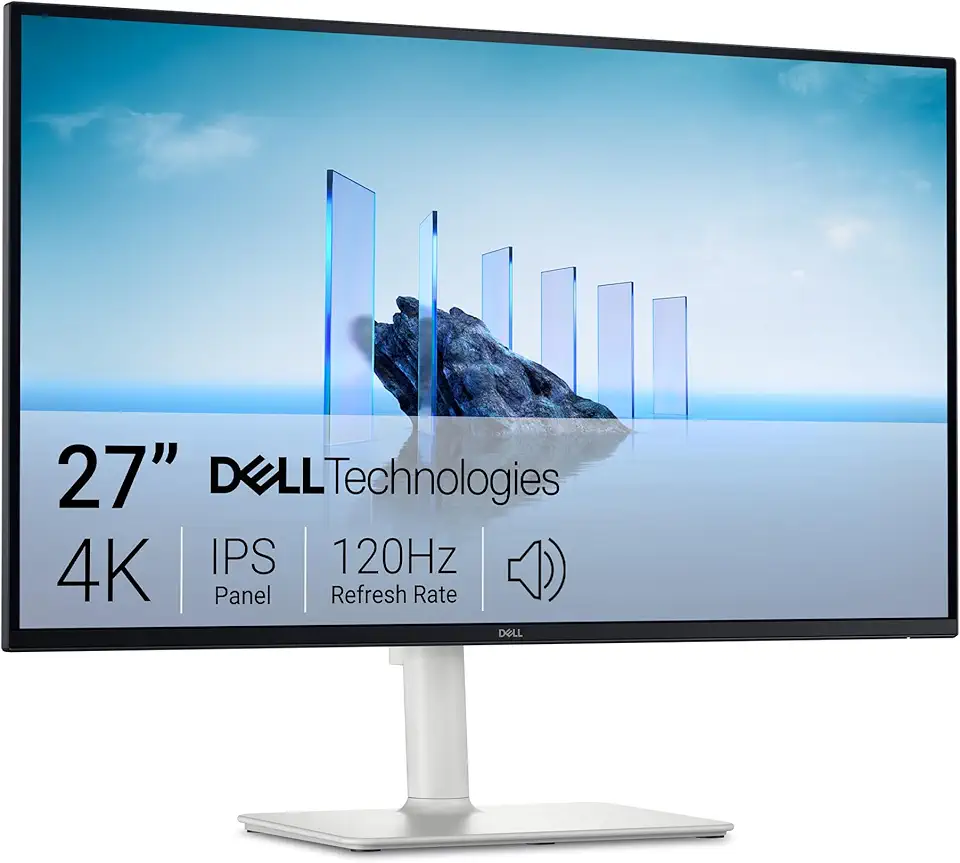
Dell 27 Plus 4K Monitor - S2725QS - 27-inch 4K (3840 x 2160) 120Hz 16:9 Display, IPS Panel, AMD FreeSync Premium, sRGB 99%, Integrated Speakers, 1500:1 Contrast Ratio, Comfortview Plus - Ash White

KOORUI 27 Inch 4K Monitor, UHD(3840 x 2160) IPS Computer Monitors, HDR10, 90% DCI-P3, Frameless, 2X HDMI 2.0 & DisplayPort 1.4, VESA Mountable, Eye Care, N07

MAGICRAVEN 4K Portable Monitor 13.3" - 3840 * 2160 UHD IPS Portable Screen Laptop Monitor, Slim Lightweight Dual USB C HDMI Computer Monitor Gaming Display with Speakers, Travel Monitor for PC Phone

4K Portable Monitor, MAGICRAVEN 15.6inch UHD 3840×2160 100% sRGB Portable Gaming Monitor, USB-C Mini HDMI External Second Monitor Portable with Speakers for Laptop MacBook Switch PS5/4 Xbox

LG UltraWide 34WP65C-B 34 Inch 21:9 Curved FreeSync 1ms 160 Hz WQHD(3440 x 1440) Gaming Monitor, Black
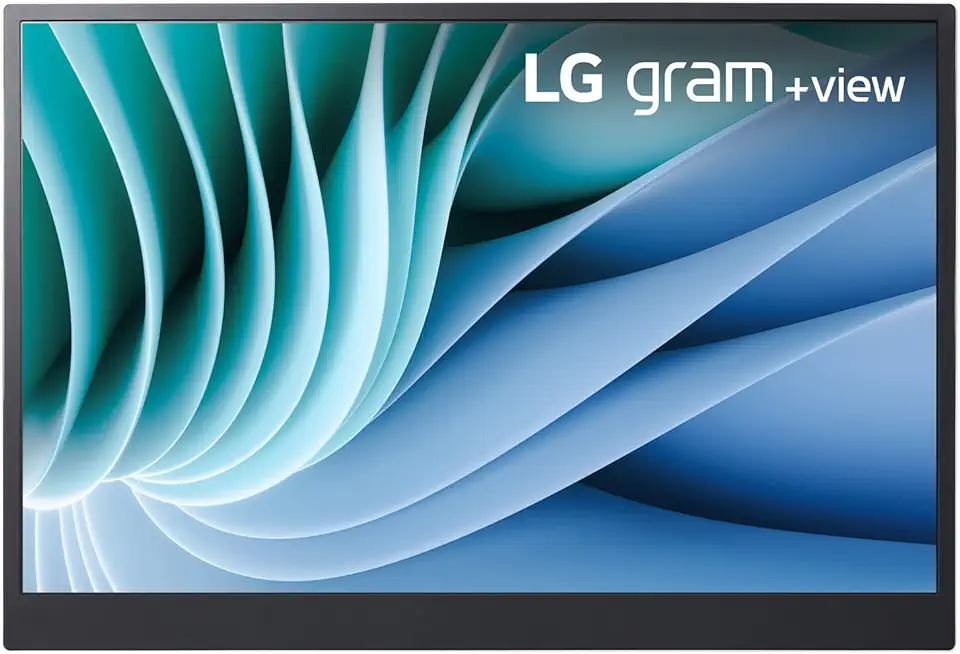
Lg gram 16-inch +View Portable Monitor with USB Type-C, DCI-P3 99% (Typ.), Auto Rotate, Two-Way Supported Folio Cover

StanbyME LG 27-Inch Class Smart Portable Touch Screen Monitor 27ART10AKPL. Built-in 3 Hour Battery, Full Swivel Rotation, Rollable. LG Stanbyme, Standbyme, Stand by me.
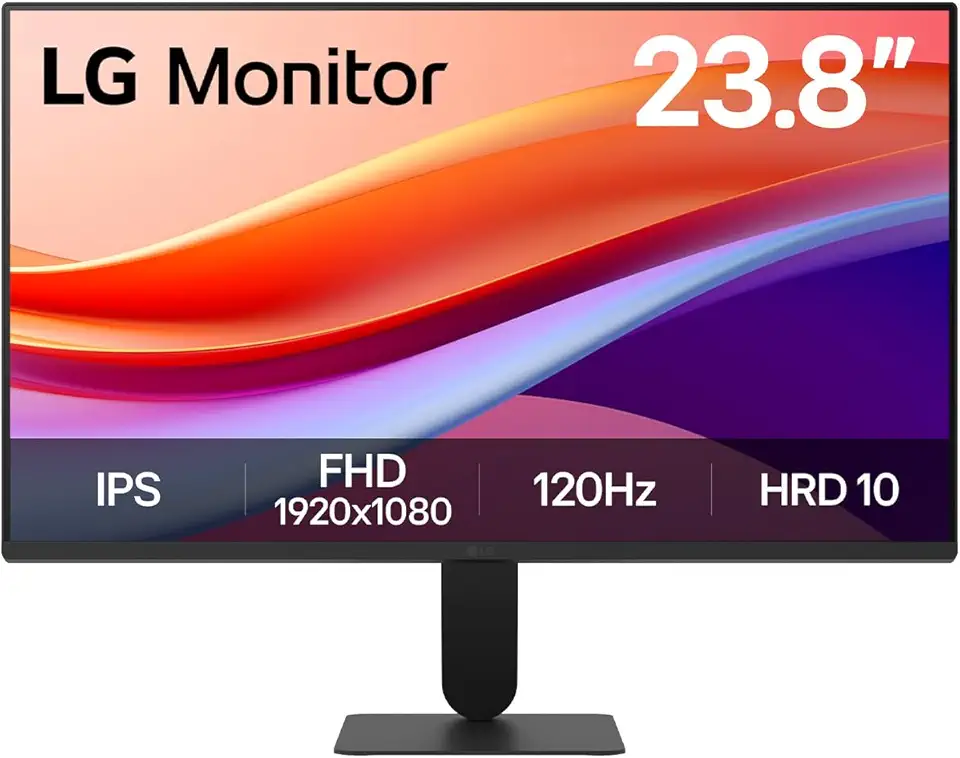
LG 24U411A-B 23.8" FHD (1920x1080) IPS Display Computer Monitor, 120Hz Refresh Rate, sRGB 99% (Typ.), USB-C, Reader Mode & Flicker Safe, Dynamic Action Sync, Black Stabilizer, Slim Stand Base, Black

Logitech G203 Wired Gaming Mouse, 8,000 DPI, Rainbow Optical Effect LIGHTSYNC RGB, 6 Programmable Buttons, On-Board Memory, Screen Mapping, PC/Mac Computer and Laptop Compatible - Black

Logitech G305 Lightspeed Wireless Gaming Mouse, Hero 12K Sensor, 12,000 DPI, Lightweight, 6 Programmable Buttons, 250h Battery Life, On-Board Memory, PC/Mac - Black
