Double Your WiFi: Use a Second Router as a WiFi Access Point


NetWork From Home
@network-from-homeAbout
At NetWork from Home, my goal is to help everyone get the most out of their home internet connections. I will break down the technical concepts surrounding home networks so you are comfortable making decisions that maximize your internet connection and allow you to safely access the internet.
Latest Posts
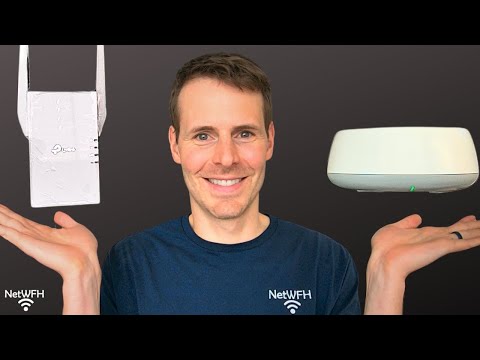



Video Description
In this video, I explain how you can use a second router to extend the WiFi signal coverage in your home. For more content on similar topics, check out my YouTube channel: https://www.youtube.com/channel/UCs-hXDMwqs1Ri9Yh9QRgaqQ If you would like to read about other ways to improve your home network, check out my blog: https://www.network-from-home.com 1:04 Setting up an old router in access point mode 4:16 Setting up your primary router 7:02 Connecting your router and access point 8:47 How to ensure your router and access point broadcast the same WiFi networks This post contains affiliate links. This means I may earn a commission should you choose to sign up for a program or make a purchase using my link. Equipment I used in this video: 🎥: https://amzn.to/43POu01 🎙️: https://amzn.to/4kU1SXU How to use an old router to extend the WiFi coverage If you have an old router that you’re not currently using, you can use it to expand the WiFi coverage in your home. To do this, you can implement this old router as a wireless access point. To implement your old router in access point mode, you need to access its settings. As long as your router isn’t too old, when you access its settings it should have an “Access Point” mode that you can select (as opposed to “Router” mode). As an access point, your old router will receive its connection to the internet from your primary router. This is accomplished by connecting your old router and access point with an ethernet cable. Once this setup is complete, your old router will essentially just repeat the signal from your primary router. In this sense, it acts as if you have a second router in your home. The only difference is that your primary router will be doing all the heavy lifting of routing the traffic in your home network. Conclusion If you have any questions about how to use an old router as a wireless access point, please leave a comment below.
You May Also Like






Boost Your Home Network
AI-recommended products based on this video

TP-Link AC1750 WiFi Extender (RE450) - Up to 1750Mbps, Dual Band WiFi Repeater, Internet Booster, Extend WiFi Range Further
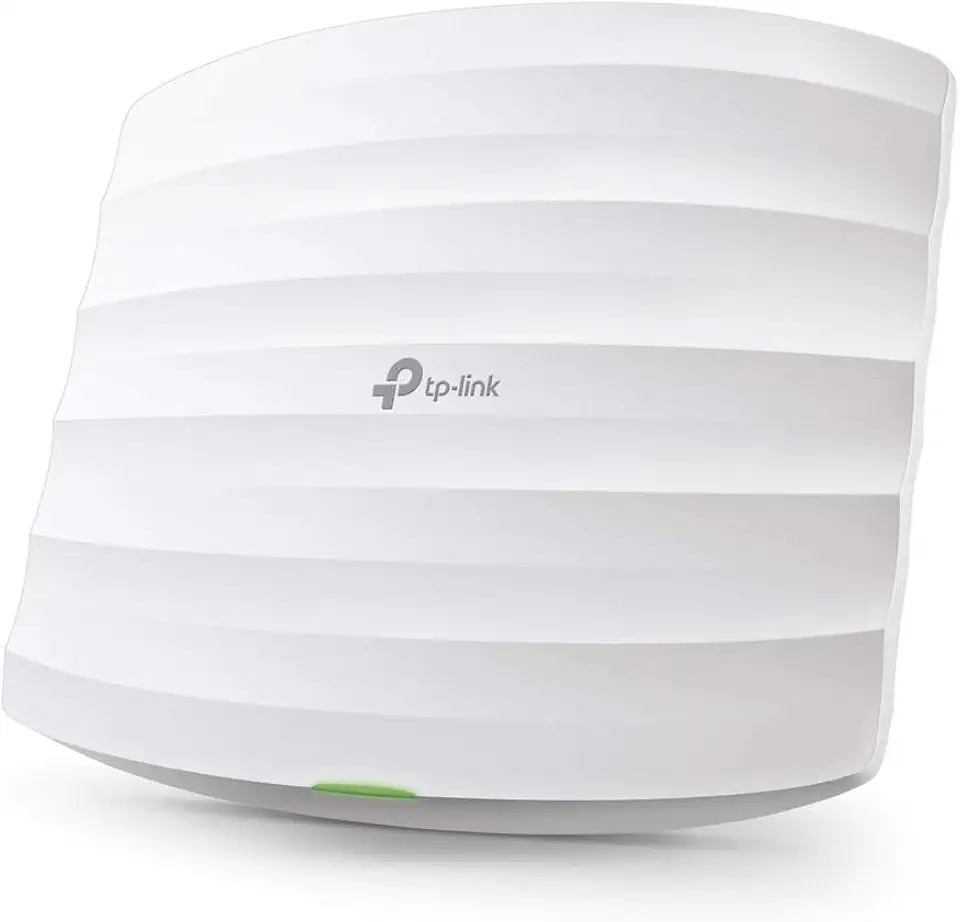
TP-Link Omada AC1750 Gigabit Wireless Access Point (EAP245 V3) - Business WiFi Solution w/Mesh Support, Seamless Roaming & MU-MIMO, PoE Powered, SDN Integrated, Cloud Access & Omada App, White

TP-Link AV1000 Powerline Ethernet Adapter(TL-PA7017P KIT) - Gigabit Port, Plug and Play, Extra Power Socket for Additional Devices, Ideal for Smart TV

TP-Link AC1300 USB WiFi Adapter (Archer T3U) - 2.4G/5G Dual Band Wireless Network Adapter for PC Desktop, MU-MIMO WiFi Dongle, USB 3.0, Supports Windows 11/10/8.1/8/7/XP, Mac OS 10.9-10.14

TP-Link WiFi 6 AX3000 PCIe WiFi Card Archer TX55E - Bluetooth 5.2, 802.11AX Dual Band Wireless Adapter with MU-MIMO, OFDMA, Ultra-Low Latency, Supports Windows 11, 10 (64bit) only

TP-Link AC1300 High Gain WiFi USB Adapter (Archer T4U)- Dual Band Wireless Network Adapter for Desktop with 2.4GHz/5GHz High Gain Antennas, MU-MIMO, Support Windows 10/8.1/8/7/XP, Mac OS

TP-Link Mini - AC600 USB 2.0 Wifi Adapter (Archer T2U Nano) - 2.4G/5G Dual Band Wireless Network Adapter for PC Desktop, Mini Travel Size, Supports Windows 11/10/8.1/8/7/XP, Mac OS 10.9-10.15

TP-Link EAP225-Outdoor | Omada AC1200 Wireless Gigabit Outdoor Access Point | Business WiFi Solution w/ Mesh Support, Seamless Roaming & MU-MIMO | PoE Powered | SDN Integrated | Cloud Access & App White